
A laptop that restarts or shuts down by itself is usually overheating, a weak battery or charger, or a driver problem. Check Event Viewer and these causes.
A laptop that keeps restarting or shutting down by itself is usually overheating, a weak battery or charger, a Windows or driver fault, or failing memory or storage. Event Viewer often shows which. If the laptop shuts off suddenly with no warning, heat and power are the first things to check.
This guide goes from the quickest checks to the hardware answers.
Why does my laptop keep restarting?
A restart happens when the laptop crashes, overheats or loses power.
| Cause | What you notice | Who fixes it |
|---|---|---|
| Overheating (thermal shutdown) | Hot base, loud fans, shuts off under load | Cleaning, thermal service |
| Weak battery or loose charger | Shuts off when unplugged or when the cable moves | Battery or charging port repair |
| Windows set to restart on failure | Restarts straight after a crash | You |
| Bad update or driver | Began after an update or new software | You |
| Failing RAM or SSD | Random restarts, freezes, errors | Hardware upgrade or repair |
| Board or power fault | Restarts at random even when cool, on charger and on battery | Board repair |
Check for overheating
Laptops shut themselves off to protect the processor when temperatures get too high.
- Feel the base and listen to the fans. If it is very hot and loud before it shuts off, heat is likely.
- Use the laptop on a hard, flat surface, not a bed or sofa. Keep the vents clear.
- Do not block air intake on the bottom or the exhaust at the side or back.
- Restarts during games, video calls or editing, but not when idle, point to cooling.
Dust and dried thermal paste are common causes after a few years. Our laptop thermal overhaul service covers cleaning and cooling repair.
Check the battery and charger
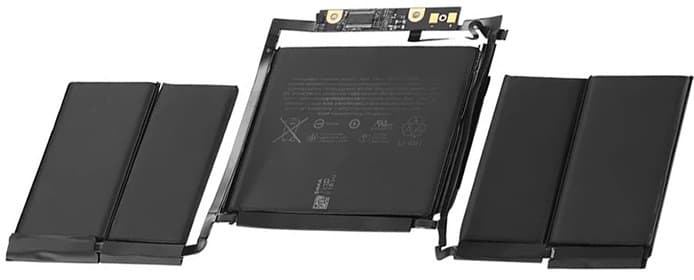
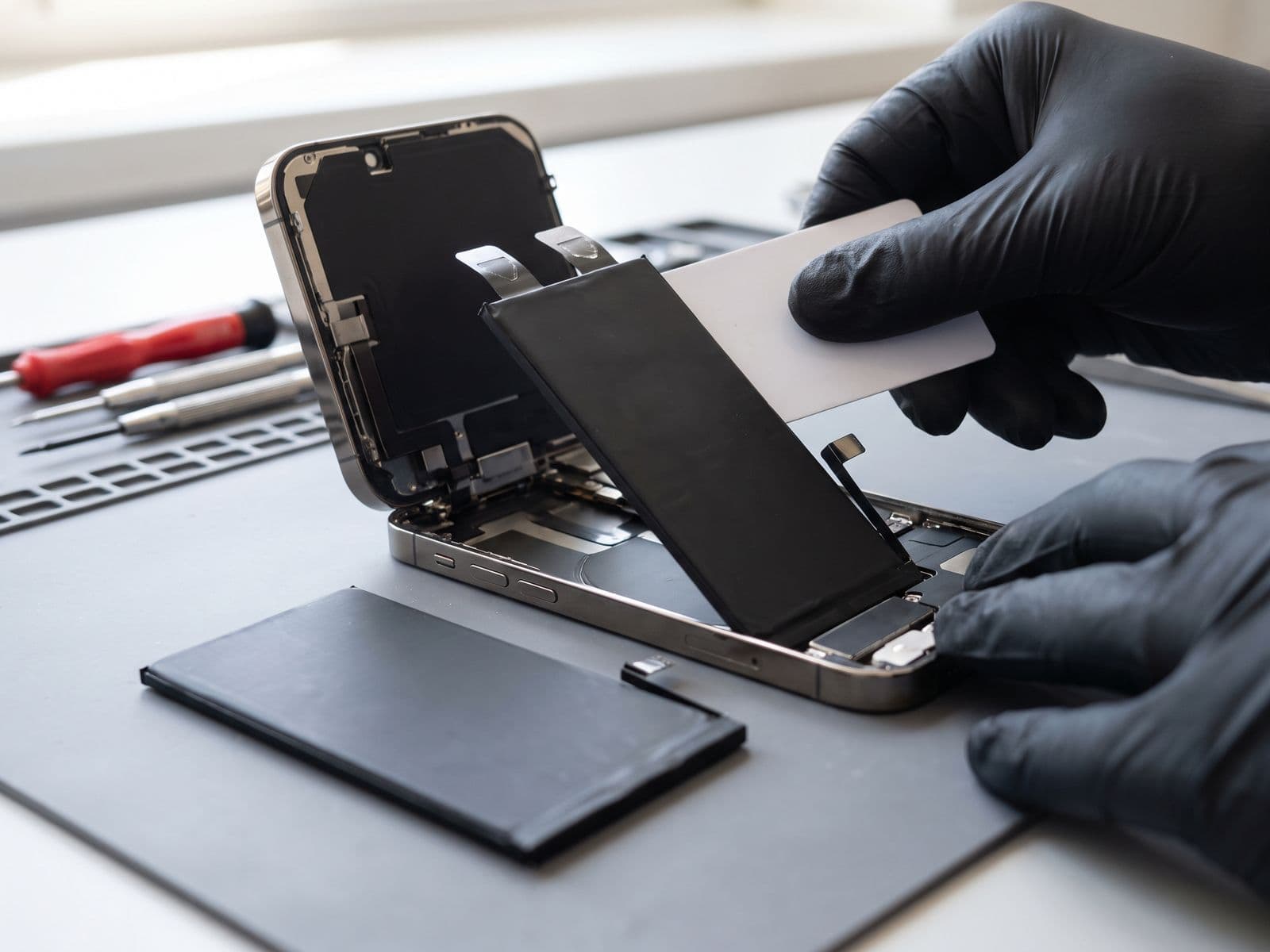
Try the laptop on the charger only, then on battery only. If it restarts when you move the charging cable, the charging port may be loose. If it shuts off on battery at a high percentage but is stable on the charger, the battery is weak. See laptop battery draining fast to check battery health, and use only a charger that matches your laptop. Cheap or wrong chargers can cause trouble. A damaged port is a charging port repair, and a worn cell is a battery replacement. A swollen battery is a safety problem, so read what to do about a swollen laptop battery first.
Stop Windows restarting automatically
If Windows restarts the instant it crashes, you never see the error. To read it:
- Open Settings > System > About and choose Advanced system settings.
- Under Startup and Recovery, choose Settings.
- Untick Automatically restart and select OK.
The next crash will leave a blue screen with a stop code. See Windows blue screen causes and fixes for how to read it.
Read Event Viewer for Kernel-Power 41
- Right-click Start and open Event Viewer.
- Go to Windows Logs > System.
- Look for Critical events from Kernel-Power with Event ID 41, at the time of the shutdown.
Kernel-Power 41 means Windows did not shut down cleanly. It records that the power was lost or the system failed, not the reason. Look at warnings just before it. Disk, WHEA-Logger or driver errors point to hardware or drivers. A bug check code of zero often points to power loss or a heat shutdown.
Drivers, updates and Windows
If restarts began after an update or new software, uninstall the update in Settings > Windows Update > Update history, or remove the new software. Update graphics and chipset drivers from your laptop maker. A damaged Windows install can restart at random, and a Windows reinstall is the fix for that. Back up first, because a reinstall wipes the drive.
Safe things to try at home
Unplug every USB device, external drive and dock, then use the laptop for a while, because a faulty accessory can trigger restarts. Open Terminal (Admin) and run sfc /scannow to check Windows system files, and install pending updates in Settings > Windows Update. Make sure the vents are clear and the laptop sits on a hard surface. If it still restarts, note the pattern above and move on to the hardware checks.
Failing RAM or SSD
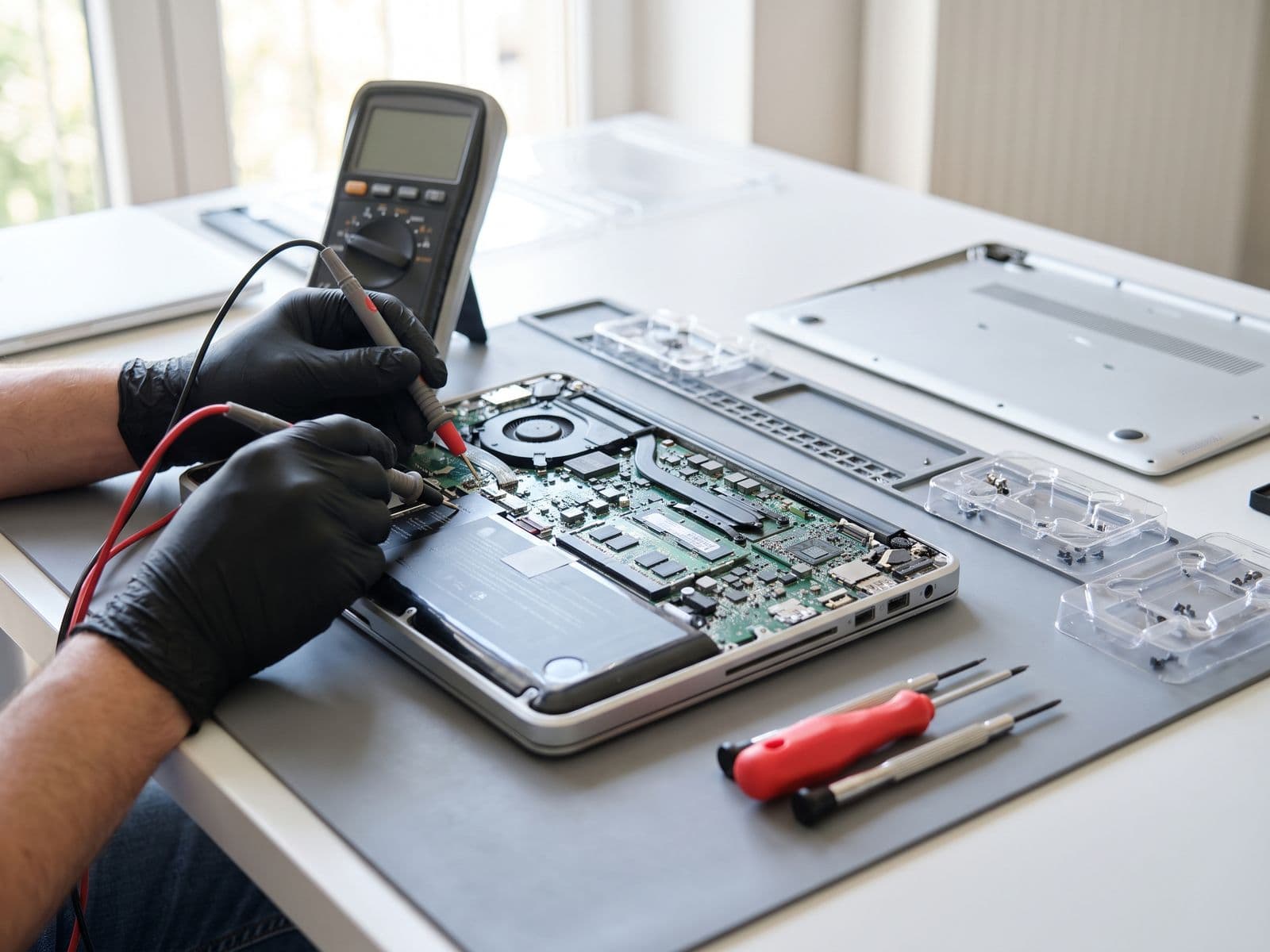
Random restarts with freezes, file errors or blue screens can come from bad memory or a failing drive. Windows Memory Diagnostic (search for it in Start) tests RAM. If tests show errors, replacement is needed. See RAM upgrade and SSD upgrade. If the laptop restarts randomly even when cool and healthy on charger and battery, the mainboard or its power circuit may be at fault, which is a motherboard repair matter.
Quick triage by pattern
The pattern of when it happens points to the cause:
- Only under heavy use, with hot fans: cooling.
- When you unplug, or when the cable moves: battery or charging port.
- Straight after a Windows update or new driver: software, so roll back the update or driver.
- At random while idle, with freezes or file errors: memory, storage or the board.
- A short blue flash, then restart: turn off automatic restart so you can read the stop code.
Write down what you were doing and when it happened. It saves time during diagnosis.
When to bring it in
Bring the laptop to us if:
- it shuts down while hot, or the fans are loud and the base is very hot;
- it restarts when the charger moves, or only runs on the charger;
- Event Viewer shows repeated Kernel-Power 41 with no clear software cause;
- memory or drive tests show errors;
- restarts continue after a driver and update clean-up.
You can book online, read the fee policy, or WhatsApp 012-770 7120. We are open Monday to Friday, 9am to 6pm. You can walk in or courier the laptop to us, and we courier it back free. TechFix supplies all parts, and does not offer data recovery, so back up your files first. See our Windows laptop repair page for the full service.