Mac Speaker Repair Malaysia
Describe your audio issue for a starting quote — speaker replacement, audio IC repair, and diagnosis options.
Quote after inspection
Quote after diagnosis
Configure your repair
Select your MacBook for speaker
Choose the closest model so your booking and WhatsApp quote carry the same repair context.
TechFix supplies and installs the parts; customer-supplied parts are not accepted. Repair intake is available at Sunway Geo Avenue or by courier. TechFix does not offer data recovery.
Speaker
No sound, crackling or distortion
Quote after assessment
Select your MacBook model to continue.
Need it urgently? WhatsApp us first to confirm current parts stock and likely turnaround. Sunway intake is Monday–Friday, 9AM–6PM; priority service does not guarantee stock or same-day completion.
Audio Issues We Fix
Experiencing any of these audio problems? We can help.
Speaker Services & Pricing
Solutions for every audio problem
Speaker Replacement
Complete speaker module replacement
Audio IC Repair
Fix audio chip issues on logic board
Flex Cable Repair
Replace damaged speaker cables
Software Diagnosis
Check for software-related audio issues
Devices We Service
Speaker repair available for all Mac models
Why Choose Techfix for
Speaker Repair?
90-Day Warranty
Eligible repairs include a 90-Day Warranty
Same-Day Service
Most speaker repairs completed same day
Sunway or Courier
Walk in at Sunway Geo Avenue or courier it to us — we courier it back free
Parts Supplied by TechFix
We supply the speaker module and tell you what is being fitted
Get a Quote
Describe your audio issue and we'll provide an expert diagnosis and quote.
Mac Speaker Problems: Causes, Repair and Data Safety
Symptom to likely cause
Sound problems have more possible causes than most Mac faults, so a short diagnostic path saves time and money. The list below is how we think about it at the bench.
- No sound anywhere, including headphones and Bluetooth. Usually software, or the audio circuit on the logic board, not the speakers. A restart, a different output device and a new user account are the first tests. On an Intel Mac, resetting NVRAM is also worth trying.
- Sound from headphones or Bluetooth, but not the built-in speakers. Points to the speakers or their connection, or the audio path to them.
- One side silent, or sound much quieter on one side. A failed or disconnected speaker on that side is the usual cause. Check the balance setting in Sound first, since it is easy to nudge by accident.
- Crackling, popping or buzzing. A damaged speaker, a loose connection, or liquid or debris. If the noise follows the volume level, the speaker itself is the suspect.
- Sound cutting in and out. Can be a flex cable or connector, or a software conflict. We test it across several sources to separate the two.
- Muffled or low volume. Dust or debris over the grilles, a partly failed speaker, or a setting limiting the output. Try the output volume with the Mac plugged in and unplugged.
MacBook, iMac, Mac mini and Mac Studio are different jobs
On a MacBook, speaker access means opening the base, and the speakers sit on either side of the keyboard area on many models. On an iMac, the speakers are inside the all-in-one body, and reaching them on recent models means separating the adhesive-sealed display, which is a more involved job than a MacBook speaker swap. The Mac mini and Mac Studio have a small built-in speaker, which people rarely notice until it fails. Because the work differs so much by model, the quote is confirmed after diagnosis and not before.
What the repair involves
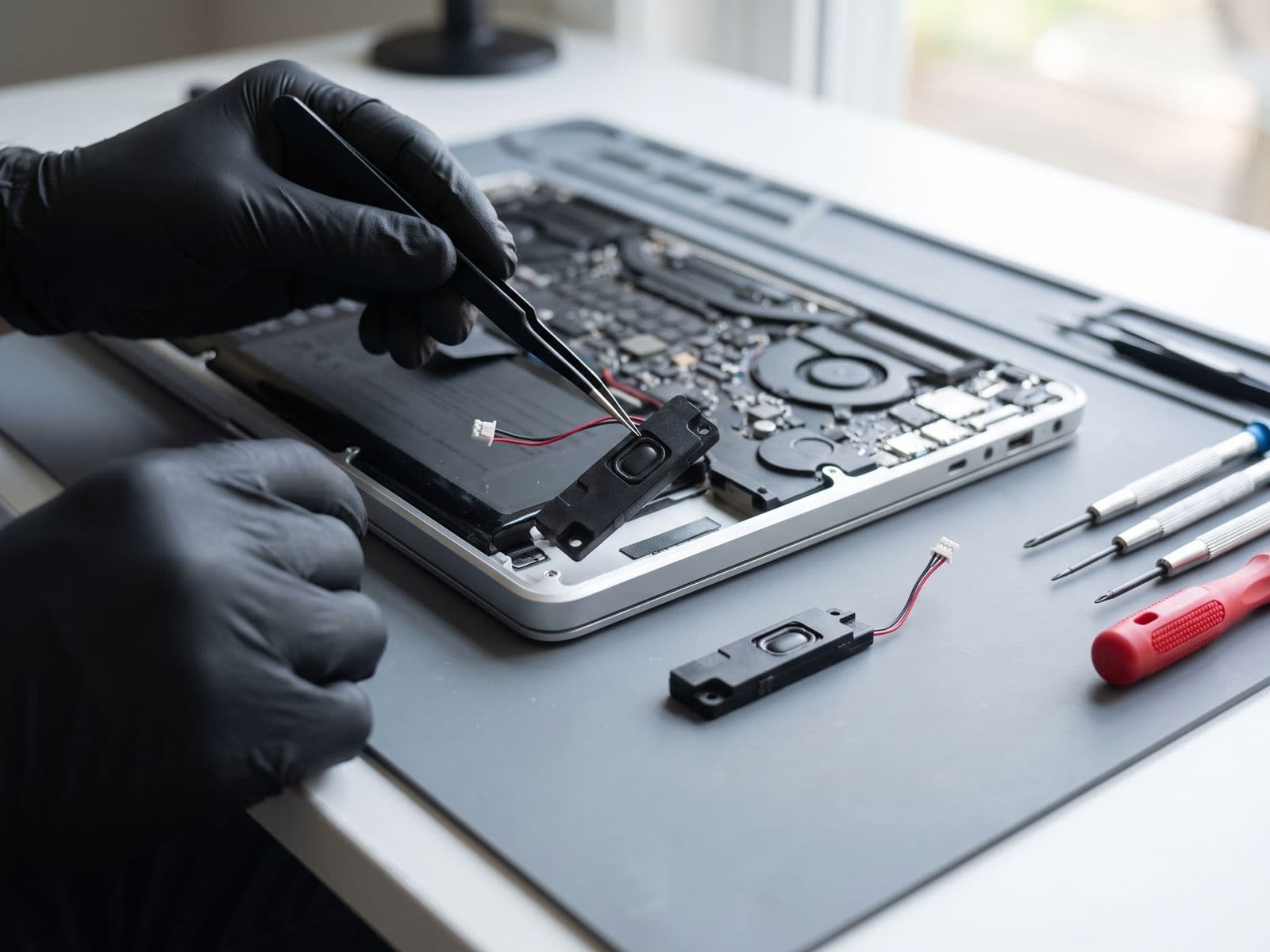
We open the Mac, inspect the speakers, their cables and connectors for damage, corrosion or looseness, and test the audio path. If a speaker module is at fault we replace it with a part supplied by TechFix, then test sound on both channels at different volumes, with different apps, before handing it back. If the diagnosis points to the audio chip on the board, we say so and quote the board-level work separately.
Your data stays put
Same-Day, No Data Wipe is how we work. A speaker repair does not touch your files, and we do not erase or reinstall macOS. We still suggest a backup before any repair.
Related Mac repairs
If sound problems started after a spill, our water damage repair service is the right starting point. If audio is lost across every output, see MacBook logic board repair. Trackpad or keyboard trouble in the same area is covered on our trackpad repair and keyboard replacement pages, and everything else is on the MacBook repair Malaysia hub.
Mac Speaker Repair FAQs
Why is there no sound from my MacBook speakers?
Why do my Mac speakers crackle or sound distorted?
Can you repair just one speaker?
Is it the speaker or the logic board?
Will my data be affected by a speaker repair?
What does diagnosis cost?
Other Apple Device Repairs
We repair all Apple devices
Mac Audio Not Working?
Get your Mac speakers fixed today. Most repairs completed same day.