MacBook Charging Port Repair
Select your MacBook model for a starting quote — USB-C and I/O board repair options, pin testing, and installation.
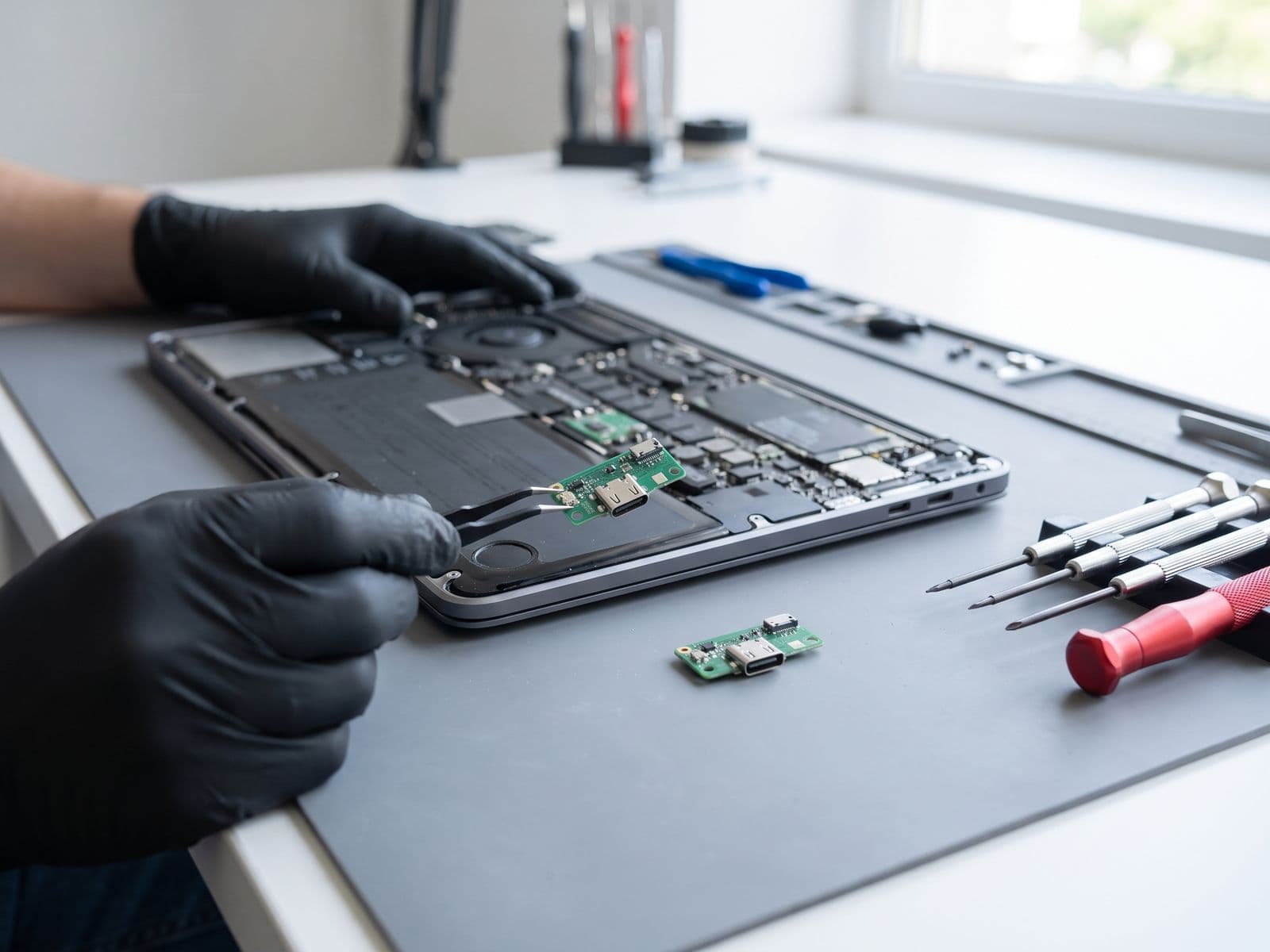
Configure your repair
Select your MacBook for charging port
Choose the closest model so your booking and WhatsApp quote carry the same repair context.
TechFix supplies and installs the parts; customer-supplied parts are not accepted. Repair intake is available at Sunway Geo Avenue or by courier. TechFix does not offer data recovery.
Charging port
USB-C or MagSafe faults
Quote after assessment
Select your MacBook model to continue.
Need it urgently? WhatsApp us first to confirm current parts stock and likely turnaround. Sunway intake is Monday–Friday, 9AM–6PM; priority service does not guarantee stock or same-day completion.
Signs of Port Damage
Loose Connection
Cable wiggles or disconnects easily.
Not Charging
Plugged in but battery percentage won't go up.
Intermittent Charge
Charging stops and starts randomly.
Burnt Smell
Smell of burning plastic from the port area.
Modular Replacement
We replace the entire I/O board, not just the port, for maximum reliability.
Fast Turnaround
Timing is confirmed at diagnosis, so you know before you leave your laptop.
90-Day Warranty
Peace of mind. If it fails again (without new damage), we fix it free.
Charging Port Repair Pricing
Pricing depends on the repair your MacBook needs. All prices include parts and labour. Eligible repairs include our 90-Day Warranty.
- Port Cleaning & Minor RepairSame DayFrom RM 149
- USB-C Port Replacement1-2 DaysFrom RM 349
- Charging Circuit Repair2-3 DaysFrom RM 499
- MagSafe Port Repair (Older Models)1-2 DaysFrom RM 299
- Multiple Port Repair2-3 DaysFrom RM 599
What Causes Charging Port Failure?
Understanding the cause helps prevent repeat damage. Here are the four most common reasons MacBook charging ports fail.
Physical Damage
Dropping or yanking the cable causes internal pin damage that prevents the port from making reliable contact.
Liquid Exposure
Coffee or water near the port causes oxidation on contacts, leading to intermittent charging or complete failure.
Debris Buildup
Dust and lint accumulate inside the port over time, physically blocking the cable from seating properly.
Wear & Tear
Repeated plugging and unplugging over 2–3 years gradually loosens the port mechanism and internal connectors.
Our Repair Process
A clear, four-step process from the moment you walk in to the moment you leave with a fully charged MacBook.
Expert Diagnosis
We inspect the port, test with known-good cables, and check the I/O board for electrical faults. Diagnostic RM150, waived when you proceed with repair.
Quotation
Transparent pricing based on your exact model. No hidden fees, no surprises. You approve before we touch anything.
Repair
I/O board replacement or port-level soldering depending on model. TechFix supplies all parts.
Testing
Multi-cable testing, charge cycle verification, and data transfer check before we hand your MacBook back.
No fix, no fee. If we cannot repair your charging port, you pay nothing: the RM150 diagnosis fee is waived in full. It applies only if the port can be repaired and you decline the quote. The repair itself is only charged when the problem is solved.
Frequently Asked Questions
How much to repair MacBook charging port?▼
MacBook charging port repair is priced by the repair your MacBook needs, from port cleaning to I/O board or charging circuit work. We confirm the price in your quote before any work starts.
Is it the port or the charger?▼
Try a different charger and cable first. If the issue persists with a known good charger, it's likely the port or logic board.
Is it a board issue or port issue?▼
We perform a expert diagnostic to confirm if it's the I/O board (port) or logic board power IC.
Do you replace the I/O board or solder the port?▼
For most MacBook Air/Pro models, the USB-C ports are on a modular I/O board. We replace the entire board for reliability.
How long does repair take?▼
Most charging port replacements are completed within 2-4 hours, depending on your model and whether the matching I/O board is in stock. We confirm timing at diagnosis.
Warranty coverage?▼
The new charging port module includes our 90-Day Warranty.
Can a USB-C port be repaired or does it need replacement?▼
For most MacBook models (2016+), the USB-C ports are on a modular I/O board that we replace entirely. This gives better reliability than re-soldering individual pins. Older models with MagSafe use soldered connectors that we repair at component level.
Why is my MacBook only charging on one side?▼
MacBook models with multiple USB-C ports (2016–2020 Pro) have separate I/O boards for left and right sides. If only one side charges, the I/O board on the non-working side needs replacement. When the matching board is in stock, we can often complete the repair the same day after diagnosis.
My MacBook charges slowly — is it the port?▼
Slow charging can be caused by a damaged port (reduced power delivery), a failing battery (won't accept full charge rate), or even a non-certified cable. We test all three during our expert diagnosis to identify the root cause.
Do you repair MagSafe charging ports too?▼
Yes, we repair both USB-C and MagSafe charging issues. For older MacBook models (pre-2016) with MagSafe, we fix the DC-in board. For newer USB-C models, we replace the I/O board module.