Windows Reinstall for Laptops in Malaysia
A clean Windows reinstall wipes the drive and gives the laptop a fresh start, with drivers and updates installed. We check the hardware first, because a failing SSD or faulty RAM can look like a Windows fault. A straightforward reinstall is RM100, and you must back up your files before you bring the laptop in.
- Hardware checked first
- Reinstall RM100
- Back up first: the drive is wiped
What it costs
Windows reinstall
RM100
- Diagnosis · Windows laptop
- RM100
- Diagnosis · student laptop rate
- RM80
The diagnosis fee is waived when you approve the repair, so a straightforward reinstall costs RM100. No Fix No Fee applies.
Students with a valid student ID: see the student laptop offer.
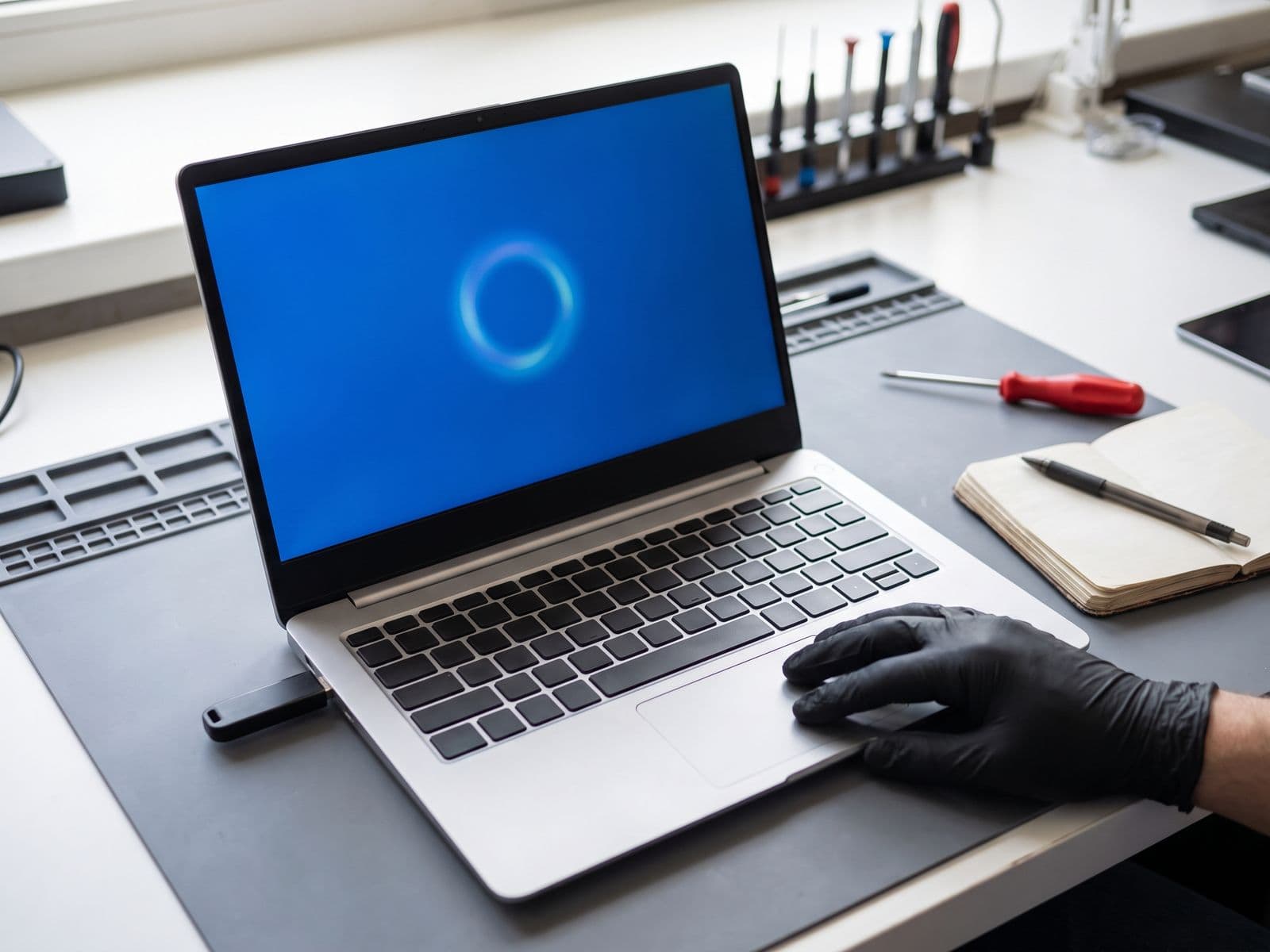
When a reinstall helps, and when it is hardware
A reinstall fixes software faults. It cannot fix a failing drive, faulty memory or an overheating laptop, which is why we diagnose the hardware first.
A reinstall usually helps
- Windows is very slow, and the drive and memory test as healthy
- Windows starts but keeps crashing, freezing or showing the same errors after updates
- Windows will not start and shows a boot or recovery error, while the hardware tests fine
- System files are corrupted and the built-in repair tools could not fix them
- Unwanted software or malware has taken over Windows, and a clean start is the safest fix
It is probably hardware
- Freezes or blue screens come back after a fresh Windows install, which can point to failing RAM or SSD
- The drive is not detected, or a hard drive is clicking or grinding
- The laptop is slow because it still runs from a hard drive, so an SSD is the real fix
- The laptop overheats, the fans are loud or it shuts off under load
- The laptop does not power on at all, or there is no display
If the diagnosis points to hardware, the routes are an SSD upgrade for storage faults and slow hard drives, a RAM upgrade for memory, and a thermal overhaul for heat. TechFix supplies all parts.
What happens to your laptop
Five steps from drop-off to a working Windows laptop. You approve before any reinstall starts.
Diagnose the hardware
The technician tests the drive, the memory and how the laptop boots. If the fault is hardware, we quote that repair instead of a reinstall.
Confirm the reinstall
If the fault is in Windows, a straightforward reinstall is RM100. We confirm it with you before any work starts, and nothing is wiped until you approve it.
Clean Windows install
We wipe the drive and install a clean copy of Windows. Your files are not kept, so your own backup is what protects them.
Drivers and updates
We install the laptop's drivers and run Windows updates, so Wi-Fi, graphics, sound and the trackpad work when you get it back.
Test and return
We check that the laptop starts and runs properly. You collect it at the workshop, or we courier it back to you free.
What you must do first: back up your files
A clean reinstall erases everything on the drive: documents, photos, downloads, saved logins and installed programs. TechFix does not offer data recovery, so a backup you made yourself is the only protection.
- Copy your documents, photos and desktop files to an external drive or cloud storage
- Open the copy on another device to check it worked before you hand the laptop over
- Write down the programs and licence keys you will need to install again
- Make sure your browser bookmarks and passwords are synced or saved in a password manager
- Know your Microsoft account email and password if the laptop signs in with one
If the laptop will not start and you have no backup, tell us before you approve the reinstall. We will not reinstall without your approval, and we cannot recover data once the drive is wiped.
Our guide to backing up before a repair covers Windows, Mac and phones step by step.
Windows reinstall: RM100
A straightforward Windows reinstall on a laptop is a flat RM100. The diagnosis fee is waived when you approve the repair, so that is what you pay. If the diagnosis finds a hardware fault, that part is quoted separately before any work starts.
Windows reinstall
RM100 for a straightforward reinstall: a clean copy of Windows, with drivers and updates installed. If the diagnosis finds a hardware fault, such as a failing SSD, that part is quoted separately before any work starts, and nothing is done until you approve it.
Diagnosis fee
RM100 for Windows laptops. AfterShock, Alienware and Surface use the standard RM150 fee. The fee is waived when you approve the repair, so a straightforward reinstall costs RM100. No Fix No Fee applies.
Student rate
Students pay RM80 to diagnose a laptop, with a valid student ID shown at drop-off. It is waived on an approved repair too.
Windows licence
Where the laptop has a digital licence tied to it, that licence is reactivated. Where it does not, we discuss the licence with you before any work starts.
Read the full fee policy or see the repair pricing page.
How to get your laptop to us
Walk in at our Sunway workshop, or send the laptop in. There is no free pickup.
Sending it in
There is no free pickup. You courier the laptop to TechFix, or send it by Lalamove or Grab, and TechFix couriers it back to you free. Back up first, and WhatsApp us the model before you send it.
Walk-in workshop
G-06-28, Level 6, Block G (Office Tower), Sunway Geo Avenue, Jalan Lagoon Selatan, Bandar Sunway, 47500 Subang Jaya
Opening hours: Monday–Friday, 9:00 AM–6:00 PM
Related laptop repair pages
Reinstalling Windows is one of several routes. These pages cover the others.
Laptop repair Malaysia
Every laptop fault and brand, with the diagnosis first.Windows laptop repair
Hardware and software faults on Windows laptops.Laptop SSD upgrade
For failing drives and laptops still running from a hard drive.Laptop RAM upgrade
For memory faults and laptops that run out of memory.Laptop thermal overhaul
For overheating, loud fans and shutdowns under load.Why is my laptop slow?
Causes of a slow laptop and what to try yourself first.
Reinstalling a desktop PC instead? See the desktop formatting service.
Windows reinstall for laptops: frequently asked questions
How much does a Windows reinstall cost?
Will I lose my files if you reinstall Windows?
Do you recover data from a laptop that will not start?
Can a reinstall fix a slow laptop?
My laptop will not boot into Windows. Is that a reinstall job?
Do you remove viruses?
Is a Windows licence included?
Can I send my laptop in by courier?
Last updated: 2 October 2026
Book a laptop diagnosis before you reinstall
We check the hardware first, then reinstall Windows for RM100 if that is the fix. Back up your files before you bring the laptop in.