
Microsoft ended Windows 10 support on 14 October 2025. Check if your PC can run Windows 11, what your options are, and how businesses should plan.
Microsoft ended support for Windows 10 on 14 October 2025. Your PC still starts and runs, but it no longer gets regular security updates, so the sensible plan is to move to Windows 11 if your PC qualifies, or to replace or upgrade hardware if it does not.
This guide covers how to check, what your options are, and how a business should plan a fleet.
What end of support means
After 14 October 2025, Microsoft stopped providing free security updates, bug fixes and technical support for Windows 10. Nothing stops working overnight, but new weaknesses are no longer patched, and software makers gradually stop testing against it.
Microsoft offers paid Extended Security Updates (ESU) for organisations. Consumer options were limited and time-boxed. Check Microsoft's own pages for the current terms, because they can change. ESU is a bridge, not a long-term plan.
Can your PC run Windows 11?
Windows 11 has stricter requirements than Windows 10. Your PC needs all of these:
| Requirement | What Windows 11 needs |
|---|---|
| Processor | 64-bit, 1 GHz or faster, 2 or more cores, on Microsoft's supported CPU list |
| Memory | 4 GB RAM or more |
| Storage | 64 GB or more |
| Firmware | UEFI with Secure Boot capability |
| Security chip | TPM 2.0 |
| Graphics | DirectX 12 compatible, WDDM 2.0 driver |
Check it: download Microsoft's PC Health Check app and run the Windows 11 check. It says whether the PC qualifies and which requirement fails.
You can also look inside Windows. Press Windows + R, type tpm.msc and see the TPM version. Press Windows + R, type msinfo32, and look at Secure Boot State and BIOS Mode.
Many PCs have TPM turned off in the BIOS (it may be called fTPM, PTT or Security Device). Turning it on in the BIOS can make a PC eligible. If you are not comfortable with BIOS settings, ask for help rather than guessing.
Your options
- Upgrade free to Windows 11 (eligible PCs). Go to Settings > Update & Security > Windows Update. If your PC qualifies, Windows offers the upgrade. Back up first.
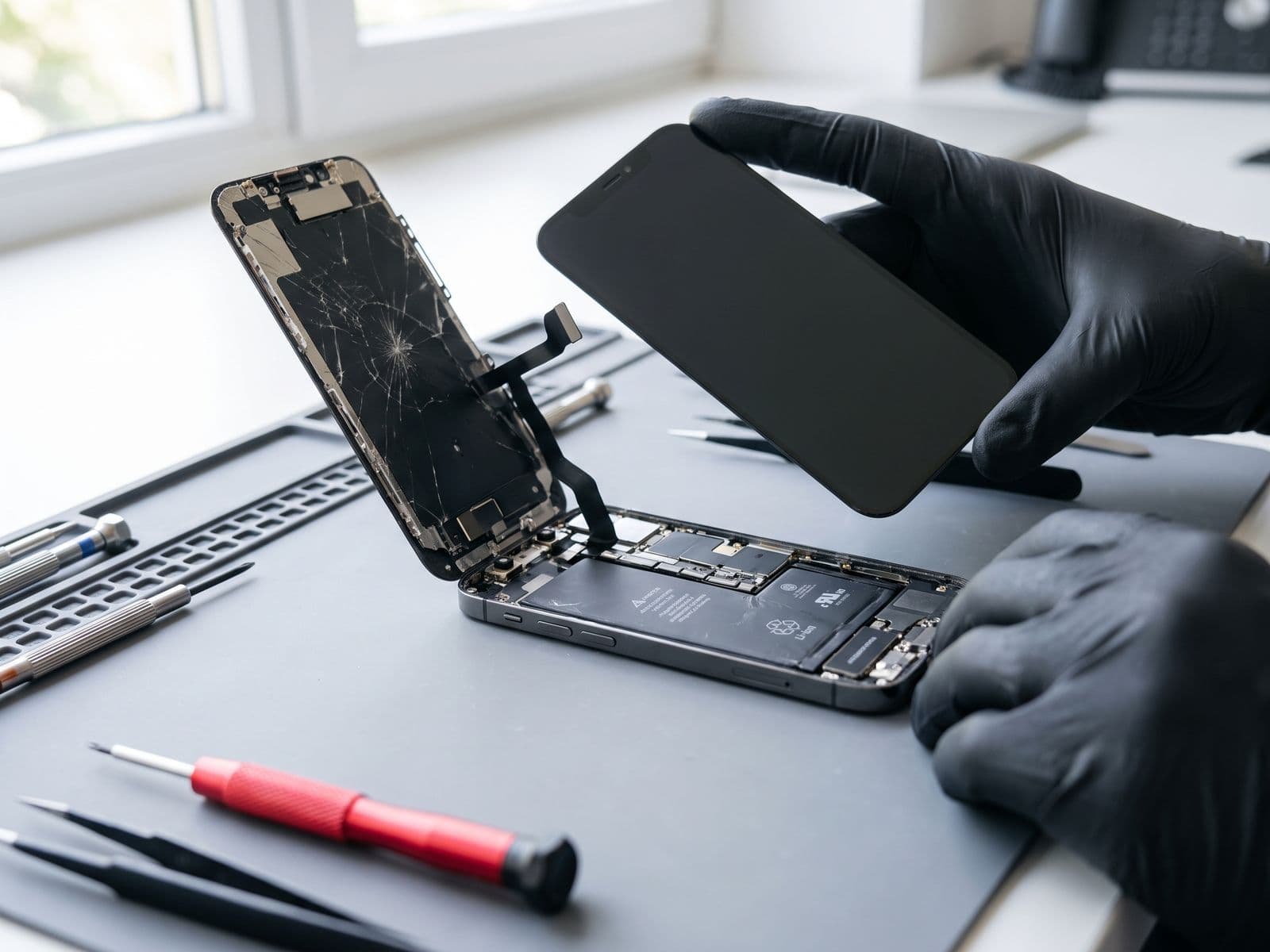
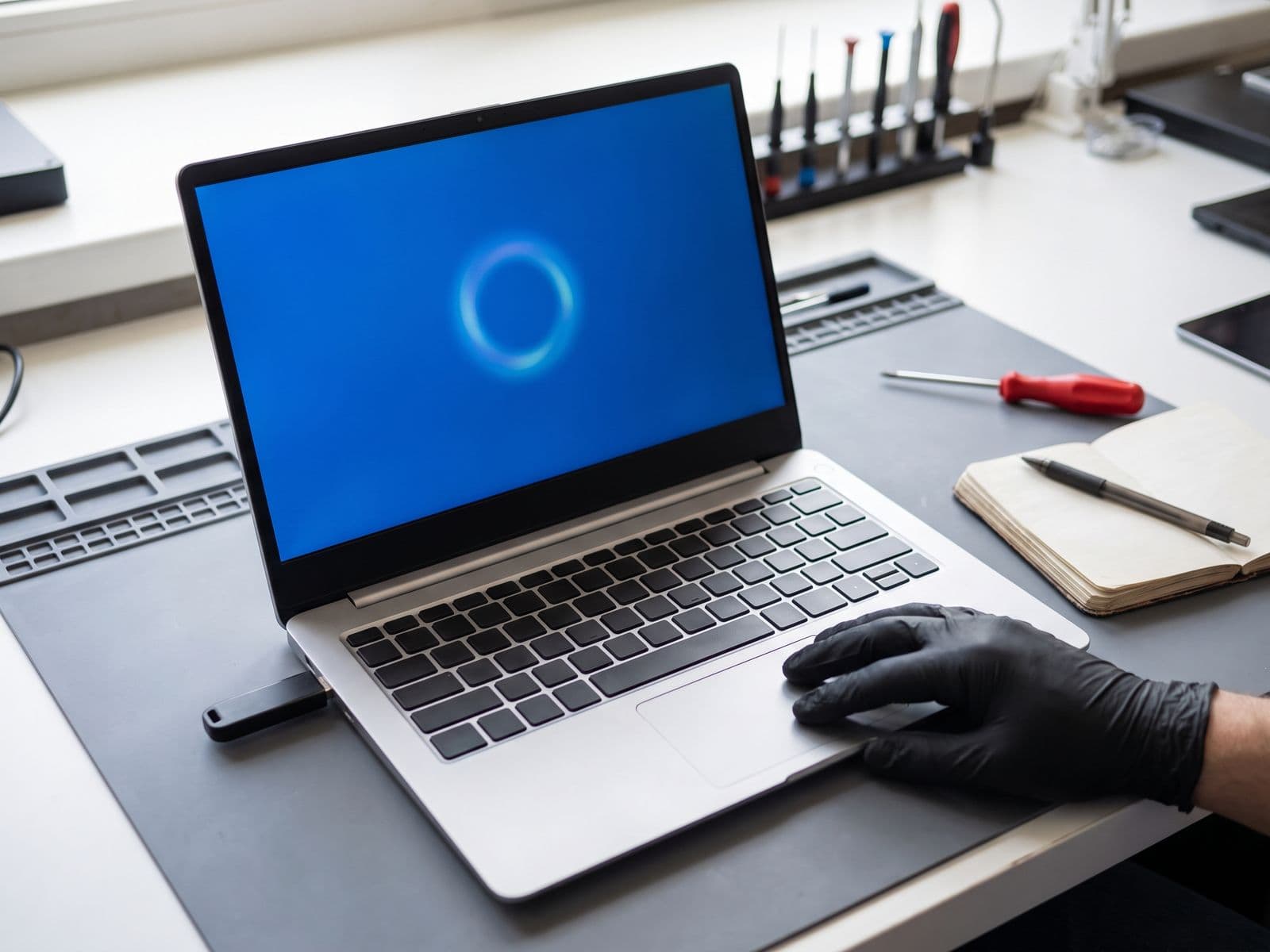
- Clean install of Windows 11. A fresh install on an eligible laptop can be cleaner than an in-place upgrade, especially for an older, cluttered PC. TechFix can do a clean install of Windows on an eligible laptop; see Windows reinstall.
- Upgrade hardware. An SSD upgrade or RAM upgrade makes a laptop faster and can meet the memory and storage rules. They do not change the processor or TPM, so they cannot make an unsupported CPU eligible.
- Replace the PC. If the CPU is not supported, replacing the PC is usually the clean answer.
- Stay on Windows 10 for now. This is a risk, especially for a PC that is online, holds work files or handles payments. If you do, keep it for offline or low-risk use, keep backups, and plan the move.
Do not use unofficial tricks to bypass the Windows 11 requirements. Those PCs may not receive updates reliably.
For businesses: plan the move
An unsupported operating system is a security and compliance risk. Auditors, insurers and customers may ask what you run, and software vendors may stop supporting Windows 10.
- Inventory your fleet. List every PC, its CPU, RAM, storage, age, TPM status and who uses it.
- Sort into groups. Eligible now, eligible after a BIOS or hardware tweak, and replace.
- Back up every PC before any upgrade.
- Roll out in stages. Test with a few users and your key software first, then widen.
- Budget the replacements, or consider leasing so cost is spread out.
TechFix helps businesses with this through IT support, managed IT services, corporate IT procurement, laptop leasing and rental and Microsoft 365 setup.
When to bring it in
If you are not sure your laptop can move to Windows 11, or you want a clean install, book a repair and courier it in or walk in; we courier it back at no charge. The Windows diagnosis fee is RM100, waived when you approve the work; see the fee policy. We are open Monday to Friday, 9am to 6pm. For quick questions, WhatsApp 012-770 7120. Always back up first: TechFix does not offer data recovery.