Cracked laptop screen? When to fix vs replace — quote after diagnosis by model. Same-day service, 90-Day Warranty.
Laptop Screen Repair vs Replacement Malaysia: How to Decide
Your laptop screen is cracked, broken, or completely dead. Now you face two questions: can it be repaired, and is it worth it compared to buying something new?
This guide gives you a practical framework for making this decision in Malaysia's 2026 market, with real pricing and clear criteria for each scenario.
Understanding the Types of Screen Damage
Not all screen problems are the same, and the type of damage affects both repair feasibility and cost.
Physical Screen Damage
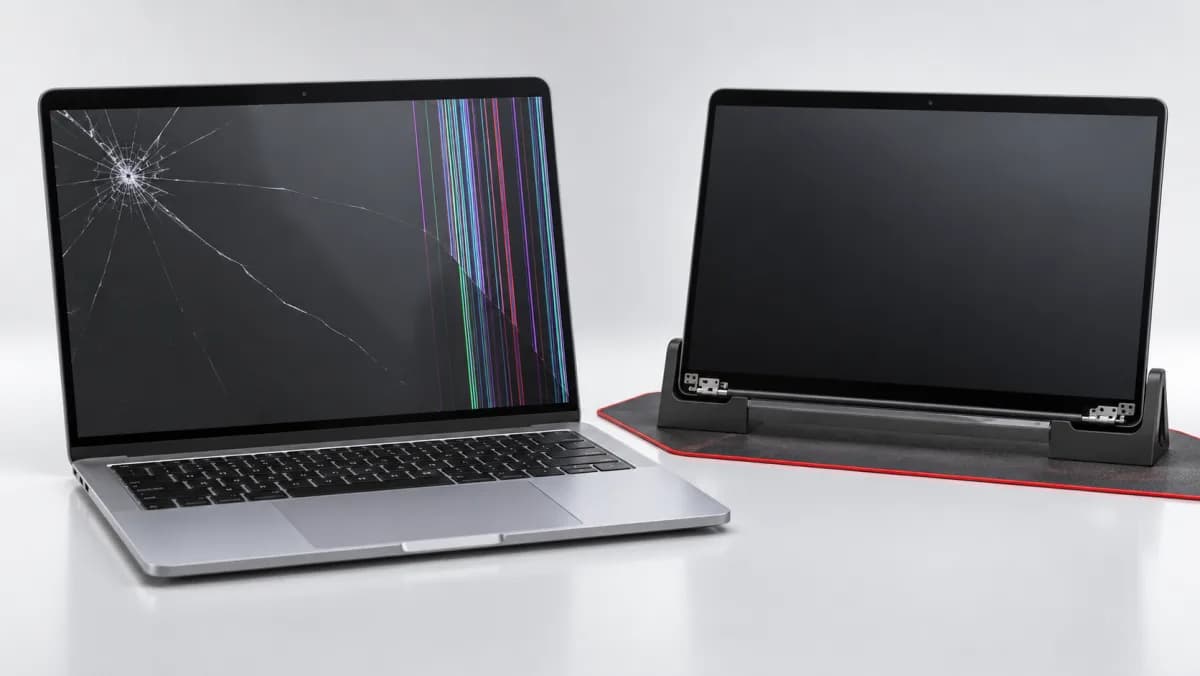
Cracked glass only: The outer glass layer is cracked but the LCD beneath may be intact. On some models (particularly older non-laminated screens), the glass can be replaced separately at lower cost. On modern laminated displays, glass and LCD are bonded together and replaced as one unit.
LCD damage: Black spots, colour bleeding, vertical lines, or a completely black screen (backlight glow visible from an angle) indicate the LCD panel itself is damaged. Requires full screen replacement.
Backlight failure: Screen appears very dim or completely dark but content is faintly visible when you shine a torch at it. The LED backlight strip or its driver has failed. Repairable on some models.
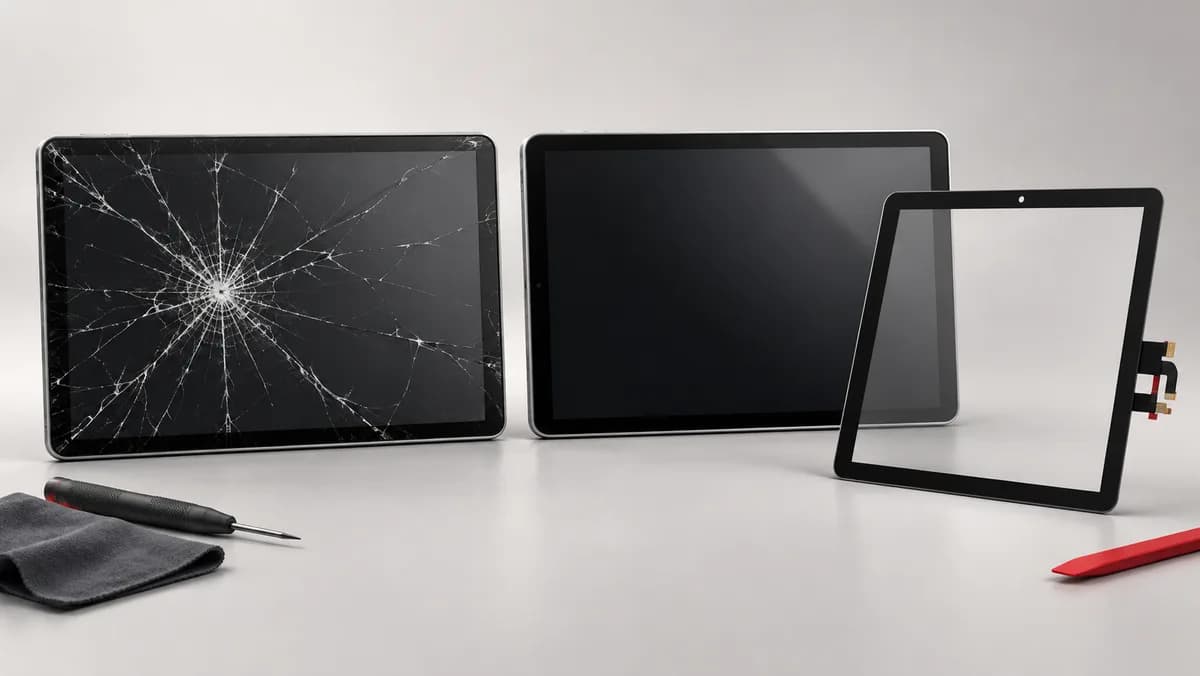
Digitizer/touch failure: Screen displays correctly but touch no longer works. On touchscreen models, the digitizer layer can sometimes be replaced separately.
Connection and Signal Issues
If your screen goes completely black but an external monitor works fine, the issue may be:
- A damaged screen data cable (runs through the hinge — common on laptops with hinge wear)
- A failed display controller on the motherboard
- A disconnected ribbon connector inside the laptop
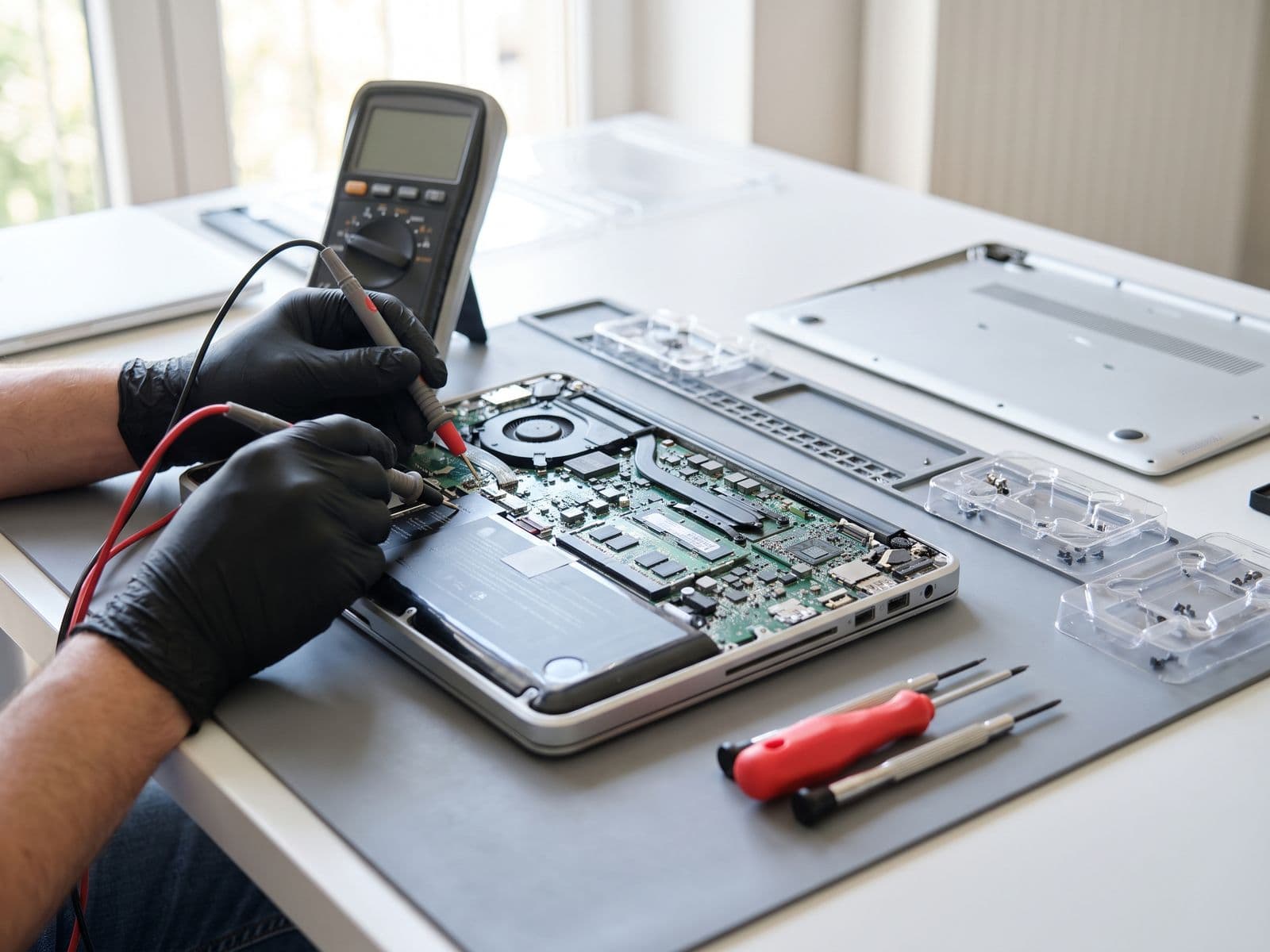
These are often cheaper to fix than a full screen replacement, but require diagnosis first.
Laptop Screen Replacement Prices in Malaysia (2026)
Screen prices vary significantly by brand, model, and resolution. Screen replacement is quoted after diagnosis, with the exact panel confirmed first:
Budget/Mainstream Laptops
| Brand/Series | Screen Replacement |
|---|---|
| HP Pavilion 14"/15" | Quote after diagnosis |
| Acer Aspire / Swift 14" | Quote after diagnosis |
| Lenovo IdeaPad 14"/15" | Quote after diagnosis |
| ASUS VivoBook 14"/15" | Quote after diagnosis |
Mid-Range / Business Laptops
| Brand/Series | Screen Replacement |
|---|---|
| HP Envy / Spectre 13"–15" | Quote after diagnosis |
| Dell Inspiron 14"/15" | Quote after diagnosis |
| Lenovo ThinkPad T/L Series | Quote after diagnosis |
| ASUS ZenBook 13"/14" | Quote after diagnosis |
Premium Laptops
| Brand/Series | Screen Replacement |
|---|---|
| Dell XPS 13/15 | Quote after diagnosis |
| HP Spectre x360 | Quote after diagnosis |
| Lenovo ThinkPad X1 Carbon | Quote after diagnosis |
| Microsoft Surface Laptop 4 | RM 1,199 |
For Microsoft Surface devices specifically, see our dedicated Surface Pro screen replacement page — the repair process is different due to the glued construction.
The Decision Framework: Repair or Replace?
The 40% Rule
The most reliable guideline: if the repair cost exceeds 40% of your laptop's current resale value, evaluate carefully. If it exceeds 50%, replacement generally makes more financial sense.
In practice: repair up to about 40% of the laptop's resale value, take care between 40% and 50%, and above 50% consider replacing.
When to Definitely Repair
- The laptop is less than 3 years old with no other hardware issues
- Performance is still adequate for your workload
- The screen damage is the only problem
- The repair cost is under 35% of the laptop's current value
- You have data or applications on the machine that would be inconvenient to migrate
When to Consider Replacing Instead
- The laptop is over 5 years old and performance is already limiting your work
- Multiple components are failing (screen plus battery, or screen plus hinge damage)
- The repair cost approaches 50% of what a replacement would cost
- Newer models offer significantly better performance for your needs (video editing, gaming, etc.)
- The motherboard or GPU has separate issues alongside the screen
The Often-Overlooked Middle Option
Many users do not consider this: repair the screen and use the laptop another 1–2 years while planning the upgrade. This is often the rational choice for a 3–4 year old laptop where:
- Performance is still adequate
- The screen repair quote is small next to the cost of a new machine
- A planned upgrade in 18 months makes more sense financially
What Quality of Screen Replacement Should You Expect?
At Techfix, we supply the replacement panel and aim to match the original in:
- Resolution and panel type: If your original screen was FHD IPS, the replacement is FHD IPS — not a downgraded TN panel
- Colour accuracy: Calibrated to match manufacturer specifications for colour gamut and white balance
- Brightness: Full original brightness output
- Touch function: Preserved on touchscreen models — digitizer reinstalled and calibrated
- Refresh rate: High-refresh (144Hz, 165Hz) panels matched for gaming laptops
All screen replacements include 90-Day Warranty covering defects and installation issues.
Book a Screen Diagnosis at Techfix
If you are unsure whether your screen issue is worth repairing, the expert diagnostic is the right first step. We assess the type of damage, quote a firm price, and give you an honest recommendation based on your laptop's age and condition.
For general laptop repairs, see our laptop repair Malaysia page. For gaming laptops, see our gaming laptop repair service.
Sunway: G-06-28, Level 6, Block G, Sunway Geo Avenue WhatsApp: 012-770 7120