
What an outsourced IT helpdesk does, how requests are handled, what a response target means, and how to choose one for a company without an IT department.
What an IT Helpdesk Does
An IT helpdesk is the single place staff go when something stops working: a laptop that will not start, an email that will not send, a printer that has gone offline, a new joiner who needs an account. For a company without an IT person, an outsourced helpdesk replaces the colleague who "knows computers" and loses half a day every time something breaks.
How a Request Is Handled
A good helpdesk follows the same path every time:
- Logged — the request is recorded with who, what and when, by phone, WhatsApp, email or a portal.
- Prioritised — one person unable to print is not the same as the whole office being offline.
- Fixed remotely where possible — most account, email and software problems can be solved over a remote session.
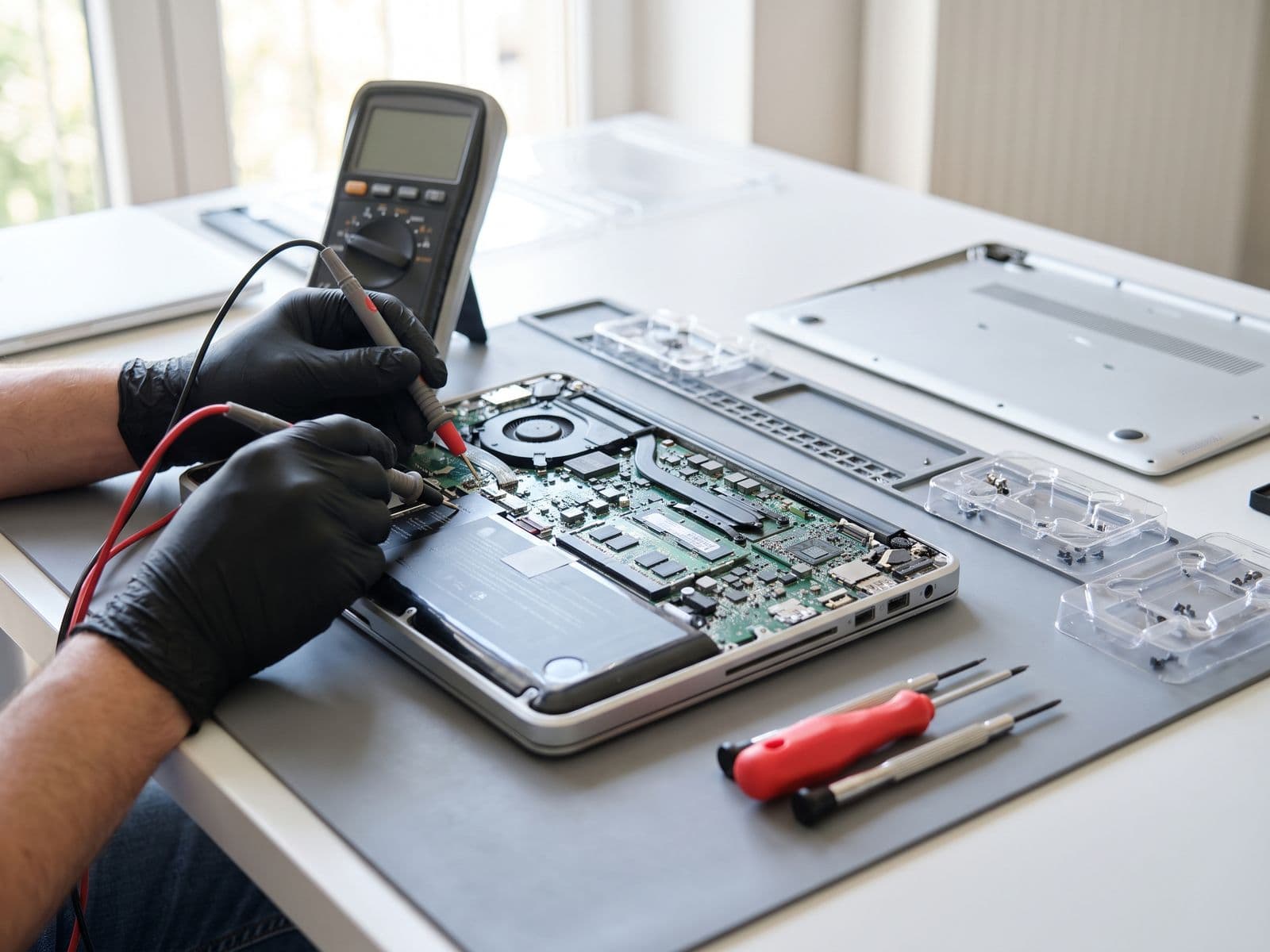
- Escalated onsite when needed — hardware faults, network problems and new equipment usually need a visit.
- Closed and recorded — so repeat problems show up, and the monthly report shows what actually happened.
Response Time vs Resolution Time
Contracts often mention a "response target". Read it carefully:
- Response time is how quickly someone starts working on your request.
- Resolution time is how long until it is fixed.
A four-hour response target means someone picks up the issue within four hours — not that it is fixed in four hours. A fault waiting on a replacement part can take days. Ask which one a provider is promising, in writing.
Remote vs Onsite
| Usually remote | Usually onsite |
|---|---|
| Password resets and account changes | Hardware faults and replacements |
| Email and Microsoft 365 / Google Workspace issues | Network, Wi-Fi and cabling problems |
| Software installs and updates | Setting up new laptops, printers and screens |
| Slow computer diagnosis | Office moves |
Remote support is faster and cheaper. Check how many onsite hours are included, and what an extra visit costs.
What to Ask Before You Sign
- How do staff raise a request, and during which hours?
- What are the response targets, by priority?
- How many onsite hours are included each month?
- Is a device and user register included?
- Who prepares laptops for new joiners and collects them from leavers?
- What is excluded, and how are exclusions quoted?
- Do we get a monthly report of tickets?
What It Costs
Most small-office helpdesks are priced per user per month. For published figures and a worked example for a 30-person office, see our guide to IT support costs in Malaysia.
TechFix Managed IT
Our plans include a business-hours remote helpdesk on every tier, with onsite hours, an asset register and joiner/leaver preparation on Managed and Managed Plus. See Managed IT Services.