
Complete guide to gaming laptop repair in Malaysia. Fix overheating, thermal paste issues, screen replacements, and SSD upgrades. Brand-specific solutions for ASUS ROG, MSI, Razer, Acer Predator, and Alienware.
Why Gaming Laptops Fail Faster in Malaysia
Gaming laptops push hardware to extreme limits, and Malaysia's tropical climate makes matters worse. High ambient temperatures (28-35°C), humidity (70-90%), and dust accumulation create the perfect storm for gaming laptop failures.
At TechFix Malaysia, gaming laptop issues are common, and many are most issues being preventable through proper maintenance. This guide explains why gaming laptops fail, the most common problems, and how to extend your device's lifespan.
The Heat Problem: Malaysia's Climate vs Gaming Performance
Why gaming laptops run hotter in Malaysia:
- Ambient temperature - Room temperature 28-32°C vs ideal 20-22°C
- Humidity effects - Thermal paste degrades 40% faster in high humidity
- Dust accumulation - Tropical dust clogs cooling vents within 3-6 months
- Air conditioning gaps - Most gamers can't afford 24/7 AC while gaming
Temperature impact on components:
| Component | Safe Temp | Warning Temp | Critical Temp | Failure Risk |
|---|---|---|---|---|
| CPU | <80°C | 80-90°C | >95°C | Throttling, crashes |
| GPU | <75°C | 75-85°C | >90°C | Artifacts, shutdowns |
| SSD | <50°C | 50-65°C | >70°C | Data corruption, slow speeds |
| Battery | <40°C | 40-50°C | >60°C | Swelling, capacity loss |
Gaming in Malaysian heat without proper cooling can reduce laptop lifespan from 5 years to just 2-3 years.
Top 5 Gaming Laptop Problems & Solutions
1. Overheating and Thermal Throttling
Symptoms:
- FPS drops during extended gaming sessions
- Laptop shuts down unexpectedly during intensive games
- Fan noise increases but temperatures remain high
- Performance worse than when new
Root causes:
- Dried thermal paste (degrades every 12-18 months in Malaysia)
- Dust-clogged heatsinks and fans
- Blocked air vents from poor surface placement
- Failing cooling fans
Solution - Thermal Paste Replacement:
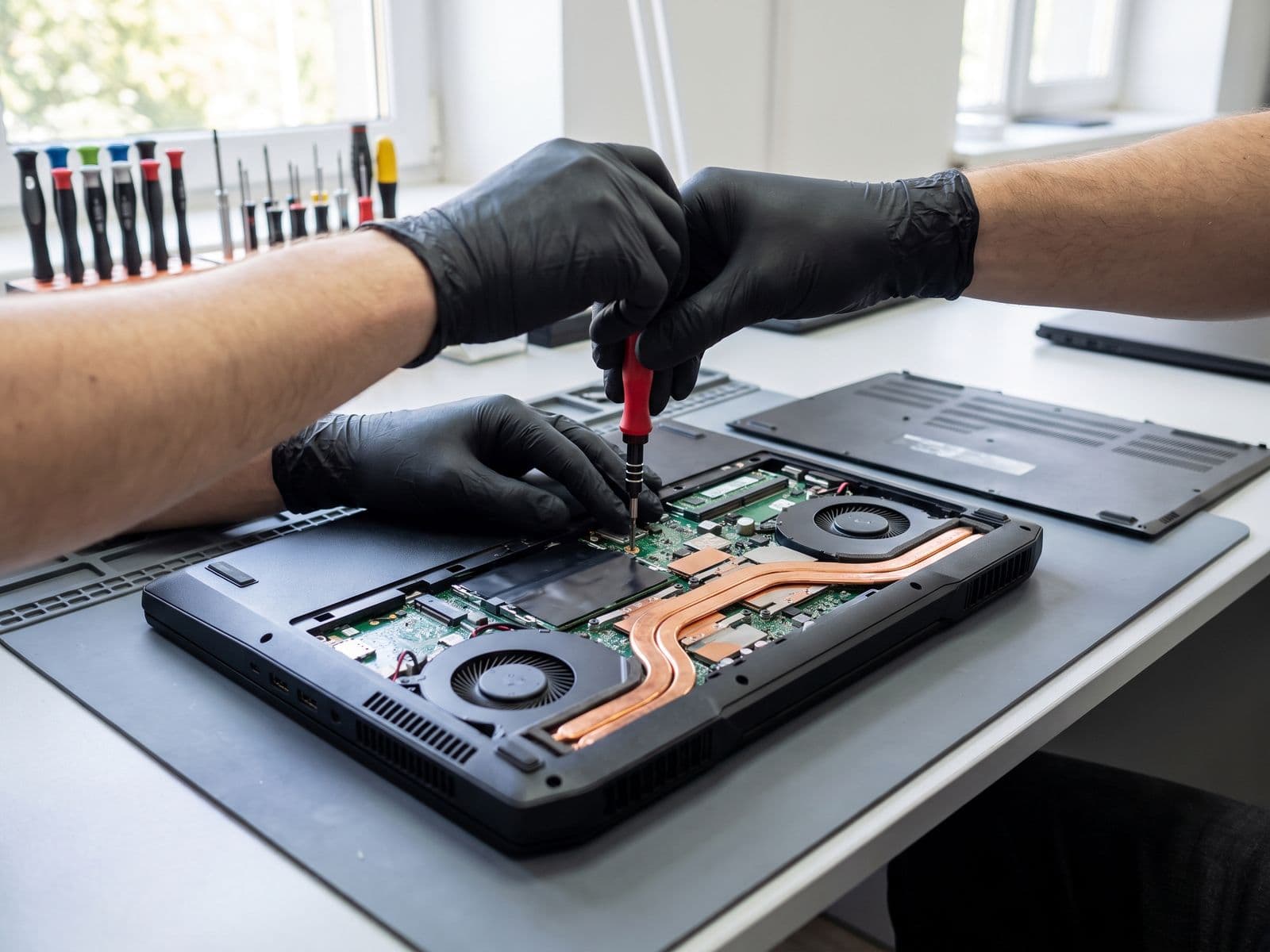
TechFix thermal paste service includes:
- Complete disassembly and cleaning
- Premium thermal paste application (Arctic MX-5 or Thermal Grizzly Kryonaut)
- Fan cleaning and bearing lubrication
- Heatsink fin cleaning (removes dust buildup)
- Reassembly with thermal testing
Cost: RM 149 (Standard repaste, Kryonaut) | RM 249 (Premium repaste with liquid metal for extreme cooling)
Results: Temperature drops of 10-20°C, restored performance, quieter fan operation.
2. Display Issues (Screen Replacement)
Common gaming laptop screen problems:
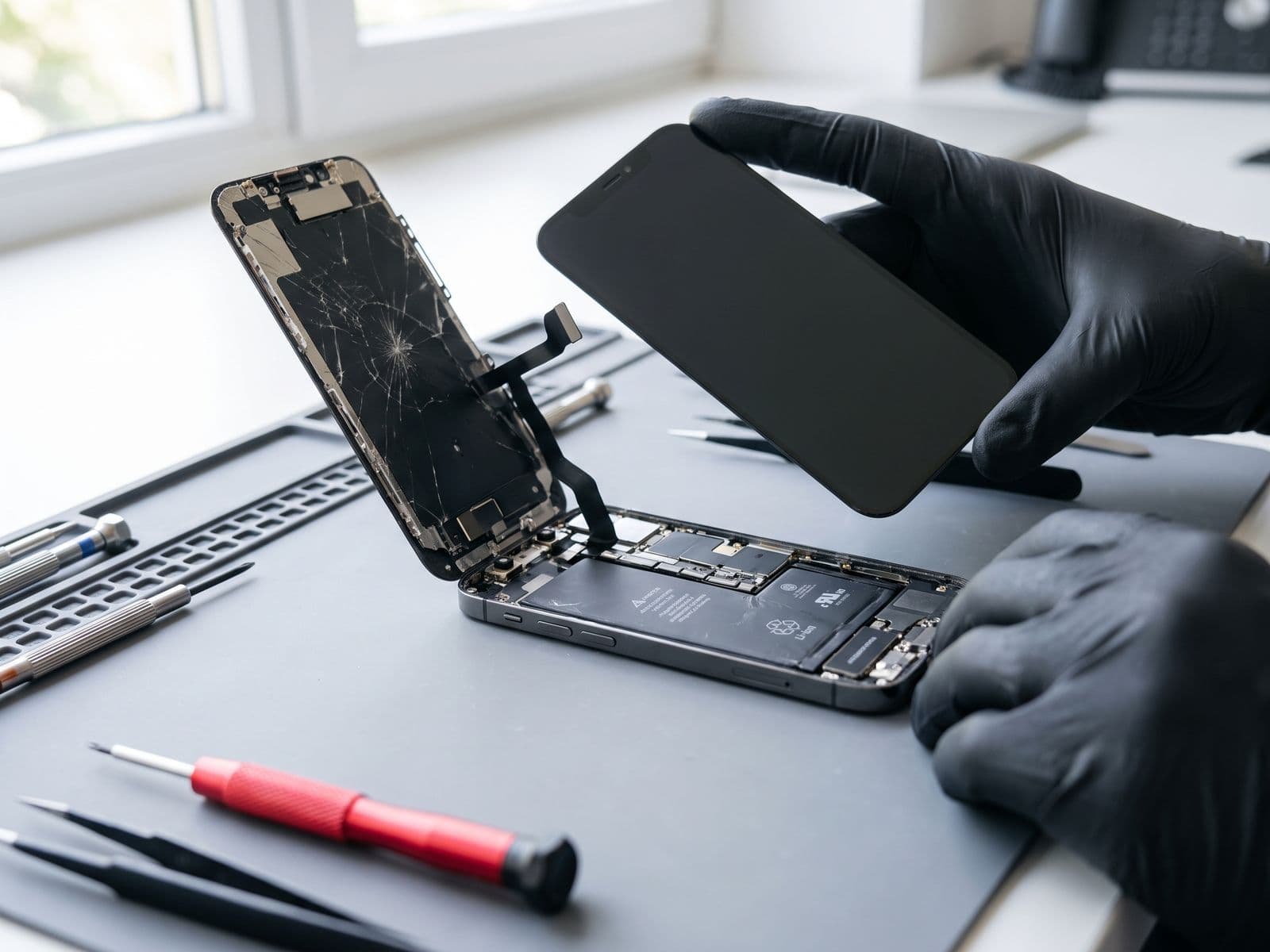
- Cracked screens from transportation damage
- Dead pixels from pressure points
- Backlight bleeding (common in budget gaming laptops)
- High refresh rate panel failures (144Hz/240Hz displays)
- Color banding and ghosting
Screen replacement pricing by brand:
| Brand/Model | Screen Type | Replacement Cost |
|---|---|---|
| ASUS ROG Strix 15.6" | 144Hz FHD IPS | Quote after diagnosis |
| MSI GF63/GF65 | 144Hz FHD | Quote after diagnosis |
| Razer Blade 15" | 240Hz QHD | Quote after diagnosis |
| Acer Predator Helios | 144Hz FHD IPS | Quote after diagnosis |
| Alienware m15 | 360Hz FHD | Quote after diagnosis |
| Lenovo Legion 5 Pro | 165Hz QHD | Quote after diagnosis |
Turnaround time: Same-day for common models (ASUS ROG, MSI), 3-5 days for premium panels (Razer, Alienware).
Important: We use high-refresh-rate compatible panels. Budget shops often replace 144Hz screens with standard 60Hz panels - always verify specifications before repair.
3. SSD vs HDD: Storage Upgrades for Gaming
Why gaming laptops need SSD upgrades:
- Game load times 3-5x faster on NVMe SSD
- Texture streaming in modern games requires fast storage
- HDD mechanical failures common in gaming laptops (vibration damage)
Recommended SSD configurations for gaming:
1TB NVMe SSD (Most popular)
- Ideal for: 5-8 AAA games + Windows
- Brands: Samsung 980 Pro, WD Black SN850X
- Cost: RM 449 (with installation)
2TB NVMe SSD (Best value)
- Ideal for: 10-15 AAA games + large game libraries
- Brands: Samsung 990 Pro, Kingston KC3000
- Cost: RM 699 (with installation)
Dual drive setup (Maximum storage)
- 512GB NVMe (Windows + active games) + 1TB SATA SSD (game library)
- Cost: adding a 1TB second drive is RM 399 (installation included)
Installation includes:
- Complete Windows 10/11 reinstallation
- Driver installation (GPU, chipset, RGB control)
- Game launcher setup (Steam, Epic Games, etc.)
- Data migration from old drive (if functional)
4. RAM Upgrade for Gaming Performance
Signs you need RAM upgrade:
- Stuttering in modern games (Cyberpunk 2077, Starfield, Baldur's Gate 3)
- High RAM usage (>90%) while gaming
- Slow alt-tab performance during gaming
- Cannot run game + Discord + browser simultaneously
Gaming RAM requirements 2026:
| Gaming Tier | Recommended RAM | Cost (Upgrade) |
|---|---|---|
| Budget (Valorant, CS2, League) | 16GB DDR4 | RM 199 |
| Mid-tier (Apex, Fortnite, COD) | 32GB DDR4 | RM 349 |
| High-end (Cyberpunk, Flight Sim) | 32GB DDR5 | RM 449 |
| Extreme (4K gaming, streaming) | 64GB DDR5 | RM 899 |
Important compatibility notes:
- DDR4 and DDR5 are NOT interchangeable
- RAM speed must match motherboard support (check with technician)
- Mixing RAM brands can cause instability
5. Battery Swelling and Replacement
Gaming laptop battery problems:
- Swelling (bulging trackpad, keyboard lift, case separation)
- Rapid discharge (100% to 0% in <2 hours normal use)
- Won't hold charge (must stay plugged in)
- Charging circuit failure
Why gaming laptop batteries fail faster:
- Constant high-temperature exposure during gaming
- Prolonged 100% charge while plugged in
- High power draw cycles (200W+ during gaming)
- Malaysian heat accelerates chemical degradation
Battery replacement pricing:
| Brand | Capacity | Cost |
|---|---|---|
| ASUS ROG | 56-90Wh | From RM 349 |
| MSI Gaming | 51-82Wh | From RM 349 |
| Razer Blade | 65-80Wh | From RM 399 |
| Acer Predator | 58-84Wh | From RM 349 |
| Alienware | 86-97Wh | From RM 449 |
Battery health tip: Gaming while plugged in is fine, but remove battery during extended gaming sessions if laptop supports AC-only operation (some high-performance laptops require battery for peak power delivery).
Gaming Laptop Maintenance Checklist
Monthly Tasks (15 minutes)
External cleaning:
- Wipe keyboard and screen with microfiber cloth
- Clean air vent grilles with soft brush
- Remove dust from ports (compressed air)
- Check for case bulging (battery swelling warning sign)
Performance monitoring:
- Check temperatures during gaming (use HWMonitor or MSI Afterburner)
- Monitor FPS consistency (frame drops indicate thermal issues)
- Verify fan operation (listen for grinding or clicking sounds)
Quarterly Tasks (30 minutes)
Deep cleaning:
- Open bottom panel and clean visible dust
- Use compressed air to blow out heatsink fins
- Clean fan blades (avoid spinning fans with compressed air - hold blades still)
- Check thermal paste condition (if paste is dry/cracked, replace immediately)
Software maintenance:
- Update GPU drivers (NVIDIA GeForce Experience or AMD Software)
- Update chipset and audio drivers
- Clean Windows temp files (10-20GB freed on gaming laptops)
- Defragment HDD if still using one (SSD: do NOT defragment)
Annual Professional Service (quoted after diagnosis)
TechFix annual gaming laptop service includes:
- Complete disassembly and internal cleaning
- Thermal paste replacement (premium paste)
- Fan bearing lubrication or replacement
- Thermal pad inspection and replacement if needed
- Battery health testing and calibration
- Performance benchmarking (before/after comparison)
- 90-Day Warranty on service work
Recommended for: Laptops used 15+ hours/week for gaming, any laptop over 2 years old.
Cooling Pad Recommendations for Malaysian Climate
Budget option:
- Basic 2-fan cooling pads
- 5-10°C temperature reduction
- Brands: Cooler Master NotePal, Deepcool N180
Mid-range:
- 4-6 fan setup with adjustable speeds
- 10-15°C temperature reduction
- RGB lighting (if that matters to you)
- Brands: Thermaltake Massive 20, KLIM Ultimate
Premium option:
- High-CFM fans (100+ CFM airflow)
- 15-20°C temperature reduction
- Ergonomic height adjustment
- USB hub integration
- Brands: Cooler Master SF-19, IETS GT600
Pro tip: Cooling pads work best when laptop is elevated. The 30-40° angle improves airflow and reduces wrist strain during long gaming sessions.
Brand-Specific Common Issues
ASUS ROG Series
Common problems:
- Armoury Crate software conflicts causing performance issues
- Keyboard RGB controller failures (especially ROG Strix models)
- Charging port wear (large barrel connector prone to loosening)
Preventive measures:
- Keep Armoury Crate updated (check monthly)
- Use gentle insertion/removal of charging cable
- Annual cleaning essential (dust buildup worse due to aggressive cooling design)
MSI Gaming Laptops
Common problems:
- Hinge failures on GF series (plastic hinges break after 12-18 months)
- Dragon Center software causing boot delays
- Battery swelling (MSI batteries particularly prone in Malaysian climate)
Preventive measures:
- Avoid opening lid from corner (use center-lift technique)
- Disable unnecessary Dragon Center startup services
- Remove battery if using laptop as desktop replacement
Razer Blade Series
Common problems:
- Battery swelling (affects 40-50% of Razer laptops after 18-24 months)
- Trackpad lift due to swollen battery
- Premium repair costs (parts scarcity in Malaysia)
Preventive measures:
- Check battery health every 3 months
- Consider battery replacement at 18-month mark preemptively
- Extended warranty highly recommended for Razer laptops
Acer Predator Helios
Common problems:
- Fan failures (high RPM fans wear faster)
- Thermal paste drying (factory paste quality inconsistent)
- Keyboard flex (plastic chassis less rigid than competitors)
Preventive measures:
- Early thermal paste replacement (12 months instead of 18 months)
- Use laptop on firm surface to reduce chassis flex
- External keyboard for competitive gaming to reduce wear
Alienware m15/m17
Common problems:
- Thermal design limitations (thin chassis struggles with high-TDP components)
- Expensive Dell-proprietary parts
- Software bloat (Alienware Command Center resource-intensive)
Preventive measures:
- Undervolt CPU for better thermals (use ThrottleStop or Intel XTU)
- Aggressive fan curves in Command Center
- Consider thermal pad upgrades for VRM cooling
Student-Friendly Pricing & University Locations
Many gaming laptop users are students at Malaysian universities. TechFix offers:
Student laptop diagnosis: RM80 for laptops with a valid student ID, waived when you approve the repair. Repairs are priced as normal. See the student laptop repair offer.
Nearby university locations:
Sunway Geo Avenue (Walking distance from):
- Sunway University
- Monash University Malaysia
- Taylor's University
Elsewhere in Malaysia (courier in, we courier back free):
- Multimedia University (MMU)
- Universiti Tenaga Nasional (UNITEN)
- Cyberjaya University College
Payment plans: 0% interest instalment plans (3, 6, 12 or 24 months via SenangPay) may be available on eligible final invoices; eligibility is confirmed on the invoice.
When to Repair vs Replace Gaming Laptop
Repair makes sense if:
- Laptop is <3 years old
- Single component failure (screen, battery, storage)
- Repair cost <40% of replacement value
- Still meets gaming requirements after repair
Replace instead if:
- Motherboard failure (a major repair)
- Laptop >4 years old AND multiple issues
- CPU/GPU no longer meets modern game requirements
- Repair cost >50% of equivalent new gaming laptop
Cost-benefit example:
Scenario: 2-year-old ASUS ROG with battery swelling + thermal issues
- Battery replacement and thermal paste service, quoted after diagnosis
- Compare the total quote with the price of an equivalent new laptop
- If the quote is a small fraction of the replacement cost: ✅ Repair recommended
Scenario: 4-year-old MSI GF65 with motherboard failure + screen damage
- Motherboard repair and screen replacement, quoted after diagnosis
- Compare the total quote with the price of a better-spec new laptop
- If the quote approaches or exceeds half of the replacement cost: ⚠️ Consider replacing
Frequently Asked Questions
Q: How often should I replace thermal paste on my gaming laptop in Malaysia?
A: Every 12-18 months for regular users (10-15 hours/week gaming), every 18-24 months for light users. Malaysian humidity accelerates thermal paste degradation compared to temperate climates (24-36 months elsewhere).
Q: Can I use my gaming laptop while charging? Will it damage the battery?
A: Yes, it's safe and actually recommended for gaming. Modern gaming laptops draw more power than battery can supply during intensive gaming. Some high-performance laptops require battery connected for peak performance but bypass battery when fully charged.
Q: Is liquid cooling worth it for gaming laptops?
A: Laptop liquid cooling systems are rare and expensive to retrofit. For most users, quality thermal paste + a cooling pad is sufficient. Only extreme overclockers benefit from liquid cooling.
Q: My laptop gets hot but fans aren't loud. Is that normal?
A: No, this indicates either failed fans or clogged heatsinks. Fans should increase speed when temperatures rise. If laptop is hot but quiet, book diagnostic immediately - thermal damage can occur within hours of intensive use.
Book Your Gaming Laptop Repair Today
TechFix Malaysia specializes in gaming laptop repairs with same-day service for common issues. Our technicians understand the unique demands of gaming hardware and use premium components.
Visit us:
Sunway Geo Avenue (Bandar Sunway, Subang Jaya) G-06-28, Level 6, Block G Open: Mon-Fri 9AM-6PM (closed Sat & Sun)
Putrajaya and elsewhere Courier your device to us and we courier it back free. WhatsApp us first to confirm timing.
WhatsApp: 012-770 7120
Book online repair | Gaming laptop repair Malaysia | Gaming laptop maintenance tips
Expert diagnostic with any gaming laptop repair. Average turnaround: 2-4 hours for thermal paste, same-day for most repairs.