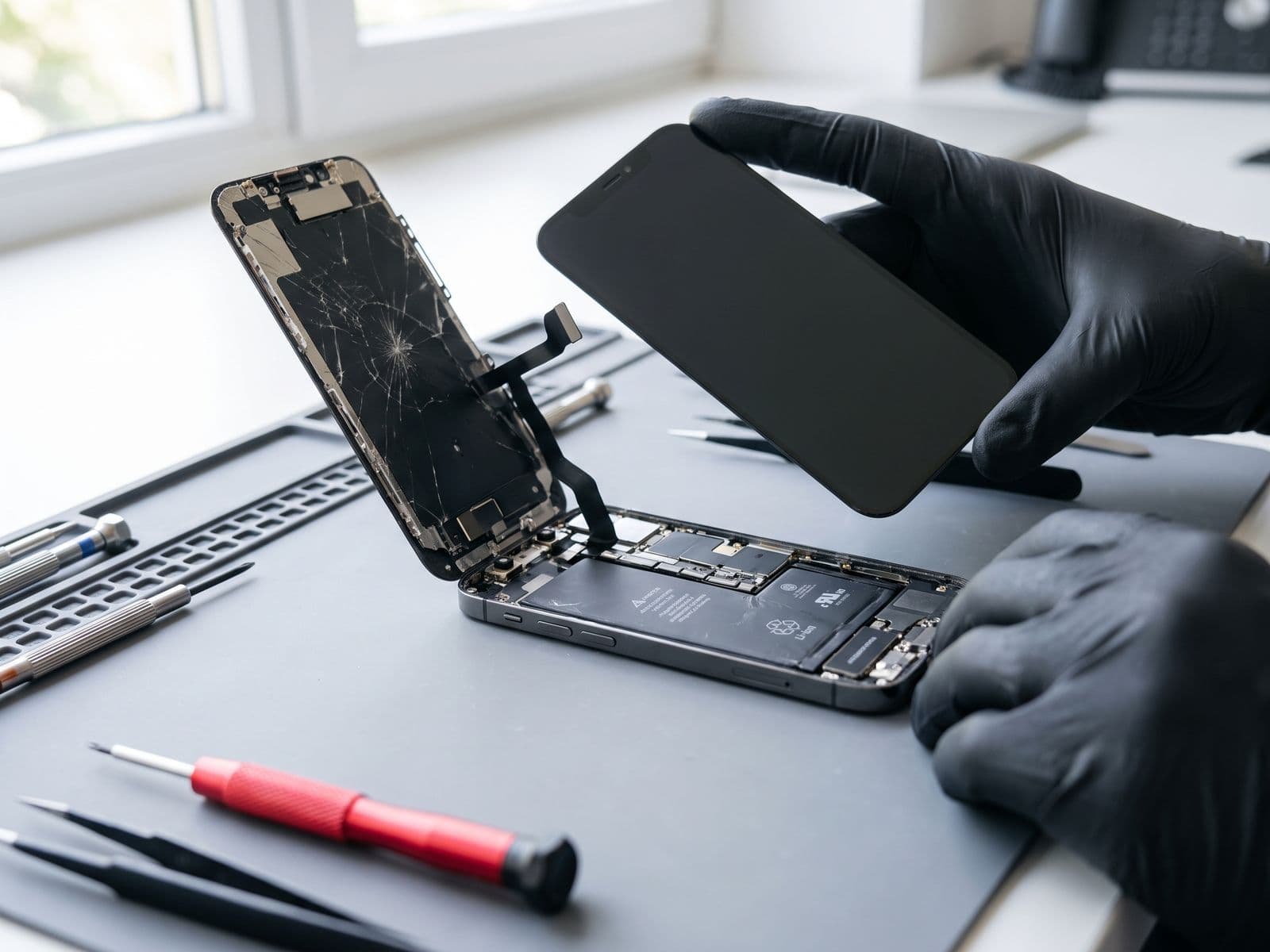
Find your laptop, Mac, iPhone or Surface model and serial number in under a minute. Menu paths, commands, and where the number is printed on the device.
The fastest way to find your laptop or Mac model and serial number is in the system settings: Settings > System > About on Windows, and Apple menu > About This Mac on a Mac. If the device will not start, read the sticker on the base or the engraving underneath.
This page is a quick reference. Skim the table first, then jump to your device.
Quick table: model and serial number
| Device | Fastest way | Where it is printed |
|---|---|---|
| Windows laptop | Settings > System > About (model); PowerShell command for the serial | Sticker on the base, sometimes under the battery cover |
| Windows desktop | Same as laptop | Sticker on the case back or side |
| MacBook, iMac, Mac mini | Apple menu > About This Mac | Engraved on the underside (MacBook, Mac mini); on the stand or back (iMac) |
| iPhone, iPad | Settings > General > About | Original box label; many iPhones show the IMEI (not the serial) on the SIM tray |
| Microsoft Surface | Settings > System > About, or the Surface app | Printed under the kickstand or along the underside edge |
| Any laptop that will not start | BIOS or UEFI screen | Base sticker |
Windows laptop or desktop
Model name. Open Settings > System > About. Under device specifications you see the device name and processor. For the exact model, open System Information: press Windows + R, type msinfo32 and press Enter. Look at System Manufacturer, System Model and BIOS Version/Date.
Serial number. Open PowerShell (search for it in the Start menu) and run:
Get-CimInstance -ClassName Win32_BIOS | Select-Object SerialNumber
To get the model and manufacturer in one line:
Get-CimInstance Win32_ComputerSystem | Select-Object Manufacturer, Model
An older command, wmic bios get serialnumber, still works in Command Prompt on many PCs. Microsoft has deprecated WMIC, and it is missing from some newer Windows 11 installs, so use the PowerShell commands if it is not recognised.
Other places to look:
- Brand support tools such as Lenovo Vantage, HP Support Assistant, Dell SupportAssist or MyASUS (depending on your brand) usually show the model and serial number on their home or device page.
- The BIOS or UEFI screen often lists the model and serial number. Press the setup key at startup (commonly F2, Del, F10 or Esc, depending on brand).
- The sticker on the base. On some older laptops it sits under the battery.
MacBook, iMac and Mac mini
- Click the Apple menu at the top left.
- Choose About This Mac. You see the model name and year, such as the screen size and year for a MacBook, plus the chip or processor.
- The serial number appears in the same window; on some macOS versions click More Info first.
For more detail, hold the Option key, click the Apple menu and choose System Information. There you can see the model identifier (a code like MacBookPro18,3) and the serial number.
Model number (the A-number). If you need the A-number, such as A2442, look at the underside of a MacBook or Mac mini, where it is printed in small text next to the regulatory marks. On an iMac it is on the stand or on the back.
If the Mac will not start, the underside engraving is the way to go.
iPhone and iPad
Open Settings > General > About. You will find the model name, model number, and serial number on that page. Tap and hold the serial number to copy it.
Microsoft Surface
Open Settings > System > About, or open the Surface app and look at the device information. The serial number is also printed under the kickstand on Surface Pro models, and along the underside edge on Surface Laptop models.
Why we ask for your model and serial number
The model number tells us the exact parts that fit. Two laptops with the same name can have different screens, batteries or boards, and a part that fits one will not fit the other. The serial number helps us identify the exact configuration so the quote is accurate. Having both ready makes your first message to us quicker to answer.
Not all models are the same, so we confirm the part before any repair. If you are unsure, send a photo of the sticker and we will read it for you.
When to bring it in
If you cannot find the details, or the device will not start, book a repair or bring it in. Courier it to us or walk in; we courier it back at no charge. See laptop repair, MacBook repair or Microsoft Surface repair for what we fix. The fee policy explains diagnosis fees, and we are open Monday to Friday, 9am to 6pm. You can also WhatsApp a photo of your sticker to 012-770 7120.