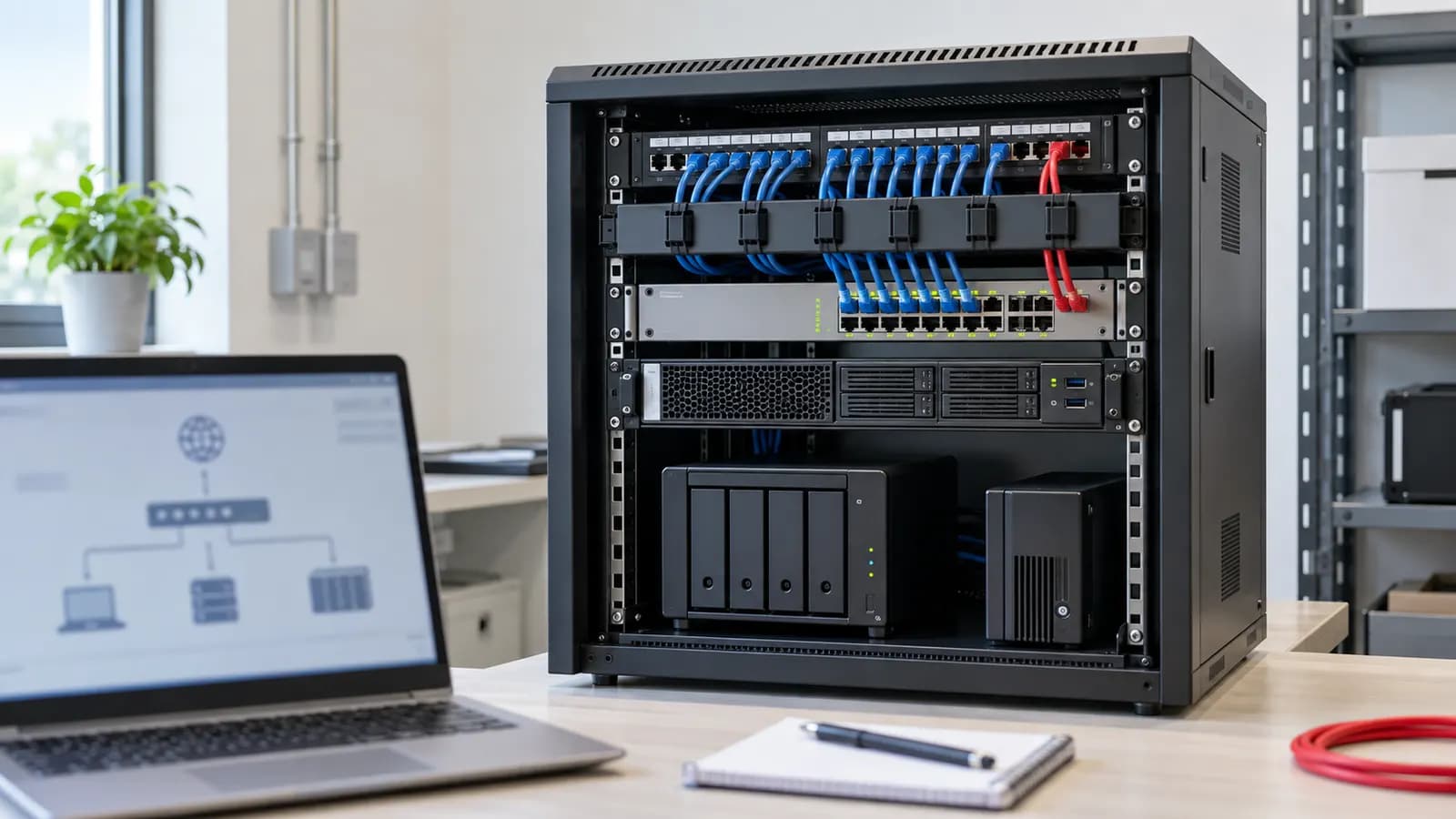

A practical maintenance schedule for a small office server or NAS: backups, updates, disk health, UPS, access reviews and the warning signs to act on.
Why Small Office Servers Fail Quietly
A file server or NAS in a small office usually runs for years without anyone looking at it — until a disk fails, a backup turns out to have stopped months ago, or ransomware encrypts the shared folders. Most of those failures show warnings well in advance. Maintenance is simply looking at them on a schedule.
Weekly
- Check the backup ran — and that it finished without errors, not just that it started
- Check free storage space on every volume
- Look at alerts and logs for disk, temperature or login warnings
Monthly
- Install operating system and firmware updates after checking release notes, at a time when a restart is safe
- Check disk health (SMART status) and RAID status — replace a failing disk before a second one fails
- Test a file restore from backup
- Review user accounts — remove leavers, check who has admin rights
- Check the UPS status and battery health
Every Quarter
- Restore a larger set of data — a whole folder or a virtual machine — to confirm backups are usable at scale
- Review shared folder permissions against who actually needs access
- Clean dust from vents and fans and check the room temperature
Every Year
- Review capacity: storage growth, performance, and whether the hardware will last another year
- Check warranty and support dates for the server, disks and UPS
- Replace the UPS battery if it is near the end of its rated life
- Update the recovery plan: who does what if the server is lost, and how long a restore takes
The 3-2-1 Backup Rule
Keep 3 copies of important data, on 2 different types of storage, with 1 copy off-site or offline. The offline or immutable copy matters most: ransomware that reaches the office network will try to encrypt every backup it can see.
Warning Signs to Act On Now
- Backup jobs failing or not reported
- Disk warnings, degraded RAID or repeated read errors
- Storage above about 80% full
- The server restarting on its own, or running hot
- No one knows the admin password
Get It Looked After
We maintain Windows and Linux servers, virtual machines and NAS units, including backup checks and recovery testing. See Server Support, Synology NAS Support or Small Business Server Setup.