
Why office Wi-Fi is slow even with fast internet, how many access points you need, and how to separate staff, guest and device networks — a plain guide for Malaysian offices.
Fast Internet, Slow Wi-Fi: Why It Happens
Many offices upgrade their fibre plan and find the Wi-Fi is no better. That is because the internet line and the Wi-Fi are two different things. The line brings data to the building; the Wi-Fi carries it to each laptop and phone. When the Wi-Fi is designed badly, a faster line changes nothing.
The usual causes:
- One router for the whole office. A single consumer router in a corner cannot cover a full floor or handle dozens of devices.
- Walls and layout. Concrete walls, glass partitions, lift cores and filing cabinets block signal.
- Too many devices on one access point. Laptops, phones, printers, CCTV and smart TVs all compete for the same airtime.
- Interference. Neighbouring offices on the same channels, especially in shared buildings.
- Everything on one network. Guests, staff and devices share one flat network, which is both slower and less secure.
How Many Access Points Do You Need?
There is no honest single number — it depends on floor area, wall materials and how many devices connect at once. What matters is designing for two things:
| Design goal | What it means |
|---|---|
| Coverage | A usable signal everywhere people actually work, including meeting rooms and pantries |
| Capacity | Enough access points that each one serves a manageable number of devices at busy times |
An open-plan office packed with staff usually needs access points for capacity, not just coverage. A site survey measures both before any equipment is bought.
Separate Your Networks
Most small offices should run at least three separate networks (VLANs):
- Staff — company laptops and phones, with access to shared drives and printers
- Guest — internet only, no access to anything internal
- Devices — CCTV, door access, smart TVs and other equipment that should not sit next to staff laptops
Separation limits the damage if one device is compromised, and stops a visitor's laptop from seeing your file server.
Wired Still Matters
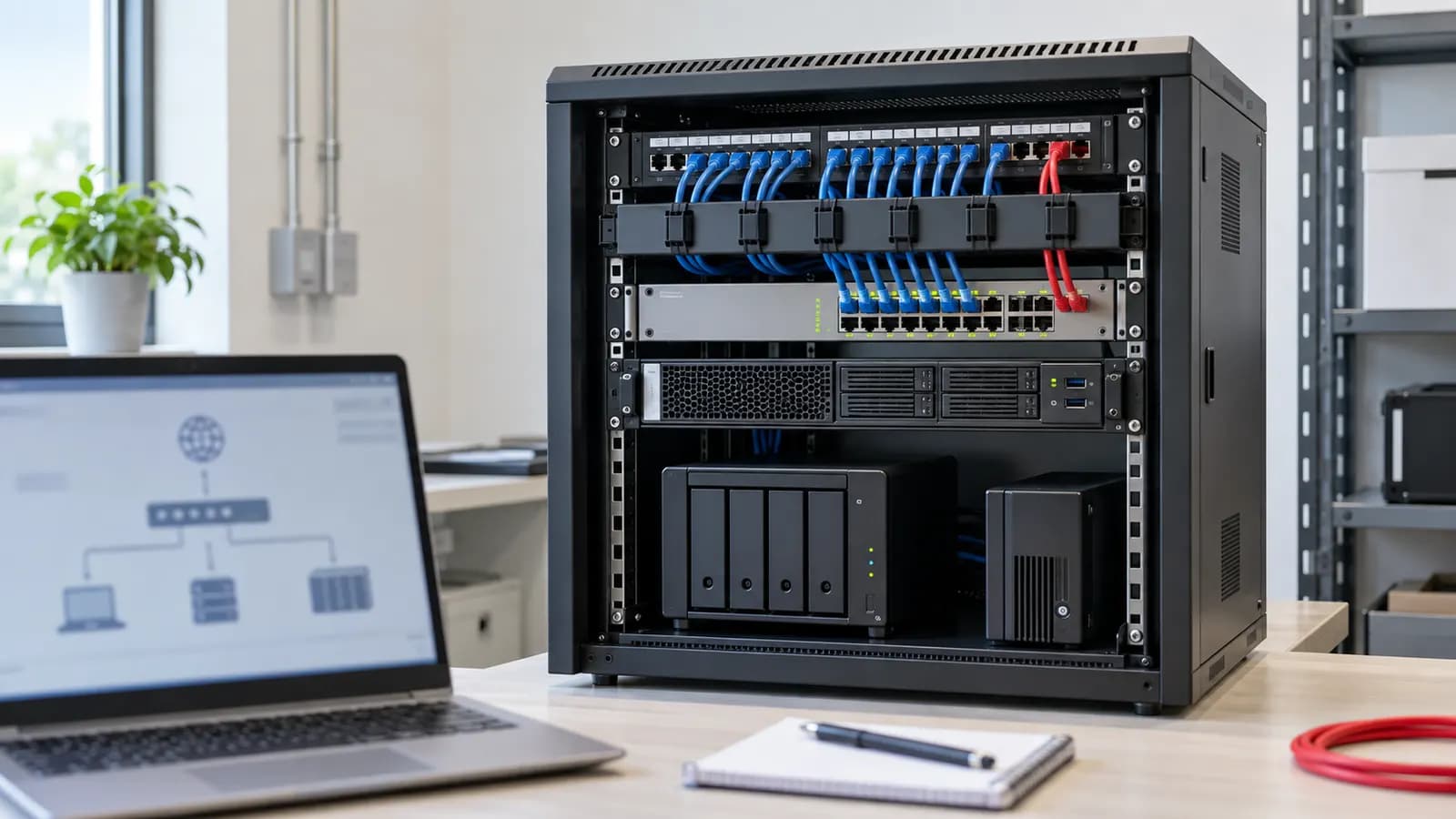
Wi-Fi is not a replacement for cabling. Access points themselves need cabled connections back to a switch, and fixed equipment — desktops, printers, CCTV recorders, meeting-room screens — is more reliable on a cable. A good office network is planned together: cabling, switches, access points and firewall.
What a Proper Office Wi-Fi Setup Includes
- Site survey — floor plan, wall materials, device counts and problem areas
- Design — access-point placement, channel plan, network separation and firewall rules
- Installation — cabling to each access point, mounting, configuration
- Testing — coverage and speed checked in the areas that matter
- Handover documentation — network names, VLANs, admin accounts and a simple diagram, so you are never locked out of your own network
Before You Call a Wi-Fi Specialist
Have these ready and the site survey will be faster:
- A floor plan, even a rough one
- How many staff, and roughly how many devices each
- Where the problems are (e.g. "meeting room 2 drops calls")
- Your internet provider and where the line enters the office
- Any landlord rules on drilling or ceiling access
Get Your Office Surveyed
We survey the site, design the network, install and test it, and hand over full documentation. See Office Network Setup, or Enterprise Wi-Fi Site Survey for larger floors.