Surface Pro screen lifting or bulging? That is a swollen battery — original fire risk. Safe removal and replacement. Do NOT charge it. Bring it in to TechFix Sunway for emergency battery swap with 90-Day Warranty.
Surface Pro Screen Lifting? That's a Swollen Battery — Here's What to Do
If you have noticed your Microsoft Surface Pro screen starting to lift away from the chassis — particularly on the left edge near the power button — do not dismiss it. This is not a loose adhesive strip. It is a swollen lithium-ion battery, and it carries a original fire and explosion risk if left untreated.
This guide explains what is happening inside your device, why Surface batteries swell, and what you need to do right now.
What a Swollen Surface Battery Looks Like
The symptoms of a swollen Surface battery are distinctive:
- Screen separation: The display glass lifts off the metal frame, creating a visible gap of 2–5mm along one edge
- Yellow or purple bruising: Pressure from the expanding battery creates discolouration on the LCD from the inside — you will see yellowish patches that look like dead pixels but are not
- Ghost touches: The swollen battery presses on the touch digitizer, causing phantom taps and unresponsive zones
- Bulging near USB or power port: On some models the swelling is most visible near the charging area
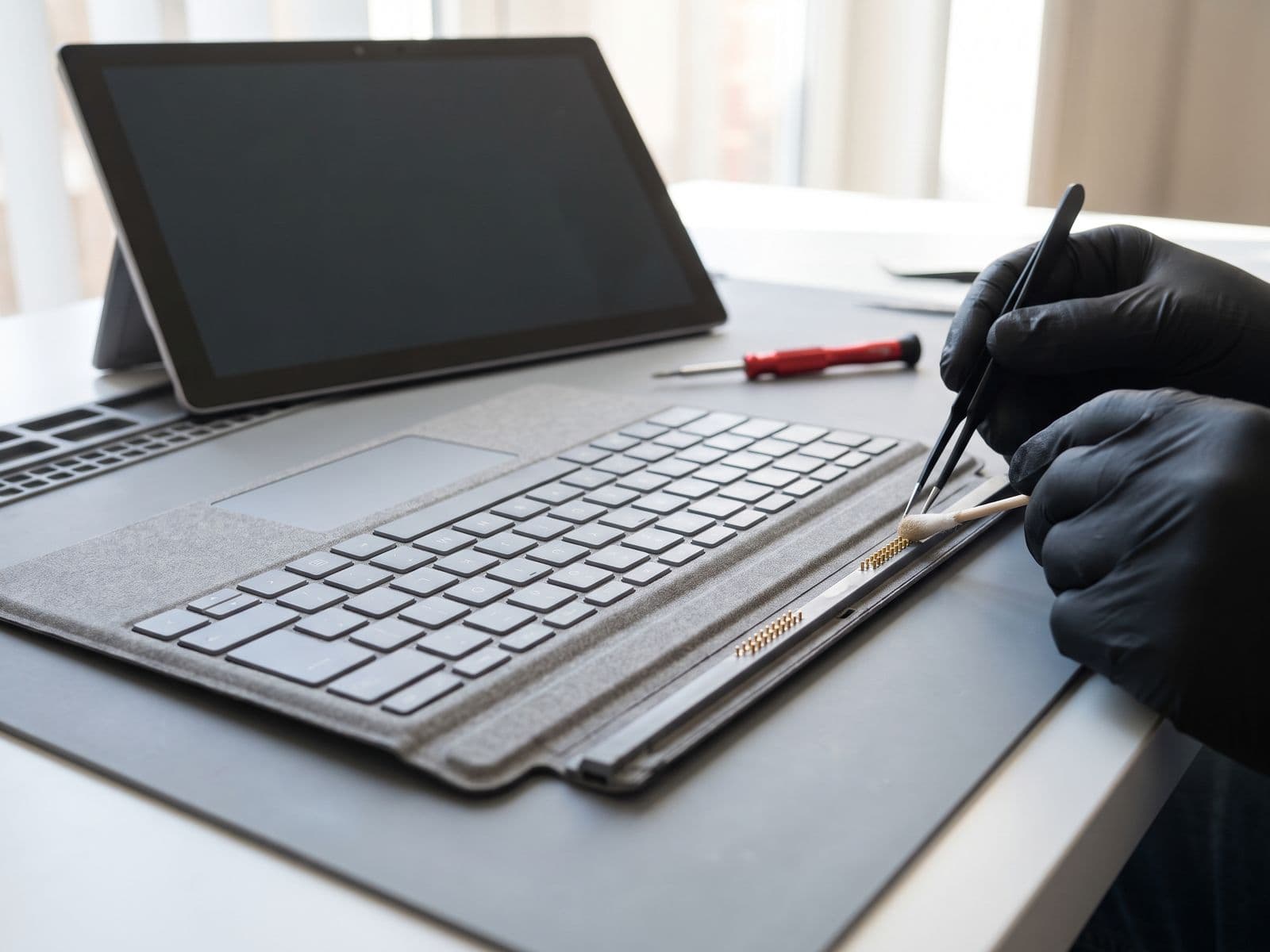
- Keyboard does not sit flat: The Type Cover connector side of the device becomes slightly raised
If you are seeing any of these signs, stop using the device immediately and do not charge it.
Why Surface Batteries Swell
Lithium-ion batteries degrade through a process called electrolyte decomposition. Over hundreds of charge cycles, the internal chemistry produces carbon dioxide and other gases. In most devices, the battery pouch has some room to expand. In Surface Pro models, the battery sits directly behind the display glass with almost no clearance.
The result: as the battery ages (typically after 3–5 years), the expanding pouch pushes directly against the back of the screen. Every charge cycle makes it worse.
Factors that accelerate swelling in Malaysia's climate:
- Heat: Malaysia's ambient temperatures are high. Devices left in cars, near windows, or used in poorly ventilated spaces accelerate degradation
- Overcharging habits: Leaving the Surface plugged in at 100% for extended periods
- Age: Older Surface Pro 5 and 6 units sold in Malaysia are now past their primary battery lifespan
The Danger Is Real
This is not a cosmetic problem. A swollen lithium-ion battery under mechanical stress can:
- Ignite: If the screen glass cracks and punctures the soft battery pouch, the electrolyte reacts with oxygen and can catch fire immediately
- Vent toxic fumes: Even without catching fire, a ruptured pouch releases harmful gases
- Destroy your screen: The sustained pressure will eventually crack the LCD from the inside, turning a battery job into a combined screen and battery repair
Do not try to press the screen back down. Do not charge the device. Do not put it in a bag overnight. If the swelling is severe, store the device away from flammable materials until you can bring it in.
Why Surface Battery Replacement Is Difficult
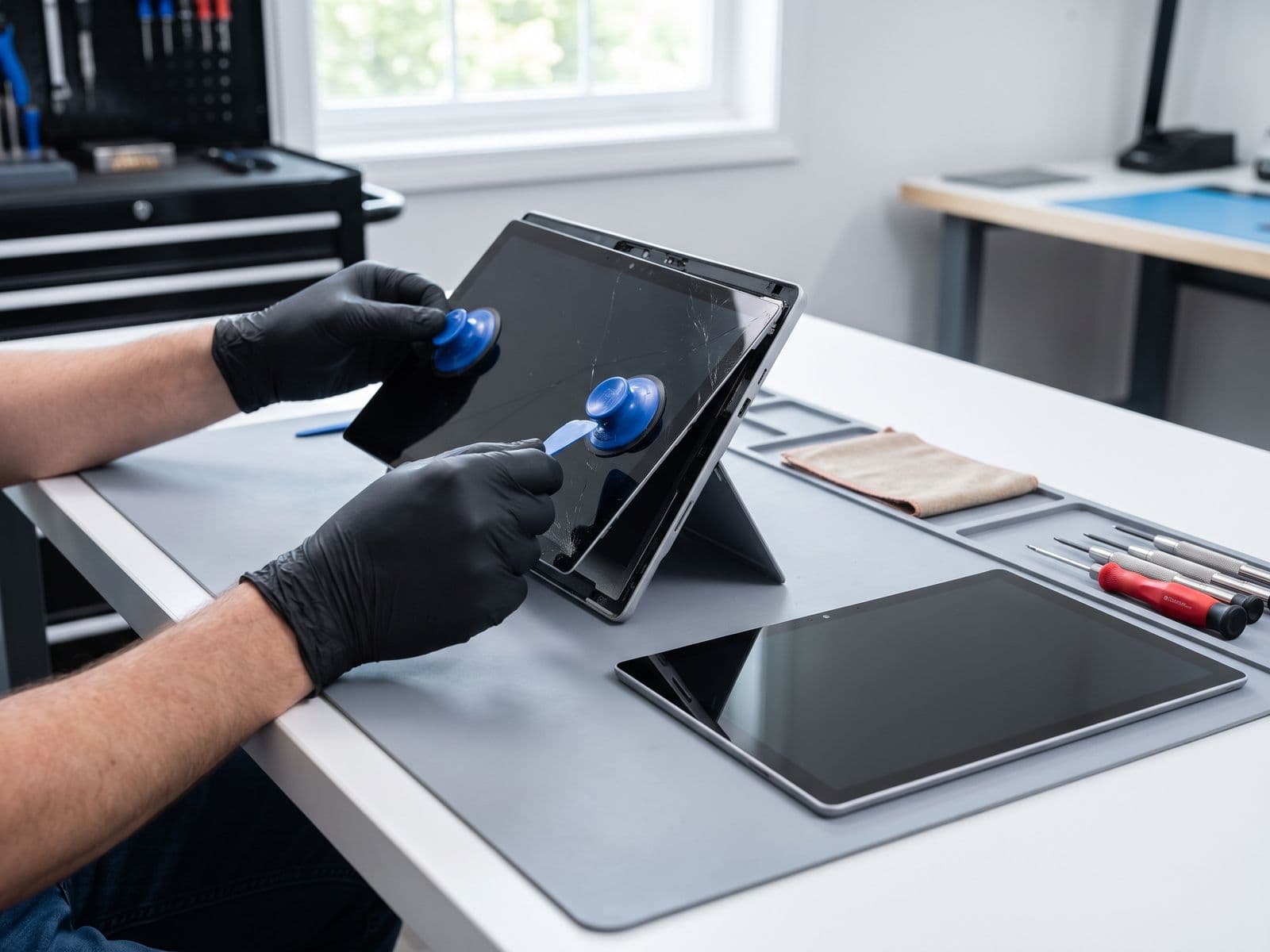
This is where Surface devices differ fundamentally from most laptops. The Surface battery replacement process requires removing the display first — the screen is the access panel. That means:
- The glued display must be carefully heated to soften the adhesive
- The screen is lifted over an already-expanding battery beneath it
- One slip, and the screen glass cracks — adding a screen replacement to the repair
Most general repair shops in Malaysia decline Surface battery jobs for exactly this reason. The tooling required — specialised heat plates sized for each Surface model, custom suction setups, and clamping jigs — is expensive and model-specific.
At Techfix, we have invested in the correct equipment for supported Surface Pro, Surface Laptop, and Surface Go battery replacements.
Surface Battery Replacement Pricing
| Model | Battery Replacement Cost | Turnaround |
|---|---|---|
| Surface Pro 5 | Quote after diagnosis | Confirmed at diagnosis |
| Surface Pro 6 | RM 680 | 1-2 days |
| Surface Pro 7 / 7+ | From RM 780 | 1-2 days |
| Surface Pro 8 / 9 | RM 880 | 2-3 days |
| Surface Laptop 3 / 4 | Quote after diagnosis | Confirmed at diagnosis |
| Surface Go / Go 2 / Go 3 | Quote after diagnosis | Confirmed at diagnosis |
Pricing covers battery replacement and re-adhesion of the display. If the screen is cracked or the LCD is damaged from pressure, screen replacement is quoted separately. We will always give you a full diagnosis and quote before starting.
Is It Worth Repairing?
New Surface Pro: far more than a battery replacement Battery replacement on your Surface Pro: priced in the table above or quoted after diagnosis
If the rest of your device is in good condition — keyboard works, screen is intact (or can be saved), performance is adequate — this repair absolutely makes sense. A fresh battery extends a Surface Pro's useful life.
The only scenario where we would recommend against repair is if the screen has already cracked due to battery pressure AND the device is older than 6–7 years with other hardware issues. In that case the combined cost of screen and battery may approach 40–50% of a newer refurbished unit.
What to Do Right Now
- Stop charging the device
- Back up your data via USB or cloud storage
- Do not leave it unattended in enclosed spaces like bags or drawers
- Book a diagnostic — we can assess the swelling severity and give you a same-day quote
Our Surface repair service covers the full range of Surface models. For battery-specific questions, visit our Surface battery replacement page for detailed model-by-model information.
Book your Surface battery repair now — same-day service available at our Sunway location.