
Spilled coffee or water on your MacBook? Do NOT put it in rice. Follow these emergency steps immediately to save your logic board and data.
Liquid Damage Survival Guide: What to Do When You Spill on Your MacBook
If you are reading this immediately after a spill — stop reading and act first. Scroll to the emergency steps below. The next 5 minutes matter more than anything else.
If you are reading this to prepare, or after an incident that has already happened, the full guide explains the science, the mistakes people make, and what professional treatment actually involves.
IMMEDIATE EMERGENCY STEPS (Do This First)
Step 1: Force shut down immediately. Hold the power button for 10 seconds. Do not save your document. Do not finish your sentence. Kill the power now. Electricity flowing through wet components accelerates corrosion and can cause short circuits that permanently destroy the logic board.
Step 2: Unplug everything. Remove the MagSafe or USB-C charger, any USB drives, external monitors, SD cards, or dongles. Cut off all power sources.
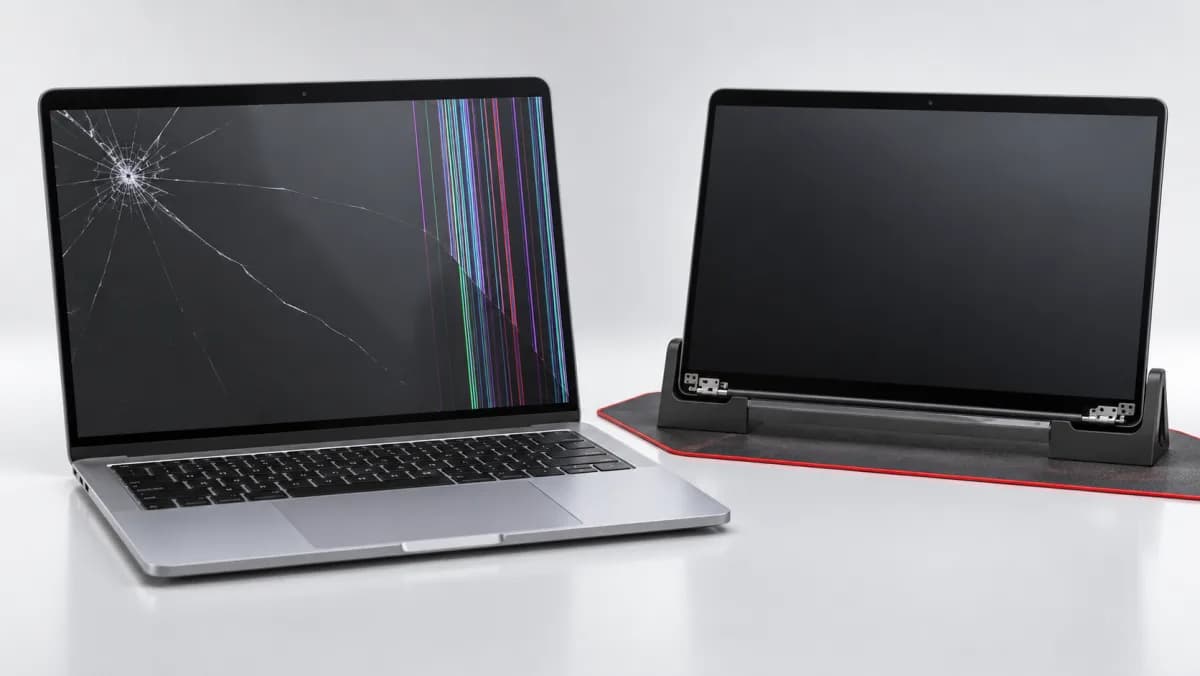
Step 3: Tent mode. Open the MacBook lid to approximately 90 degrees and flip the whole laptop upside down, forming an inverted "V" shape on a dry towel. This position lets gravity direct liquid away from the logic board — which sits on the underside of the keyboard — and toward the display, which is less catastrophically damaged by moisture.
Step 4: Do not turn it on. Even if the MacBook appears to have survived. Even if you watched it turn off and it looks dry now. Residual liquid pools under chips and in port crevices. Powering it on before thorough drying and cleaning causes short circuits.
Step 5: Call for service. Contact TechFix or another specialist. Describe what was spilled — water, coffee, cola, juice — because the liquid type affects the urgency and cleaning method. Bring the MacBook in as soon as possible.
The Rice Myth: Why It Does Not Work
Putting a wet MacBook in rice is one of the most persistent and harmful pieces of advice on the internet. Here is why it fails:
Rice does not absorb liquid from inside electronics. Silica gel packets can help with atmospheric moisture, but rice has no meaningful desiccant effect on liquid trapped inside a sealed chassis or under integrated circuits.
Rice dust is actively harmful. Rice produces fine starch particles that enter through USB-C ports, speaker grilles, and keyboard gaps. This dust creates a paste when mixed with the moisture it is supposed to absorb.
Rice does nothing about the real problem. The actual damage mechanism after a liquid spill is not moisture — it is the chemical residue left behind as the liquid evaporates. Coffee and tea leave sugar and tannins. Cola leaves sugar and phosphoric acid. Sports drinks leave electrolytes. Water leaves dissolved minerals. All of these residues conduct electricity and cause corrosion even after the water is gone.
Leaving your MacBook in rice for 48 hours and then turning it on is often the exact sequence that destroys a MacBook that could have been saved.
Why "It Works Fine" Is a Trap
One of the most dangerous situations is when a MacBook survives a spill and continues to function. Many users breathe a sigh of relief, decide it is fine, and go back to work. Two to four days later, the MacBook dies permanently.
This happens because of two ongoing processes:
Electrolysis. While electricity flows through damp components (and your MacBook is running), metal ions migrate away from copper traces and component leads. The circuit paths literally dissolve — but slowly enough that the machine keeps working until enough material is gone to break the circuit entirely.
Conductive residue. As the liquid evaporates, sugar, salt, and mineral deposits concentrate between circuit points. Once dry, this residue does not conduct electricity dramatically — it conducts it slightly, enough to slowly drain the power that should be going to the circuit points it bridges. This causes irregular failures, random crashes, and eventually permanent shorts.
A MacBook that "works fine" after a spill may have 72 hours of functional life or 3 months — there is no way to predict it without professional cleaning.
What Professional Liquid Damage Treatment Involves
At TechFix, liquid damage repair follows a specific process developed to address the actual failure mechanisms, not just surface moisture.
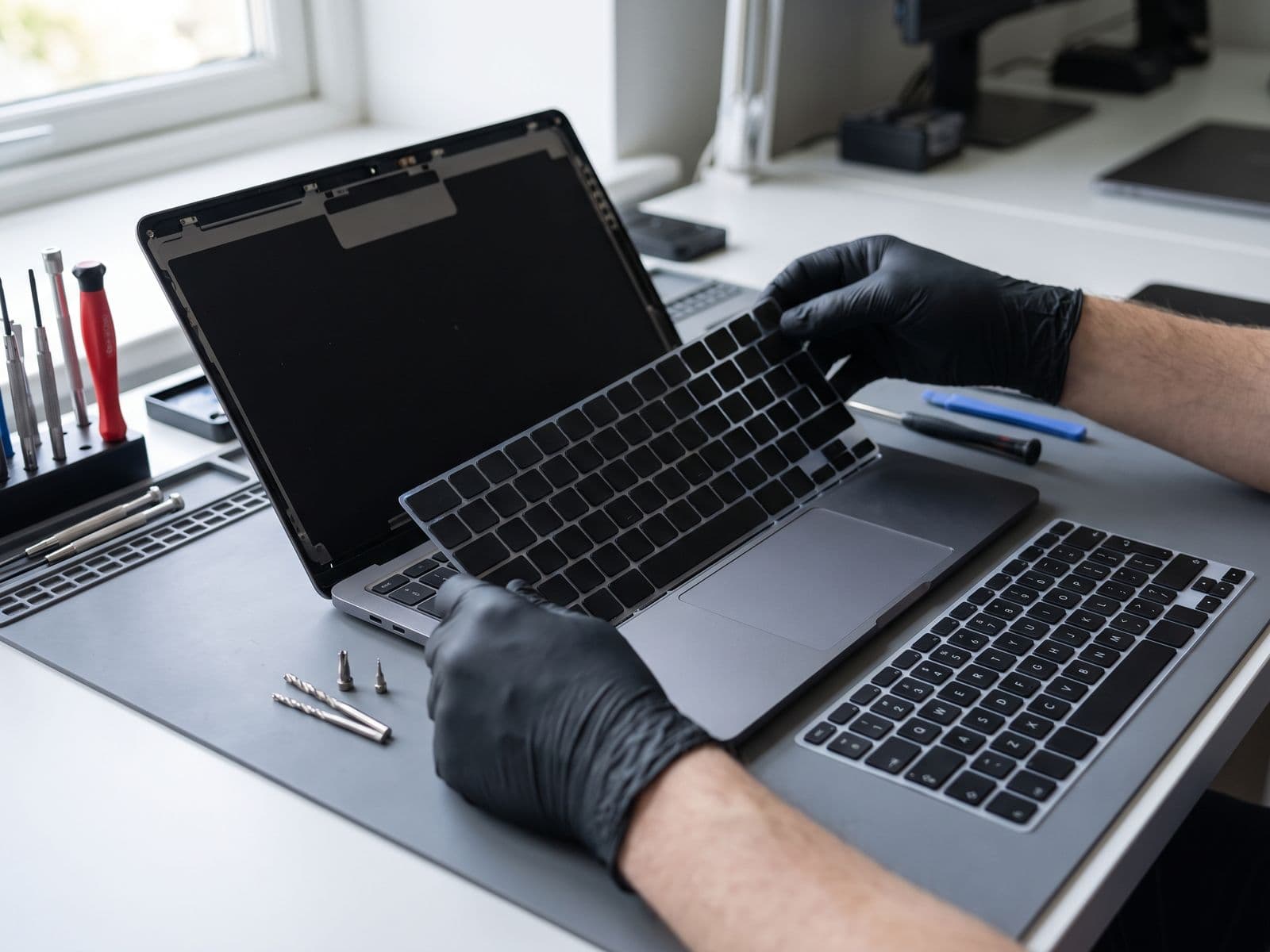
Assessment and disassembly
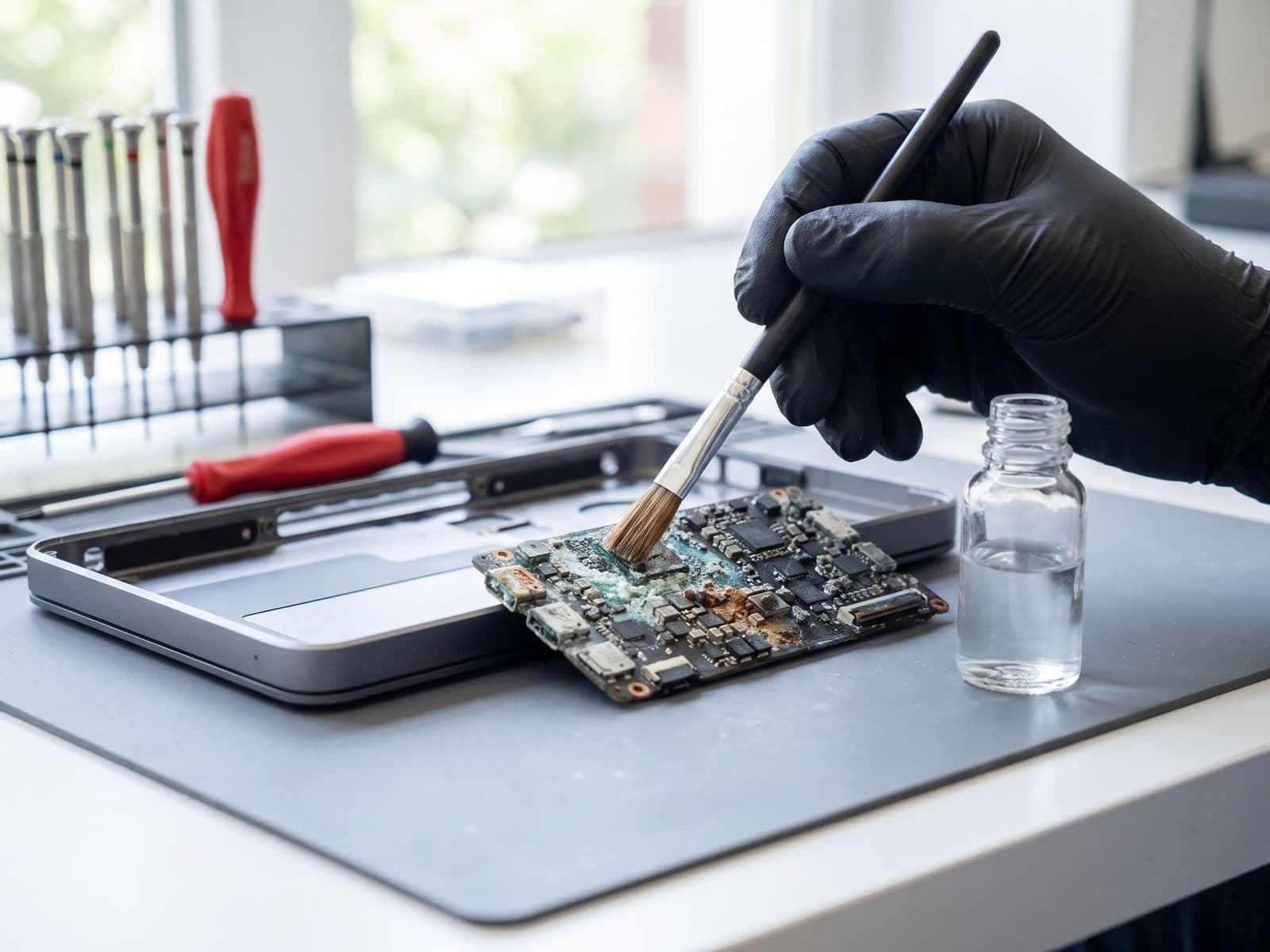
We open the MacBook and inspect for visible corrosion, burn marks (indicating a short circuit has already occurred), and swollen battery cells. We document the extent of contamination before cleaning begins.
Logic board removal
The logic board is removed completely. Liquid damage cleaning cannot be done in-situ — components need to be cleaned from all sides.
Ultrasonic cleaning
The logic board is placed in an ultrasonic cleaning bath with electronics-safe cleaning solution. Ultrasonic vibration at 40–45 kHz creates microscopic cavitation bubbles that penetrate under chip packages, into vias, and between closely-spaced components — physically dislodging corrosion and residue that no brush or compressed air can reach.
Isopropyl alcohol rinse
After ultrasonic cleaning, the board is rinsed thoroughly with 99.9% isopropyl alcohol, which displaces any remaining water and evaporates cleanly without leaving residue.
Micro-soldering for damaged components
If the initial short circuit burned out any components — capacitors, fuses, or charging ICs are the most common casualties — these are replaced under a microscope via micro-soldering. A tiny fuse can be the difference between a working MacBook and a full logic board replacement.
Thermal drying and reassembly
The board is dried thoroughly in a controlled temperature environment before reassembly. We then test the MacBook under load before returning it.
Recovery Success Rates
Time from spill to professional treatment is the single biggest factor determining outcome:
| Time to Service | Likely Outcome |
|---|---|
| Within 2 hours | Best chance |
| Within 24 hours | Good chance |
| 2–7 days | Reduced chance |
| After 1 week | Low chance |
| Turned on while wet | Lowest chance |
These are general trends, not guarantees, and no outcome can be promised. "Turned on while wet" dramatically reduces success rates because the short circuit can instantly destroy components that cleaning alone cannot restore.
Liquid Damage Pricing in Malaysia
| MacBook Model | Liquid Damage Repair Cost | Timeframe |
|---|---|---|
| MacBook Air (any model) | Quote after diagnosis | Confirmed at diagnosis |
| MacBook Pro 13" | Quote after diagnosis | Confirmed at diagnosis |
| MacBook Pro 14" / 16" | Quote after diagnosis | Confirmed at diagnosis |
| Liquid damage board repair (published price) | RM 799 | 3-5 days |
Note that final cost depends on the extent of component damage found during cleaning. We provide a full assessment and quote before proceeding with any component-level repair work.
What Liquid Types Cause the Most Damage
Worst: Sugary drinks (coffee with sugar, cola, fruit juice, sports drinks). Sugar leaves a sticky, hygroscopic residue that attracts moisture from the air and continues conducting electricity long after the initial spill. Acidic drinks (cola, citrus juice) also accelerate corrosion of copper traces.
Bad: Coffee and tea (without sugar). Tannins and caffeine leave residue but less conductive than sugar.
Better: Plain water. Still causes corrosion from mineral content, but no sugar residue. Clean water spills treated within a few hours have the best success rates.
Worst for keyboards specifically: Milk. Milk proteins coagulate and are extremely difficult to clean from under keycaps and mechanism parts.
Protecting Your Data
If your MacBook sustained significant liquid damage, keep it powered off and bring it in quickly. If the SSD or storage controller was damaged, our technician will explain the safest next step before hardware repair begins.
After the Repair: Prevention Going Forward
- Keep drinks away from the MacBook and use containers with sealed lids (tumblers with covers rather than open cups).
- If you must work in environments where spills are likely, consider a keyboard cover — though remove it before closing the lid to avoid screen pressure damage.
- Keep your MacBook backed up to Time Machine or a cloud service. A liquid-damaged MacBook that had been backed up an hour before the spill is an inconvenience. One that had not been backed up in months is a potential data disaster.
For professional MacBook water damage repair, timing is everything. Walk-ins are accepted at TechFix Sunway. For all other MacBook hardware repairs, visit our MacBook repair Malaysia overview.
📞 Emergency line: 017-355 5725 📍 Sunway Geo Avenue | Walk-ins welcome