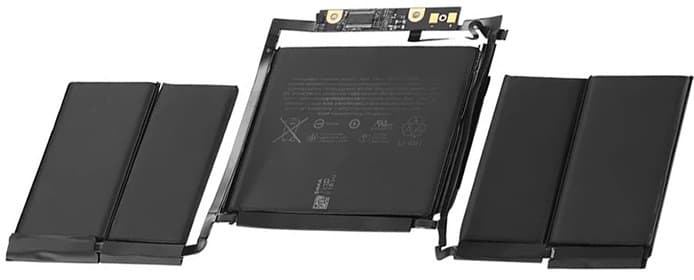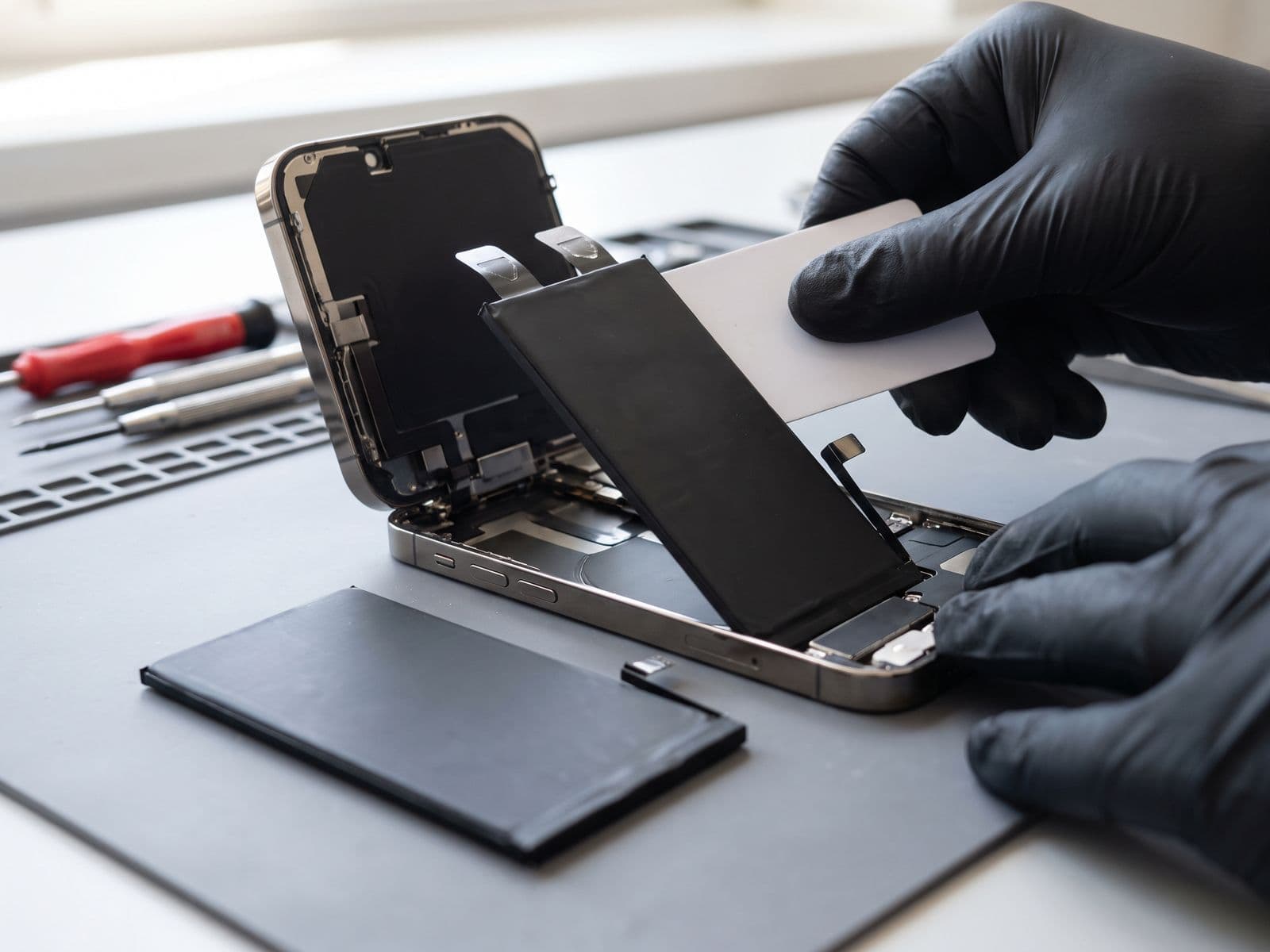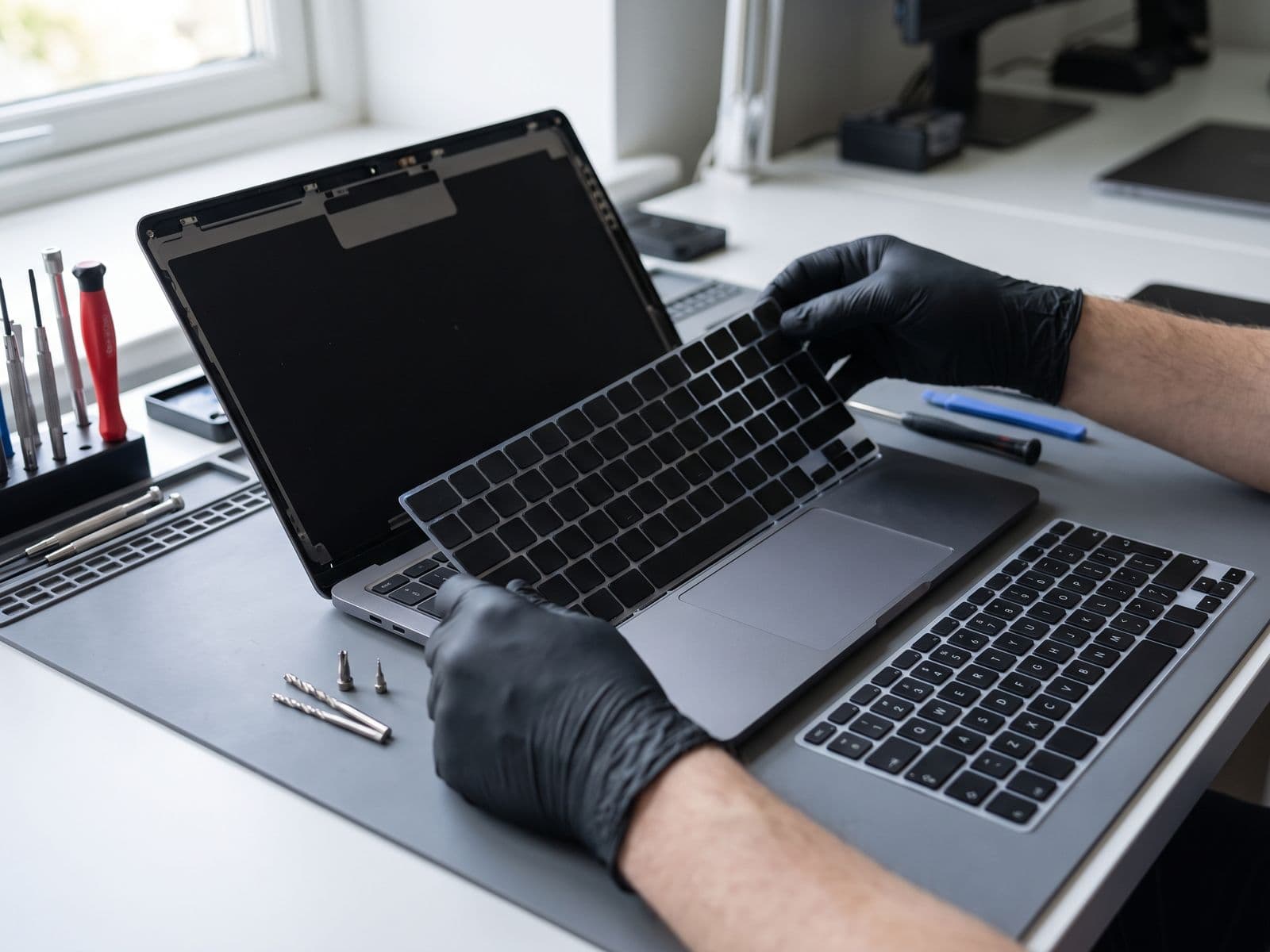

Battery and keyboard replacement are both quoted after diagnosis. Fixing both together can save you a second visit. Here is which to prioritise based on your symptoms and MacBook model.
MacBook Battery vs Keyboard Repair: Making the Right Choice
Your MacBook is showing both battery degradation AND keyboard issues. Which repair should you prioritize? This comprehensive comparison guide helps you make an informed decision based on symptoms, costs, productivity impact, and your specific MacBook model.
Quick Decision Flowchart
Fix Battery First If:
- ✅ Battery health below 70%
- ✅ MacBook shuts down unexpectedly
- ✅ Keyboard issues are minor (1-2 sticky keys)
- ✅ You work unplugged frequently
- ✅ Performance is noticeably slower (throttling)
Fix Keyboard First If:
- ✅ Multiple keys not working
- ✅ Liquid damage to keyboard
- ✅ Battery health above 70%
- ✅ You work plugged in most of the time
- ✅ Typing is your primary task
Fix Both Together If:
- ✅ Both issues severely impact work
- ✅ Budget allows (one visit instead of two)
- ✅ Can be without MacBook for 3-5 hours
- ✅ MacBook is 3+ years old (preventive maintenance)
Battery Health vs Keyboard Performance Comparison
Battery Degradation Symptoms:
Early Stage (80-90% Health):
- Slightly reduced runtime (4-5 hours instead of 7-8)
- Occasional "Service Recommended" warning
- Charging takes longer than usual
- Battery percentage jumps or drops unexpectedly
Mid Stage (70-80% Health):
- Significant runtime reduction (2-3 hours max)
- Constant "Service Battery" warning
- MacBook runs slower when unplugged (performance throttling)
- Battery drains fast even in sleep mode
Critical Stage (Below 70% Health):
- Only 1-2 hours of runtime
- Shuts down at 20-40% battery
- Won't boot without power adapter
- Visible battery swelling (screen separation, trackpad lift)
- ⚠️ URGENT: Stop using if swelling present
Keyboard Problem Symptoms:
Minor Issues:
- 1-2 keys slightly sticky or mushy
- Occasional missed keystrokes
- Backlight flickering
- Some keys require harder press
Moderate Issues:
- 3-5 keys not responding consistently
- Double typing on some keys
- Specific keys completely dead
- Debris visible under keys
Severe Issues:
- Full rows of keys not working
- Liquid damage affecting multiple keys
- Keyboard physically damaged (cracked, broken keycaps)
- Trackpad affected (shares same cable on some models)
- ⚠️ Affects productivity significantly
Cost Breakdown: Battery vs Keyboard Replacement
MacBook Battery Replacement Costs (Techfix Malaysia):
| MacBook Model | TechFix Battery Price |
|---|---|
| MacBook Air M1/M2 | Quote after diagnosis |
| MacBook Air M3 | Quote after diagnosis |
| MacBook Pro 13" M1/M2 | Quote after diagnosis |
| MacBook Pro 14" M1/M2/M3 | Quote after diagnosis |
| MacBook Pro 16" M1/M2/M3 | Quote after diagnosis |
See the live MacBook battery replacement page for current published prices.
MacBook Keyboard Replacement Costs (Techfix Malaysia):
| MacBook Model | TechFix Keyboard Price |
|---|---|
| MacBook Air M1/M2 | Quote after diagnosis |
| MacBook Air M3 | Quote after diagnosis |
| MacBook Pro 13" M1/M2 | Quote after diagnosis |
| MacBook Pro 14" M1/M2/M3 | Quote after diagnosis |
| MacBook Pro 16" M1/M2/M3 | Quote after diagnosis |
See the live MacBook keyboard replacement page for current published prices.
Note: Keyboard replacement costs more because it requires more disassembly. On many MacBooks, the keyboard is integrated with the top case.
Doing Both Repairs Together:
- Book both repairs together in one visit
- Single visit = Save time
- Technician opens MacBook once = Less wear on components
Example Cost:
- Both repairs are quoted after diagnosis, and no work starts until you approve the quote
Impact on Productivity: Which Affects You More?
Battery Degradation Impact:
Low Impact Scenarios:
- You work at desk 90% of time
- Power outlet always available
- Don't travel with MacBook
- Performance not critical (light web browsing, email)
High Impact Scenarios:
- Student attending classes without power outlets
- Frequent traveler or commuter
- Coffee shop worker/digital nomad
- Creative professional (rendering, compilation requires full performance)
- Sales person doing client presentations
- Developer running resource-intensive tasks
Performance Throttling Effect: When battery degrades below 70%, macOS automatically reduces CPU performance to prevent unexpected shutdowns. This means:
- Apps launch slower
- Video rendering takes 30-50% longer
- Compiling code takes significantly more time
- Even plugged in, performance is reduced
Battery replacement immediately restores full performance.
Keyboard Issues Impact:
Low Impact Scenarios:
- Mostly using external keyboard
- MacBook connected to monitor with peripherals
- Light typing (browsing, occasional emails)
- Only 1-2 minor keys affected
High Impact Scenarios:
- Writer, blogger, content creator
- Programmer/developer (keyboard is primary tool)
- Student taking notes in class
- Business professional writing reports
- Customer service role (constant typing)
- Multiple critical keys not working (WASD, Enter, Backspace, Space)
Workarounds:
- An external USB keyboard as a temporary solution
- On-screen keyboard for critical keys
- Remapping keys via System Preferences
- Downside: Defeats portability advantage of laptop
Can Both Be Fixed Together?
Yes, and Here's Why It Makes Sense:
Benefits of Combined Repair:
-
Cost Efficiency
- Single diagnostic fee
- Combined labor cost
-
Time Savings
- Single visit instead of two
- MacBook opened once (less component wear)
- One warranty period covers both
-
Comprehensive Maintenance
- Technician cleans internal dust while disassembled
- Thermal paste reapplication included
- Fan cleaning included
- Overall health check
-
Preventive Benefits
- Both battery and keyboard are wear items
- If MacBook is 3+ years old, both likely nearing end of lifespan
- Replacing both extends MacBook usability for 2-3 more years
When NOT to Combine:
- Budget constraint (do critical issue first)
- Only one issue is severe, other is minor
- MacBook is very old (5+ years) and may not be worth double investment
- Planning to upgrade to new MacBook within 6 months
Techfix Malaysia Combined Repair Cost:
For every MacBook model the combined price is quoted after diagnosis, and no work starts until you approve the quote.
- Both repairs done in one visit
- 90-Day Warranty on both
MacBook Air vs MacBook Pro Repair Differences
MacBook Air Specifics:
Battery:
- Integrated battery (glued to case)
- Thinner design = more delicate removal process
- M1/M2 Air: 49.9Wh battery
- M3 Air: 52.6Wh battery
- Replacement time: 2-3 hours
Keyboard:
- Keyboard integrated with top case (less modular)
- Entire top case replacement often required
- Touch ID sensor replacement needed (paired to logic board)
- Replacement time: 3-4 hours
Cost Consideration: MacBook Air repairs slightly cheaper due to simpler internal layout, but keyboard often requires top case replacement (increases cost).
MacBook Pro Specifics:
Battery:
- Larger capacity: 58Wh (13"), 70Wh (14"), 100Wh (16")
- More screws and connectors
- M1/M2/M3 Pro: Modular battery design (easier replacement)
- Replacement time: 3-4 hours
Keyboard:
- Top case replacement required (keyboard not serviceable separately)
- Touch Bar models (2016-2020) more complex
- M1/M2/M3 models (no Touch Bar) simpler
- Replacement time: 4-6 hours
Cost Consideration: MacBook Pro repairs cost more due to:
- Larger, more expensive batteries
- More complex disassembly
- Higher-spec replacement parts
14" vs 16" MacBook Pro:
- 16" model repairs can cost more
- Larger components = higher part costs
- More disassembly steps required
Preventive Maintenance to Avoid Both Issues
Battery Longevity Tips:
-
Optimize Charging Habits
- Enable "Optimized Battery Charging" in System Settings
- Keep battery between 20-80% when possible
- Don't leave plugged in at 100% constantly
- Use macOS Monterey+ battery management features
-
Temperature Management
- Avoid using MacBook in hot cars (Malaysia's climate)
- Keep MacBook on hard, flat surfaces (not bed, sofa)
- Clean vents monthly (compressed air)
- Optimal operating temp: 10-35°C
-
Calibration Routine
- Monthly: Fully discharge to 0%, then charge to 100% uninterrupted
- Helps maintain accurate battery health readings
- Conditions battery cells
-
Software Optimization
- Update to latest macOS (battery optimizations)
- Close energy-intensive apps when on battery
- Use Activity Monitor to identify battery hogs
- Disable unnecessary background processes
Expected Battery Lifespan with Good Care:
- 800-1000 charge cycles to 80% health
- 3-5 years for average users
- 2-3 years for power users
Keyboard Longevity Tips:
-
Keep It Clean
- Weekly: Use compressed air between keys (hold can upright)
- Monthly: Isopropyl alcohol on cloth to wipe keycaps
- Never spray liquids directly on keyboard
- Keep food and drinks away from MacBook
-
Protect from Spills
- Use a keyboard cover if eating/drinking nearby
- Immediately power off if spill occurs
- Flip upside down to drain
- Bring to Techfix within 24 hours for professional cleaning
-
Gentle Typing
- Don't pound keys (MacBook keyboards are delicate)
- Butterfly mechanism (2016-2019 models) especially fragile
- Magic Keyboard (2020+) more durable but still needs care
-
Environmental Protection
- Avoid dusty environments
- Close lid when not in use
- Use laptop sleeve for transport
- Clean hands before typing
Expected Keyboard Lifespan with Good Care:
- Magic Keyboard (2020+): 5-7 years
- Butterfly Keyboard (2016-2019): 2-4 years (known reliability issues)
- External factors (dust, spills) biggest threat
Annual Maintenance Service:
Have your MacBook checked every year or two. A diagnosis covers:
- Full diagnostic scan
- Battery health assessment
- Keyboard functionality test
Recommended for MacBooks 2+ years old. The diagnosis fee is waived if you approve a repair.
Warranty Comparison: Battery vs Keyboard
Battery Replacement Warranty (Techfix Malaysia):
- Duration: 90 days parts and labor
- Covers: Battery defects, capacity degradation below 80%, charging issues
- Doesn't Cover: Physical damage, liquid damage, third-party charger damage
- Warranty Service: Covered replacement if the battery fails within the 90 days
Keyboard Replacement Warranty (Techfix Malaysia):
- Duration: 90 days parts and labor
- Covers: Key failures, backlight issues, trackpad issues (same flex cable)
- Doesn't Cover: New liquid spills, physical damage, third-party repairs
- Warranty Service: Covered repair/replacement of faulty keys
Combined Repair Warranty:
- Both repairs covered under single 90-Day Warranty
- Warranty clock starts from repair completion date
- Any issues with either component covered
Apple Warranty Consideration:
If your MacBook is still under Apple's 90-day warranty or AppleCare+:
- Battery replacement free if health below 80%
- Keyboard replacement free if manufacturing defect
- However: Apple may require mail-in service (1-2 weeks)
- Techfix offers same-day service (most models)
Recommendation: Check Apple warranty status before third-party repair. If covered, use Apple. If not, TechFix can quote after diagnosis.
Example Scenarios (illustrative, not real customers)
Scenario 1: College Student - Priority: Battery
Profile: Sarah, 21, uses MacBook Air M1 for classes
- Battery Health: 68%
- Keyboard Issue: Spacebar occasionally sticky
- Usage: 8 hours daily, mostly unplugged (lectures, library)
Decision: Fix battery first
- Reasoning: Needs full-day battery for classes with no outlet access
- Cost: Battery quoted after diagnosis
- Temporary Keyboard Fix: Clean spacebar with compressed air
- Future Plan: Monitor keyboard; fix if worsens
Outcome: Battery replacement restored 8+ hour runtime. Keyboard improved with cleaning. Saved money by not replacing keyboard unnecessarily.
Scenario 2: Software Developer - Priority: Both
Profile: Amir, 28, uses MacBook Pro 14" M2 for development
- Battery Health: 72%
- Keyboard Issue: 'E' and 'R' keys double-typing, Backspace intermittent
- Usage: 10 hours daily, heavy coding
Decision: Fix both together
- Reasoning: Keyboard issues severely impact coding productivity. Battery barely lasts 3 hours.
- Cost: Battery and keyboard quoted after diagnosis
Outcome: Productivity increased significantly. Can work full day without charging. Accurate typing restored. Happy with the result.
Scenario 3: Graphic Designer - Priority: Keyboard
Profile: Mei Ling, 35, uses MacBook Pro 16" M1 Max for design work
- Battery Health: 85%
- Keyboard Issue: Coffee spill 2 days ago, 6 keys not working
- Usage: Plugged in 95% of time at desk with external monitor
Decision: Fix keyboard urgently
- Reasoning: Can't type properly. Using external keyboard defeats portability.
- Cost: Keyboard quoted after diagnosis
- Timeline: Next-day service (liquid damage assessment needed first)
Outcome: Keyboard fully restored. Battery still good, no need for replacement yet. Will monitor and replace in 1-2 years when it degrades further.
Scenario 4: Business Professional - Priority: Battery for Now
Profile: David, 42, uses MacBook Air M2 for presentations and emails
- Battery Health: 65%
- Keyboard Issue: '4' key requires hard press
- Usage: 4-6 hours daily, frequent travel
Decision: Fix battery now, keyboard later
- Reasoning: Shuts down during client presentations (embarrassing). Keyboard issue minor and has workaround.
- Cost: Battery quoted after diagnosis
- Temporary Fix: Remapped '4' to less-used key
- Future Plan: Replace keyboard when budget allows
Outcome: No more unexpected shutdowns. Presentations go smoothly. Will book combined service in 3 months when budget available.
Frequently Asked Questions
Q: My MacBook is 5 years old. Is it worth repairing battery AND keyboard? A: If MacBook still meets your performance needs, yes. Combined repair is quoted after diagnosis and can extend usability by a few years. If performance is slow or you're planning to upgrade anyway, invest in new device instead.
Q: Can I just use external keyboard and skip keyboard repair? A: Yes, as temporary workaround. However: (1) Defeats portability, (2) Built-in keyboard still takes space, (3) Resale value decreases, (4) Keys may damage screen when lid closed. External keyboard fine for desktop setup, but consider repair if you value mobility.
Q: How do I check my MacBook battery health? A: Click Apple logo (top-left) > System Settings > Battery > Battery Health. Shows "Maximum Capacity" percentage and "Cycle Count". Alternatively, hold Option key and click battery icon in menu bar for quick stats.
Q: My MacBook shuts down at 30% battery but battery health shows 85%. Why? A: Battery percentage can be inaccurate even with decent health score. Possible causes: (1) Miscalibrated battery, (2) One bad cell in battery pack, (3) Logic board issue. Bring to Techfix for expert diagnostics - we'll test actual capacity and voltage.
Q: Does keyboard replacement affect Touch ID or trackpad? A: Touch ID sensor is paired to logic board and must be transferred carefully (we do this). Trackpad shares flex cable with keyboard on some models, so trackpad is tested thoroughly after keyboard replacement. Both work normally after proper repair.
Q: Can liquid-damaged keyboard be repaired or does it need full replacement? A: Depends on damage extent. If caught within 24 hours and only keyboard affected, professional cleaning may work. If corrosion spread or multiple keys failed, replacement is needed. We quote after diagnosis. Bring immediately after spill - time matters.
Book Your MacBook Repair Today
Whether you need battery, keyboard, or both - Techfix Malaysia provides service with a 90-Day Warranty.
Why Choose Techfix for MacBook Repairs:
- ✅ Same-day service available (most models)
- ✅ 90-Day Warranty on all repairs
- ✅ Expert diagnostics and transparent quotes
- ✅ TechFix supplies all parts
- ✅ Both repairs handled in a single visit
📍 Sunway: G-06-28, Level 6, Block G, Sunway Geo Avenue
📞 Call: 017-355 5725 | WhatsApp: 012-770 7120 📧 Email: fix@techfix.my 🌐 Book Online: techfix.my/booking
Ask our technician about doing the battery and keyboard in one visit.
Book our specialist for MacBook battery replacement or MacBook keyboard replacement — same-day service available at Sunway. For any other fault, see our full MacBook repair service in Malaysia.