
An iPhone white screen is either a blank display or an Apple logo boot loop. Try a force restart, check Zoom, then update or restore. Know when it is hardware.
An iPhone white screen is either a blank white display with nothing on it, or a white screen showing the Apple logo that never goes away (a boot loop). A force restart fixes many software cases. If it does not, the cause is usually a failed update, or a damaged display or logic board.
First work out which of the two you have, because the fixes differ.
Which white screen do you have?
A blank white screen with no logo usually points to the display or its connection, or a software hang. A white screen with the Apple logo that keeps restarting points to software or storage that cannot finish starting up.
| What you see | Likely cause | Start with |
|---|---|---|
| Plain white, no logo, touch does nothing | Display, display flex or logic board; sometimes a software hang | Force restart |
| Apple logo on white, stuck or restarting | Failed update, corrupted iOS, storage or logic board fault | Force restart, then recovery mode |
| White screen but the phone still rings or vibrates | Display problem, or Zoom magnifying a white area | Check Zoom, then force restart |
| White screen after a drop or liquid | Damaged display or logic board | Stop using it and bring it in |
1. Force restart your iPhone
A force restart does not erase anything. It is the first thing to try.
- iPhone 8 and later (including iPhone SE 2nd and 3rd generation): press and release Volume Up, press and release Volume Down, then hold the Side button until the Apple logo appears.
- iPhone 7 and 7 Plus: hold Volume Down and the Side button together until the Apple logo appears.
- iPhone 6s and earlier (including iPhone SE 1st generation): hold the Home button and the Sleep/Wake button together until the Apple logo appears.
If the phone is flat, charge it for a while first. A battery that is fully drained can look like a dead white or black screen.
2. Check whether Zoom is switched on
Accessibility Zoom can magnify a blank area and make the display look white and frozen. Double-tap the screen with three fingers. If Zoom was on, it switches off. You can turn it off for good in Settings > Accessibility > Zoom.
3. Update or restore through a computer
If the Apple logo keeps looping, put the iPhone in recovery mode and connect it to a computer. On a Mac, use Finder. On Windows, use the Apple Devices app or iTunes.
- Connect the iPhone to the computer with a cable.
- Put it in recovery mode: on iPhone 8 and later, press Volume Up, Volume Down, then hold the Side button until the recovery screen (a cable and computer image) appears. On iPhone 7, hold Volume Down and the Side button. On iPhone 6s and earlier, hold Home and the Side button.
- When the computer offers Update or Restore, choose Update first. This tries to reinstall iOS without erasing your data.
- If Update fails, Restore is the next option, but it erases the iPhone completely.
Restore wipes the phone. Back up before you try it if you can still reach the phone at all, and note that TechFix does not offer data recovery. If you have no backup, think carefully before you restore.
4. When the white screen is hardware
If a force restart and a restore both fail, or the white screen began after a drop or liquid exposure, the problem is hardware. There are two main possibilities:
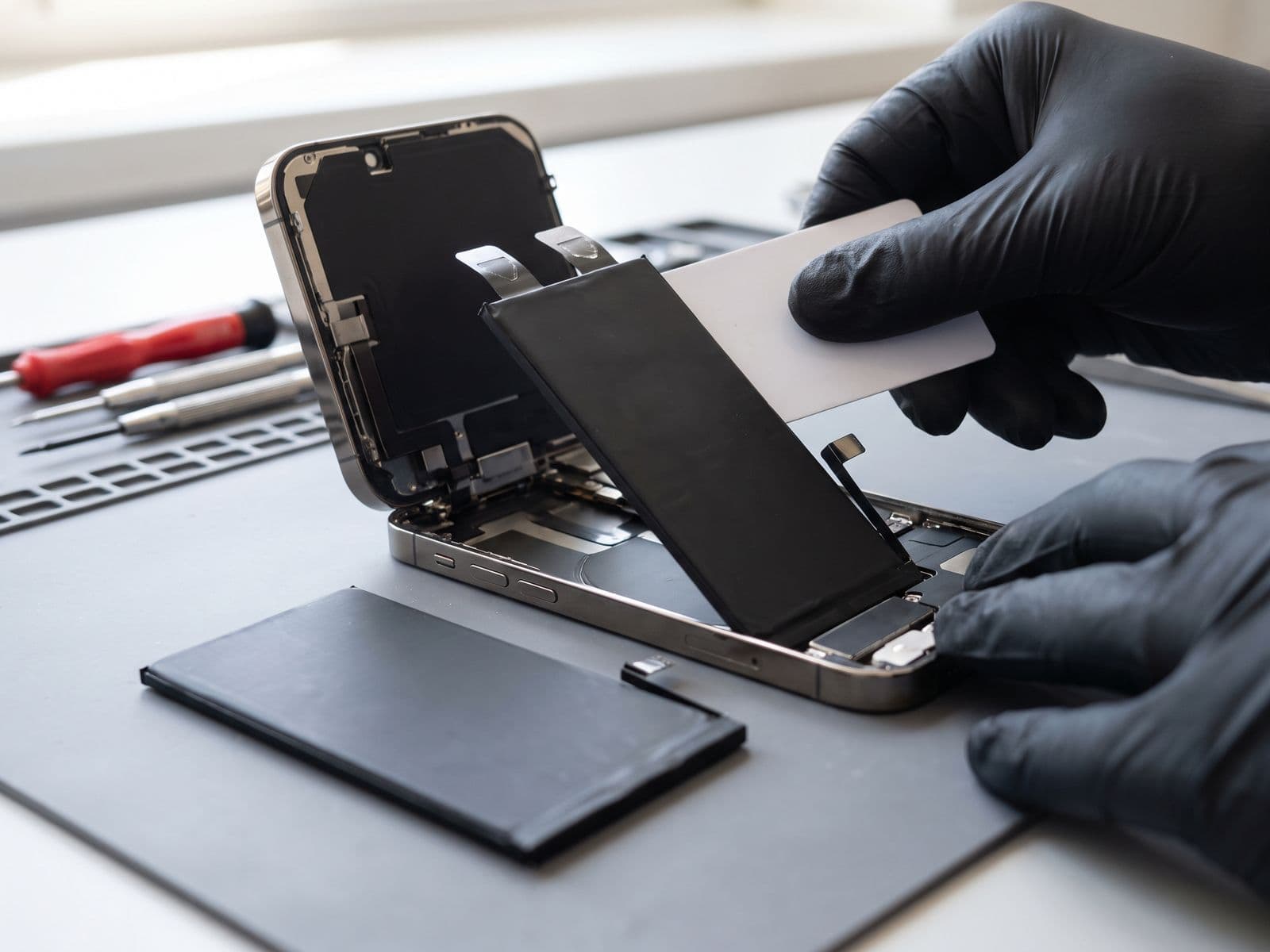
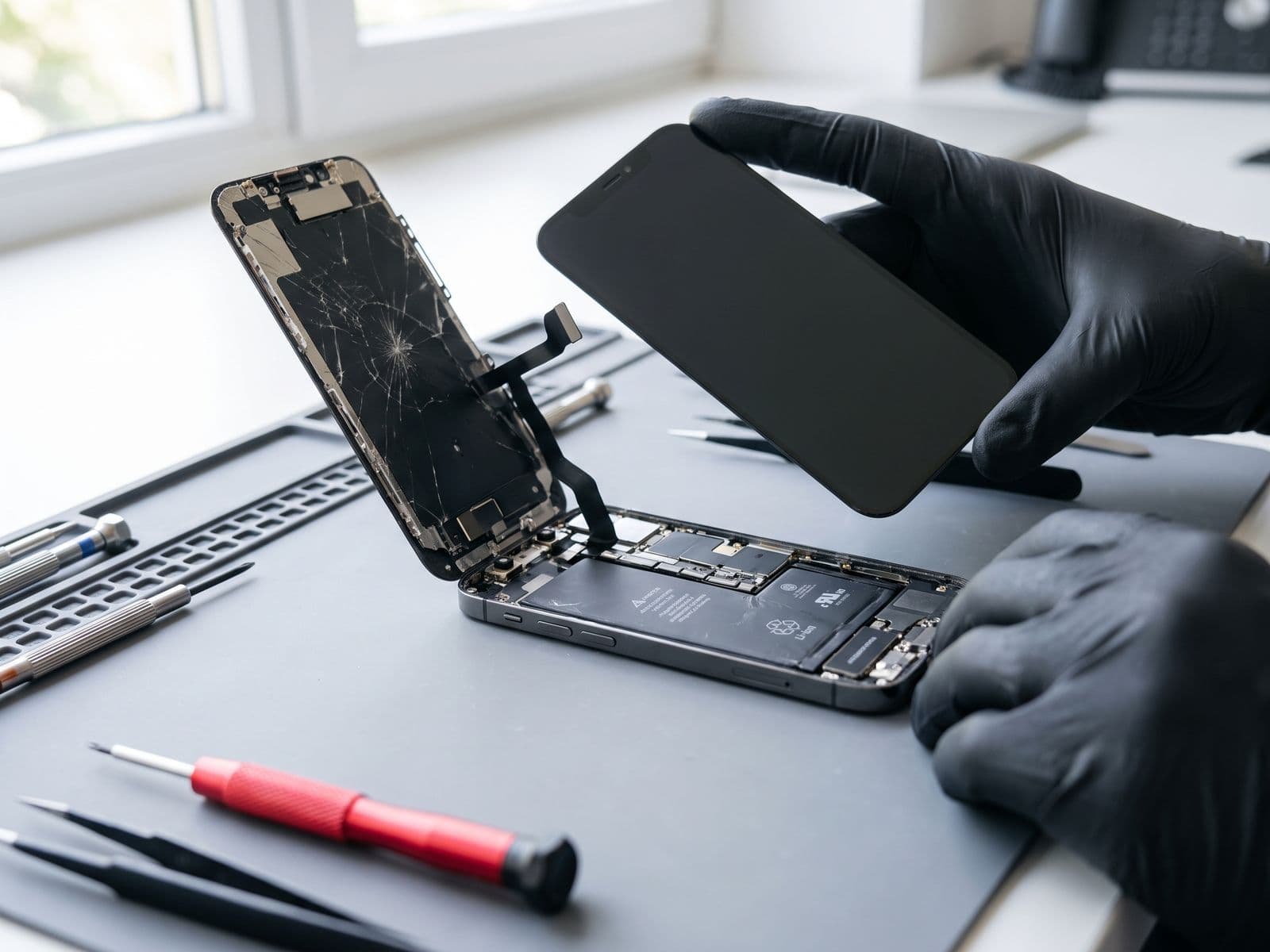
- Display or display flex: the screen itself is damaged, or the cable that connects it is loose or torn. Lines, patches or a white screen after impact point here. See iPhone screen replacement.
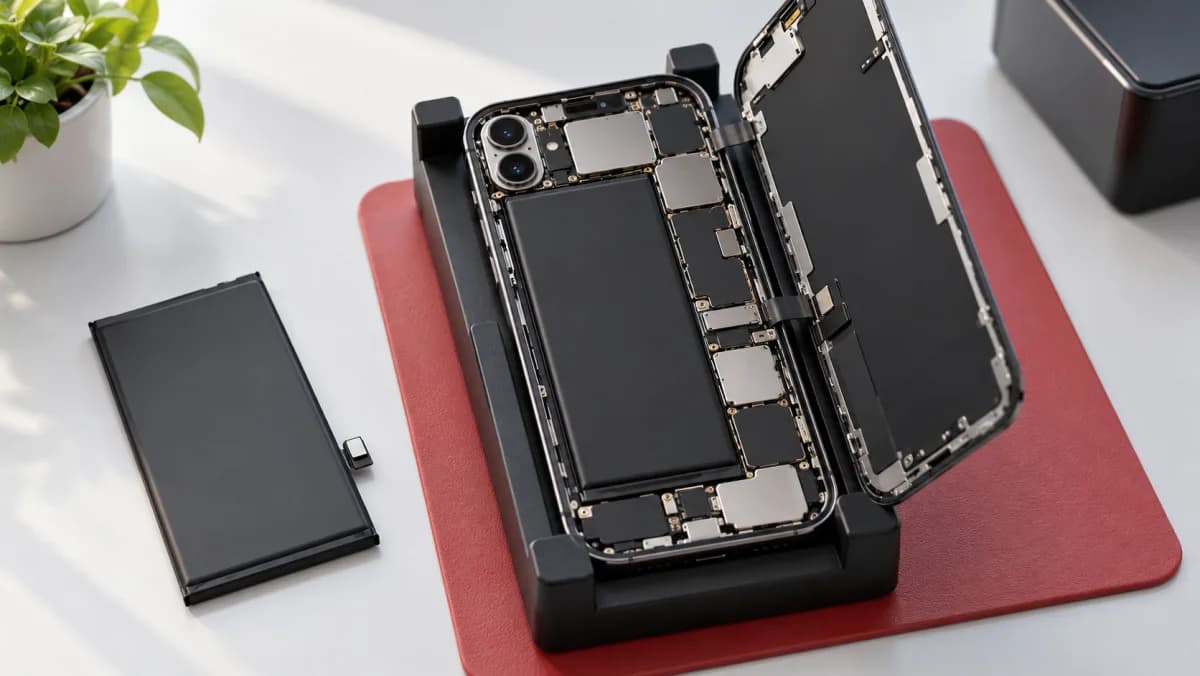
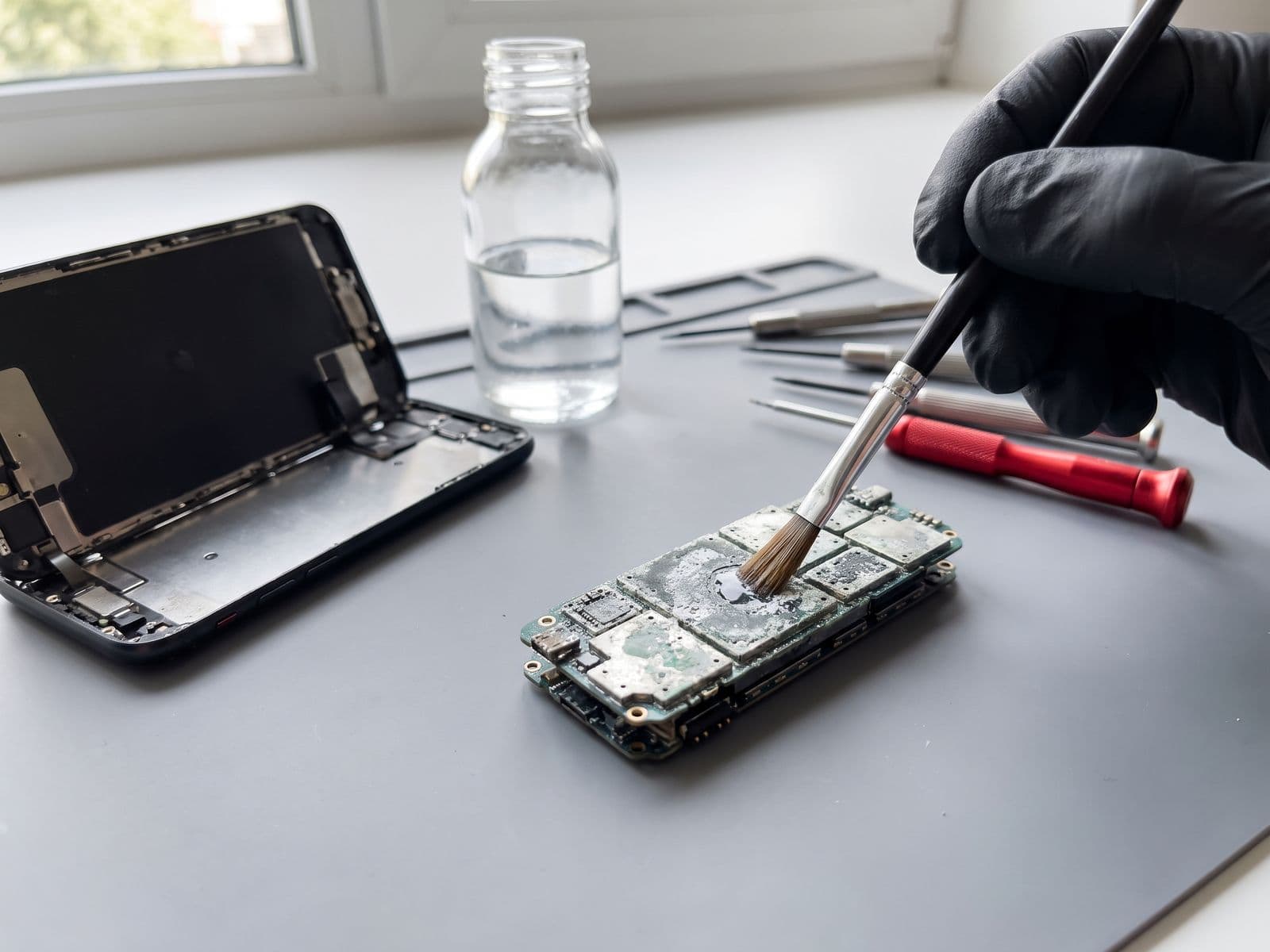
- Logic board: a fault on the main board, often after liquid or a hard drop, can leave the phone stuck on a white screen or logo. See iPhone logic board repair.
Do not keep charging a phone that has been in liquid, and do not press hard on a cracked display. Our general iPhone repair page lists everything we repair on iPhones.
When to bring it in
Bring the iPhone in if the white screen survives a force restart and a recovery-mode update, or if it followed a drop or liquid. You can book a repair and courier the phone in or walk in. If you courier it in, we courier it back at no charge. The diagnosis fee for an iPhone is RM150, and it is waived when you approve the repair; the details are on the fee policy page. We are open Monday to Friday, 9am to 6pm. Questions first? WhatsApp us on 012-770 7120.