
Is an iMac SSD upgrade worth it? Which models can be upgraded, HDD vs Fusion vs SSD performance, benchmarks, and when professional service makes sense.
iMac SSD Upgrade Guide: Is It Worth It in 2026?
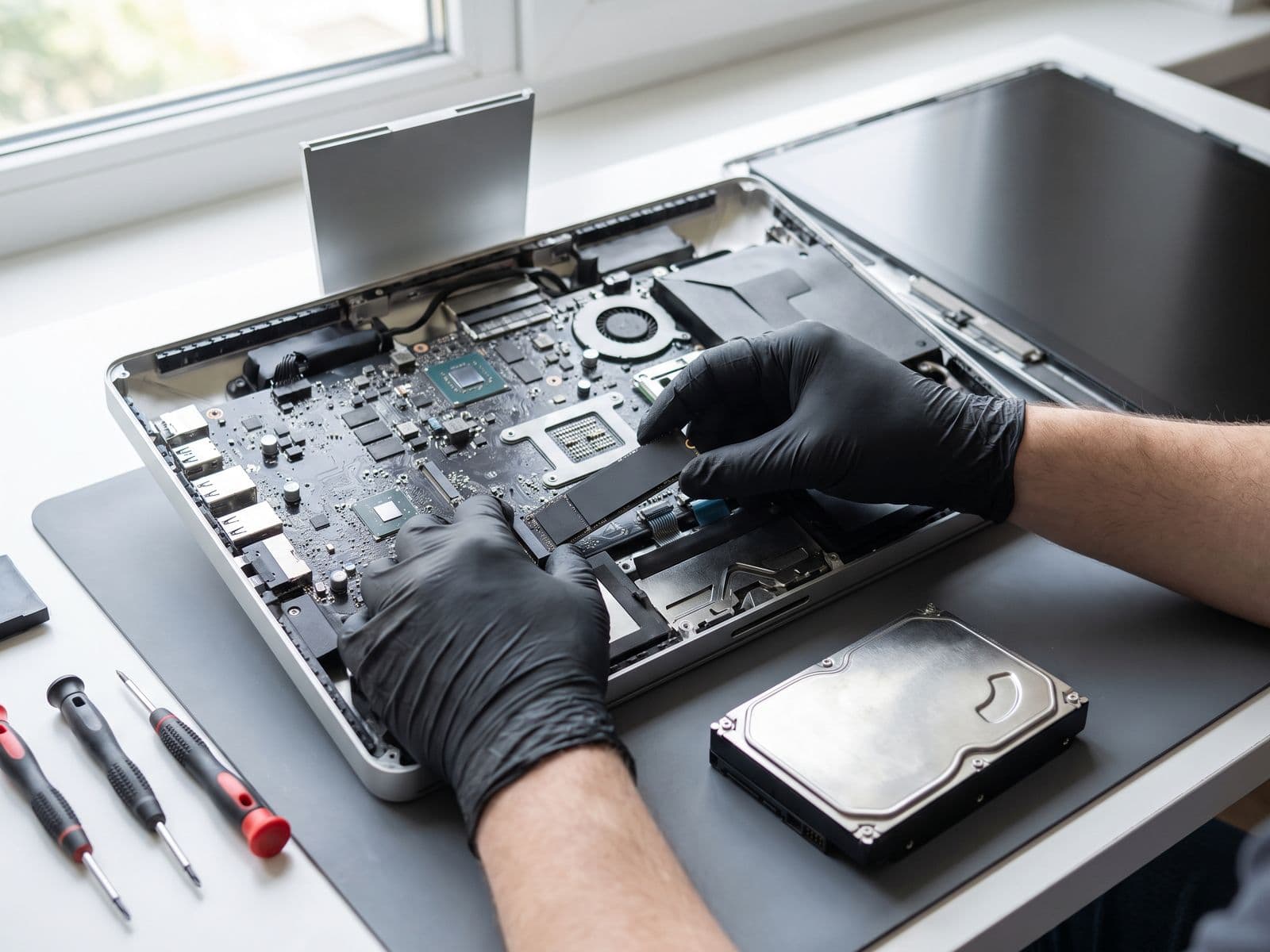
If your iMac feels painfully slow, the storage drive is almost certainly the bottleneck. Traditional spinning hard drives and even older Fusion Drives are dramatically slower than modern SSDs — and the difference is immediately noticeable in everyday use.
The question is whether your specific iMac model can be upgraded, what the realistic performance gain looks like, and whether the cost makes sense compared to buying a new machine. Here are the honest answers from our TechFix Malaysia technicians.
Which iMac Models Can Be Upgraded?
Not all iMacs have accessible storage. Understanding your model is the essential first step.
Upgradeable iMac Models
iMac 21.5-inch (2011–2019)
- 2011–2013: SATA HDD fully replaceable with any 2.5" SSD
- 2014–2015: Blade SSD or HDD depending on configuration at purchase
- 2017–2019: Blade SSD (proprietary connector, specialized replacement required)
iMac 27-inch (2012–2020)
- 2012–2019: HDD or Fusion Drive models fully upgradeable
- 2017–2020: SSD-only models are difficult to upgrade due to proprietary T2-controlled storage on some configurations
iMac with Retina 5K Display (2014–2020)
- HDD and Fusion Drive configurations are upgradeable
- Pure SSD configurations have limited upgrade paths
Non-Upgradeable iMac Models
iMac 24-inch (M1, M3, 2021+)
- Storage is soldered to the logic board — cannot be upgraded under any circumstances
- Apple Silicon iMacs require choosing the right configuration at purchase
iMac Pro (2017)
- Technically upgradeable but extremely complex; not recommended outside of specialist facilities
HDD vs Fusion Drive vs SSD: Performance Comparison
Understanding the performance gap explains why upgrades have such dramatic impact.
Hard Disk Drive (HDD)
| Metric | Typical HDD |
|---|---|
| Sequential Read | 80–120 MB/s |
| Sequential Write | 80–120 MB/s |
| Random Read (4K) | 0.5–1 MB/s |
| Boot Time (macOS) | 60–120 seconds |
HDDs are particularly weak at random read/write — the exact workload that macOS demands for launching apps, loading files, and managing virtual memory.
Fusion Drive (HDD + SSD Cache)
| Metric | Fusion Drive |
|---|---|
| Sequential Read | 200–400 MB/s (SSD cache) |
| Sequential Write | 200–350 MB/s (SSD cache) |
| Random Read (4K) | Variable — fast for cached data |
| Boot Time (macOS) | 30–50 seconds |
Fusion Drives feel fast initially, but as the SSD cache fills up, performance degrades to near-HDD speeds. They also fail more frequently than pure SSDs because they have two separate physical drives.
Modern NVMe SSD (Upgrade Target)
| Metric | NVMe SSD |
|---|---|
| Sequential Read | 3,000–7,000 MB/s |
| Sequential Write | 2,000–6,000 MB/s |
| Random Read (4K) | 50–100 MB/s |
| Boot Time (macOS) | 12–20 seconds |
The difference in random read performance — 50–100x faster than an HDD — is what transforms everyday usability. App launches, file searches, and web browser responsiveness all improve dramatically.
Real-World Performance Benchmarks After Upgrade
Based on iMac upgrades performed at TechFix Malaysia:
| Task | Before (HDD/Fusion) | After (SSD) | Improvement |
|---|---|---|---|
| macOS boot time | 75–120 seconds | 15–20 seconds | 5–6x faster |
| App launch (Photoshop) | 35–60 seconds | 5–8 seconds | 6–7x faster |
| Time Machine backup (100GB) | 45–90 minutes | 8–15 minutes | 4–6x faster |
| Large file copy (10GB) | 3–5 minutes | 30–60 seconds | 4–5x faster |
| Sleep/wake | 5–15 seconds | 1–2 seconds | Instant |
These are conservative estimates from real machines. Users consistently report that an SSD-upgraded iMac feels "like a new computer."
DIY Upgrade: The Real Risks
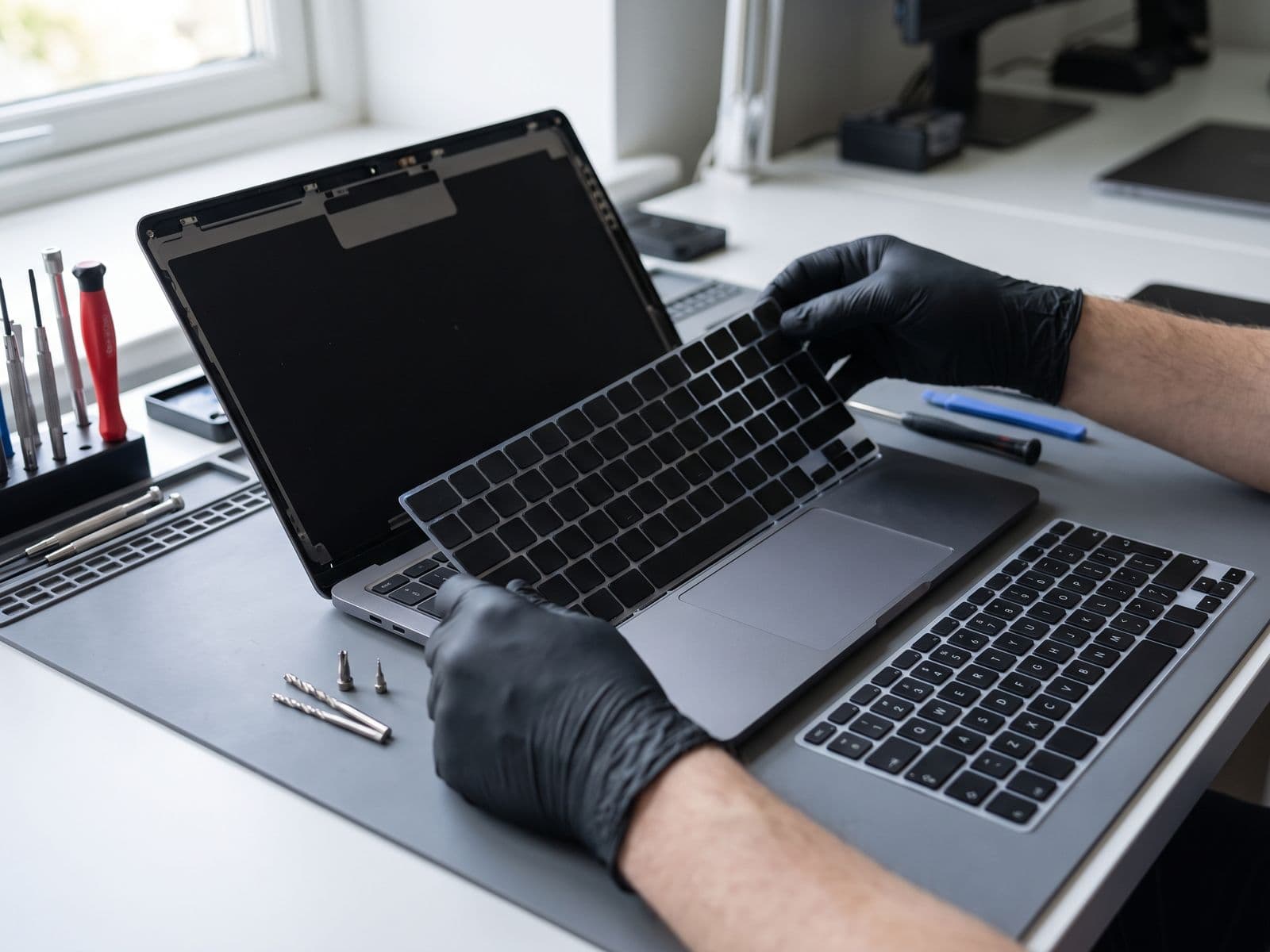
iMac disassembly involves removing the glass panel using adhesive strips, then lifting the LCD display. The risks are significant:
- LCD damage: The display panel is the most expensive component in an iMac. Scratching or cracking it during removal destroys an expensive part
- Adhesive failure: Re-sealing the glass incorrectly causes dust infiltration that appears as spots on the display
- Proprietary connectors: Some models use temperature sensors tied to the hard drive — incorrect wiring causes fans to run at full speed permanently
- Anti-glare coating: Touching the inner LCD surface with bare hands leaves permanent marks
Even experienced technicians approach iMac disassembly with caution. For most users, the risk of destroying the display outweighs the savings from DIY.
Professional SSD Upgrade Cost vs New iMac
Professional SSD Upgrade at TechFix Malaysia
| Upgrade | Price |
|---|---|
| 500GB SSD upgrade | Quote after diagnosis |
| 1TB SSD upgrade | Quote after diagnosis |
| 2TB SSD upgrade | Quote after diagnosis |
| Fusion Drive → SSD conversion | From RM 599 |
Final price depends on your iMac model and is confirmed in your quote. Upgrades include installation, data migration, and 90-day warranty.
Versus buying a new iMac
If your iMac is a 2017–2020 model in good physical condition, an SSD upgrade is usually far more cost-effective than a new purchase — especially if you're happy with the screen size, RAM, and CPU performance. Compare our current iMac SSD upgrade price with the price of a new machine.
If your iMac is from 2013 or earlier, the age of other components (RAM, GPU, CPU) may limit the benefit of an SSD upgrade. In those cases, a full system replacement may make more sense.
Is the iMac SSD Upgrade Worth It in 2026?
Yes, if:
- Your iMac is a 2014–2020 model with an HDD or Fusion Drive
- The machine is physically in good condition
- You are satisfied with the screen, RAM, and general performance (excluding storage speed)
- You want to extend usable life by 3–5 additional years
Consider a new Mac instead, if:
- Your iMac is pre-2013 (CPU and GPU may be limiting factors independent of storage)
- You need Apple Silicon performance for video editing, ML workloads, or development
- The iMac has other hardware issues (display problems, liquid damage history)
View iMac repair and upgrade services at TechFix Malaysia →
Learn more about our Mac SSD and RAM upgrade service →
Our technicians can advise whether an upgrade is right for your specific model and use case.