Microsoft Surface SSD Upgrade Malaysia
Surface SSD upgrades depend on the exact model, storage design, condition and available parts. We inspect compatibility before recommending work.
Quote after inspection
We confirm compatibility, parts, turnaround and the final price after inspecting your exact model. Eligible repairs include 90-Day Warranty.
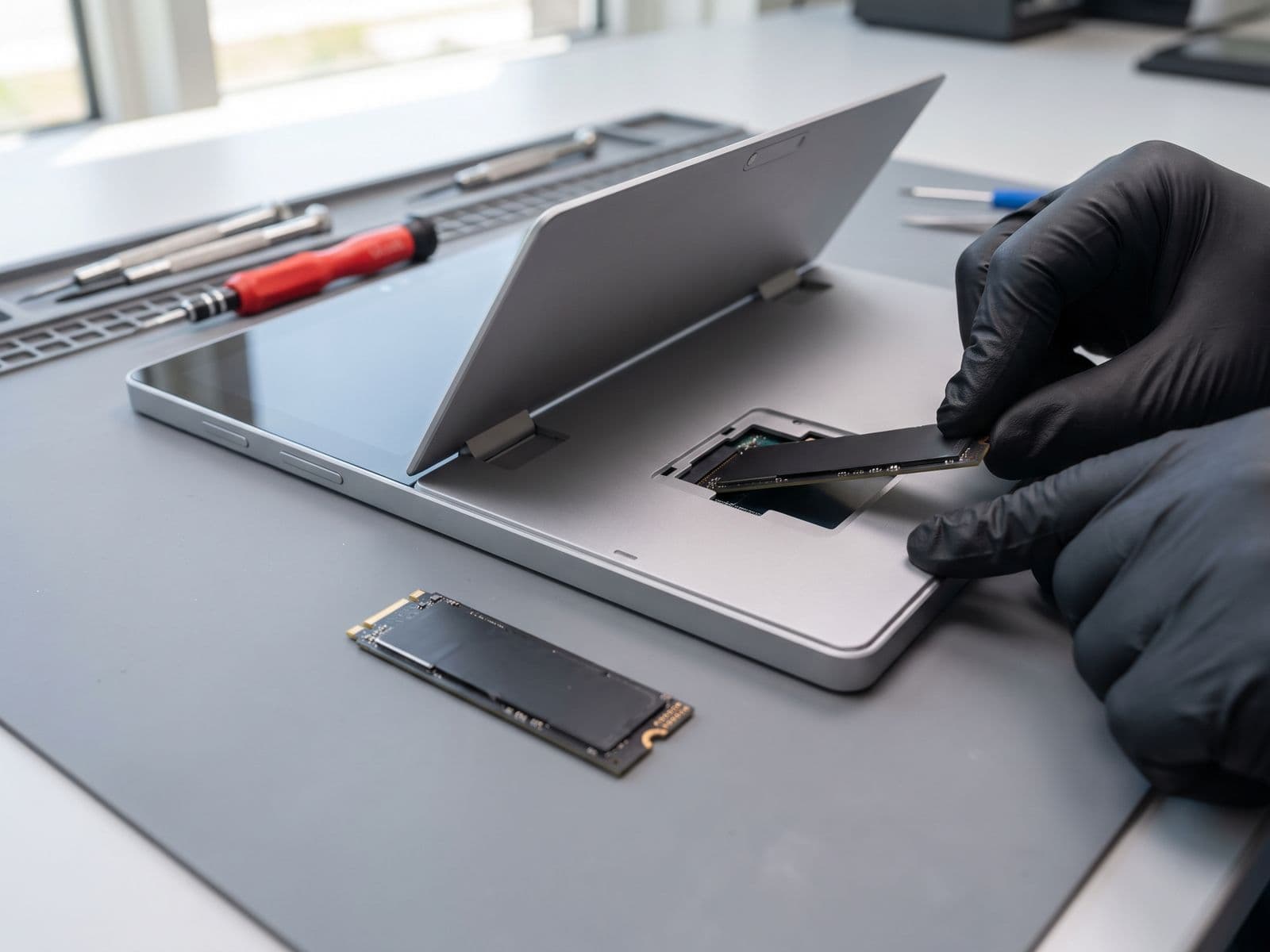
Why Upgrade Your Surface SSD?
Microsoft Surface devices ship with fast hardware — but over time, slow storage becomes the biggest bottleneck. If your Surface takes more than 30 seconds to boot, apps freeze on launch, or Windows Update stalls, the culprit is almost always the original eMMC or slower NVMe drive.
An SSD upgrade replaces the existing storage with a high-speed NVMe drive. The result: quicker startup, faster app launches, and a Surface that feels newer. Combined with a battery replacement, an SSD upgrade is the most cost-effective way to extend the life of a Surface Pro, Laptop, or Go by 2–3 years — for a fraction of the cost of a new device.
Signs Your Surface Needs an SSD Upgrade
- Boot time longer than 60 seconds
- Apps take 10+ seconds to open
- Disk usage stuck at 100% in Task Manager
- Storage nearly full (under 10% free)
- Windows Update fails or stalls
- File transfers feel slow
- Browser tabs crash due to low storage
- Overall sluggish performance
Compatible Surface Models
SSD upgrades depend on the exact model and configuration. A model with no listed price is quoted after diagnosis.
- Surface Pro 5 / 6 / 7By modelQuote after diagnosis
- Surface Pro 8256GB / 512GBFrom RM 549
- Surface Pro 9256GB / 512GBFrom RM 599
- Surface Laptop 1 – 4By modelQuote after diagnosis
- Surface Laptop 5256GB / 512GBFrom RM 599
- Surface Go 3128GBFrom RM 399
- Surface Book 3512GBFrom RM 799
Our 4-Step Upgrade Process
Diagnostic Check
We inspect your Surface and confirm the current storage spec, health, and compatibility before any work begins.
Data Cloning
Your entire drive is cloned to the new SSD — Windows, apps, files, and settings all transfer intact.
SSD Installation
The new drive is carefully installed. Surface devices require precision to avoid damage to the display assembly.
Boot & Verification
We verify Windows boots correctly, confirm all data is present, and run a speed benchmark before handover.
Frequently Asked Questions — Surface SSD Upgrade
Will upgrading my Surface SSD erase my data?
Which Surface models support SSD upgrades?
How much faster will my Surface be after an SSD upgrade?
What SSD sizes do you offer?
How long does a Surface SSD upgrade take?
Frequently Asked
Do you use original parts for repairs?
Yes, all parts used by Techfix Malaysia are high-quality components that meet or exceed OEM specifications. Every replacement part comes with a 90-Day Warranty. We source directly from trusted suppliers to ensure reliability and longevity for your device.
Are you authorised Apple or Microsoft technicians?
Techfix Malaysia is an independent repair specialist — not affiliated with Apple or Microsoft. Our technicians are trained professionals with years of experience across all device types. Because we work independently, we complete most common repairs same-day and we do not wipe your data. Repairs that need longer are confirmed with you upfront.
Ready to Speed Up Your Surface?
Many repairs can be completed the same day. Drop off at Sunway Geo (Mon–Fri, 9am–6pm) or courier your Surface in; we courier it back free.