
Essential laptop maintenance guide for remote workers in Malaysia. Learn how to maintain your work laptop in tropical climate, prevent overheating, extend battery life, and when to get professional servicing.
Remote Work Laptop Maintenance: Keep Your Productivity Machine Running
With hybrid and remote work now common in Malaysia, your laptop has become your most critical business tool. Unlike office-provided equipment with IT support, your home laptop maintenance is entirely your responsibility.
At TechFix Malaysia, we see many remote worker laptops with issues that were preventable with proper maintenance. This guide covers everything remote workers in Malaysia need to know to keep laptops running optimally.
The Tropical Climate Challenge
Malaysia's hot and humid climate is uniquely challenging for electronics:
Climate Impact on Laptops:
High Humidity (70-95%)
- Accelerates internal corrosion
- Condensation during AC temperature changes
- Keyboard/trackpad stickiness
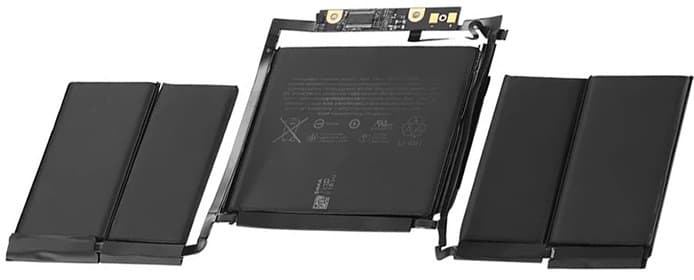
- Swollen batteries (moisture + heat combination)
Consistent High Temperatures (28-35°C)
- Thermal throttling (CPU slows down to prevent damage)
- Accelerated battery degradation
- Thermal paste drying faster (needs replacement every 18 months vs 3 years in temperate climates)
- Fan working overtime (wears out faster)
Solution: Proper cooling setup and preventive maintenance become critical, not optional.
Essential Ergonomic Setup for Laptop Longevity
Your remote work setup affects both your health AND your laptop's lifespan:
Cooling-Optimized Desk Setup:
1. Laptop Stand (Mandatory)
- Why: Raises laptop 3-6 inches, improves air intake/exhaust
- Result: 8-12°C temperature reduction
- Best options: Aluminum stands (conduct heat away), adjustable height
2. External Keyboard and Mouse
- Why: Keeps built-in keyboard/trackpad closed, reduces heat exposure
- Result: Extends keyboard and battery life (less palm heat)
- Bonus: Better ergonomics, prevents repetitive strain
3. External Monitor (Optional but Recommended)
- Why: Laptop screen off = 30% less power = cooler operation
- Result: Battery and internal component longevity
- Alternative: Use laptop as secondary screen
4. Cooling Pad (For Heavy Users)
- Why: Active cooling for intensive tasks (video calls, design work)
- Result: Maintains optimal temperature during long work sessions
- When needed: If you run resource-intensive apps 4+ hours daily
Daily Laptop Maintenance Routine (5 Minutes)
Morning Startup:
- Check battery level before unplugging (don't start day at 40%)
- Wipe screen and keyboard with microfiber cloth (removes dust/oils)
- Verify cooling vents aren't blocked by papers, books, etc.
- Check for pending updates (install during lunch, not during meetings)
During Work:
- Take movement breaks every hour - Walk away from laptop (cools down naturally)
- Don't block vents - Lap use should be limited to 15-20 minutes
- Unplug unnecessary peripherals - Each USB device draws power and generates heat
- Close unused browser tabs - Chrome/Edge can consume 2-4GB RAM unnecessarily
Evening Shutdown:
- Proper shutdown 2-3x per week (not just sleep mode)
- Clean work area around laptop (dust accumulates in vents overnight)
- Unplug charger when battery reaches 80-90% (see battery care section)
- Store in cool, dry location if not using overnight
Weekly Maintenance Tasks (15 Minutes)
Every Sunday (or your day off):
Physical Cleaning:
- Keyboard cleaning - Use compressed air between keys
- Vent cleaning - Gentle brush or compressed air on exhaust vents
- Port cleaning - Remove dust from USB, HDMI, charging ports
- Screen deep clean - Microfiber with water or screen-safe cleaner (never spray directly)
Software Maintenance: 5. Delete temp files - Windows: Disk Cleanup | Mac: Clear caches 6. Empty trash/recycle bin - Frees up SSD space (helps performance) 7. Update all apps - Security and performance patches 8. Check available storage - Keep 15-20% free for optimal SSD performance
System Checks: 9. Run antivirus scan - Even on Mac (malware targets all platforms now) 10. Review startup programs - Disable unnecessary auto-start apps 11. Check battery health - See monitoring section below 12. Backup critical files - To external drive or cloud (not just one backup!)
Battery Care for Remote Workers (Critical)
Remote workers often keep laptops plugged in 8+ hours daily. This is battery's worst enemy.
Optimal Battery Practices:
The 40-80 Rule:
- Keep battery between 40-80% for longest lifespan
- Never store laptop at 0% or 100% for extended periods
- Lithium-ion batteries degrade fastest at full charge under heat
Practical Implementation:
For Windows:
- Dell: Enable "Battery Extender" in BIOS or Dell Power Manager
- Lenovo: Use "Conservation Mode" in Vantage app (stops charge at 60%)
- HP: "Battery Health Manager" in BIOS (several modes available)
- ASUS: "Battery Health Charging" in MyASUS app
For MacBook:
- macOS Catalina+: "Optimized Battery Charging" (learns your schedule)
- Set charging limit with third-party app like AlDente (stops at custom %)
- Unplug when you hit 80% if working at desk all day
Calibration (Monthly):
- Fully charge to 100%
- Use until it reaches 10-15% (don't fully drain to 0%)
- Fully charge back to 100% uninterrupted
- Resume normal 40-80% cycle
This recalibrates battery meter for accurate percentage readings.
Signs Your Battery Needs Replacement:
- Drops from 50% to 10% in minutes
- "Service Battery" warning (Mac) or red X on battery icon (Windows)
- Physical swelling (trackpad feels raised, bottom case not flat)
- Less than 3 hours battery life on light use when new was 8+ hours
- Laptop shuts down unexpectedly at 20-30% charge
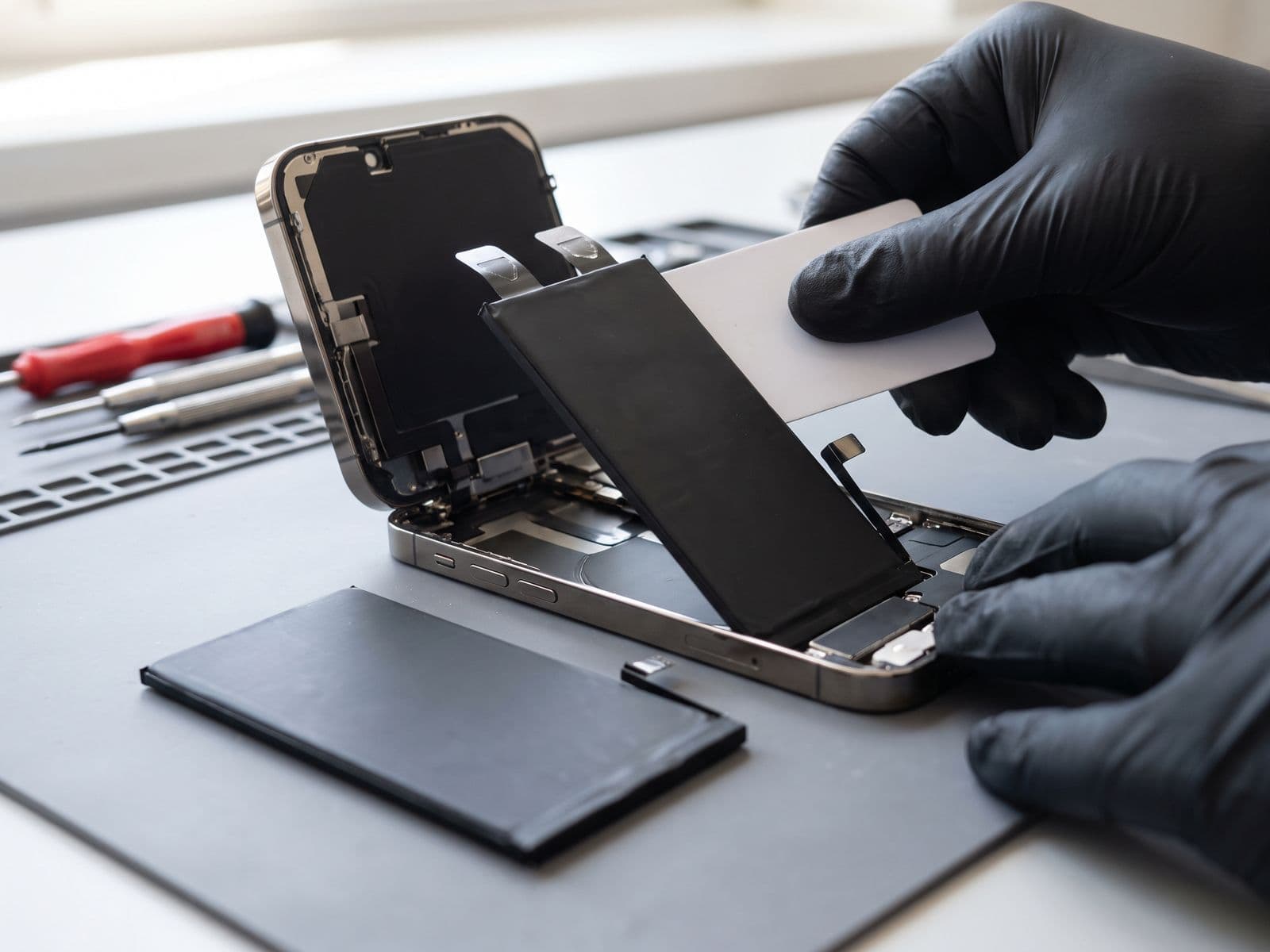
Replacement cost at TechFix: quoted after diagnosis, depending on model. See our battery replacement services.
Cooling Management in Malaysian Climate
Your laptop's cooling system is working overtime in 30°C+ ambient temperature:
Temperature Monitoring:
Windows:
- Install HWMonitor or Core Temp (free)
- Normal: 40-50°C idle, 60-75°C under load
- Warning: 80-85°C sustained
- Danger: 90°C+ (immediate shutdown and service needed)
Mac:
- Install iStat Menus (paid) or Fanny (free widget)
- Normal: 35-45°C idle, 60-70°C under load
- Warning: 85-90°C sustained
- Danger: 95°C+ (throttling occurs)
Cooling Optimization:
Software:
- Close resource-heavy apps during video calls (Chrome with 30 tabs is your enemy)
- Use video call apps in browser vs desktop app (often lighter)
- Enable "Low Power Mode" when on battery
- Reduce screen brightness (each 10% reduction = 5-8°C cooler)
Hardware:
- Thermal repaste every 18-24 months in Malaysia (vs 3 years in cooler climates)
- Cost: quoted after diagnosis at TechFix
- Result: 10-15°C temperature reduction
- Symptoms it's needed: Fan constantly loud, laptop hot to touch during light tasks
Environment:
- Don't work in direct sunlight (sounds obvious, but we see this!)
- AC temperature: 23-25°C is optimal (too cold = condensation when you move laptop)
- Avoid working on beds/sofas (blocks air intake underneath)
- Use laptop on hard, flat surface (desk, laptop stand, board on lap)
Monthly Maintenance Checklist
First weekend of each month:
Performance Check (10 minutes):
- Check free disk space (need 15-20% free)
- Review battery cycle count and health
- Monitor startup time (if 2x slower than normal, investigate)
- Check for OS and security updates
- Verify backup systems are working
Deep Clean (20 minutes):
- Full vent cleaning with compressed air (turn off first!)
- Clean underneath laptop (desk dust accumulation)
- Clean charging port with wooden toothpick (gently!)
- Check cables for fraying (replace if damaged)
- Tighten loose screws (normal vibration loosens bottom case)
Software Tune-Up (30 minutes):
- Uninstall unused applications
- Clear browser cache and cookies
- Delete old downloads folder files
- Run full antivirus scan
- Update all software and drivers
- Defrag HDD if you have traditional hard drive (skip for SSD)
When to Get Professional Servicing
Every 12-18 Months:
Preventive Maintenance Service
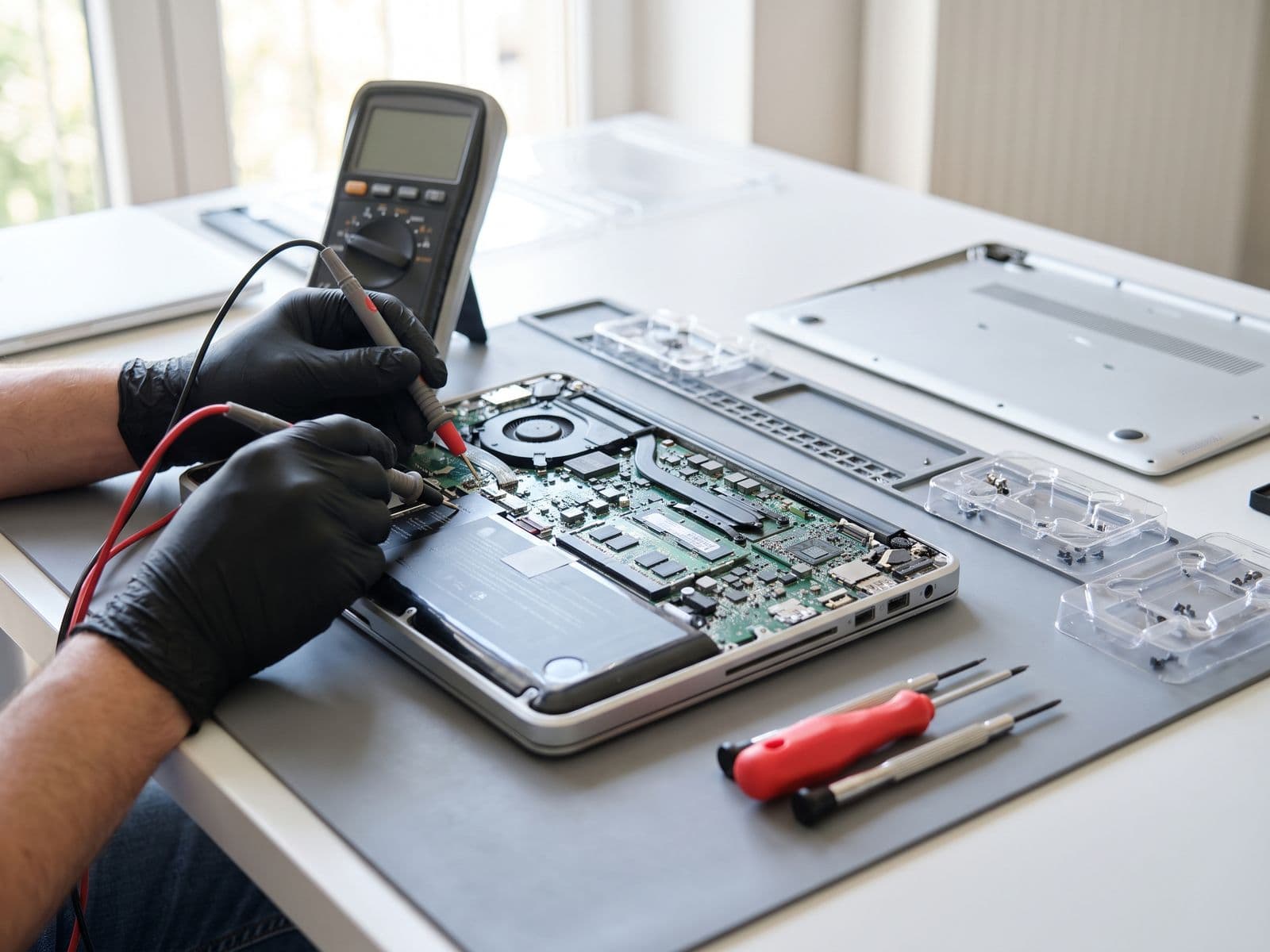
- Deep internal cleaning (fans, heatsink)
- Thermal paste replacement
- Hinge and screw tightening
- Port and connector inspection
- Full diagnostics and health report
Cost: quoted after diagnosis | Benefit: Helps prevent common heat-related failures
Immediate Professional Service Needed If:
Performance Issues:
- Fan running constantly at max speed
- Laptop shuts down unexpectedly during work
- Slower than 50% of normal performance
- Frequent crashes or blue screens
Physical Issues:
- Trackpad or bottom case feels raised (battery swelling = urgent!)
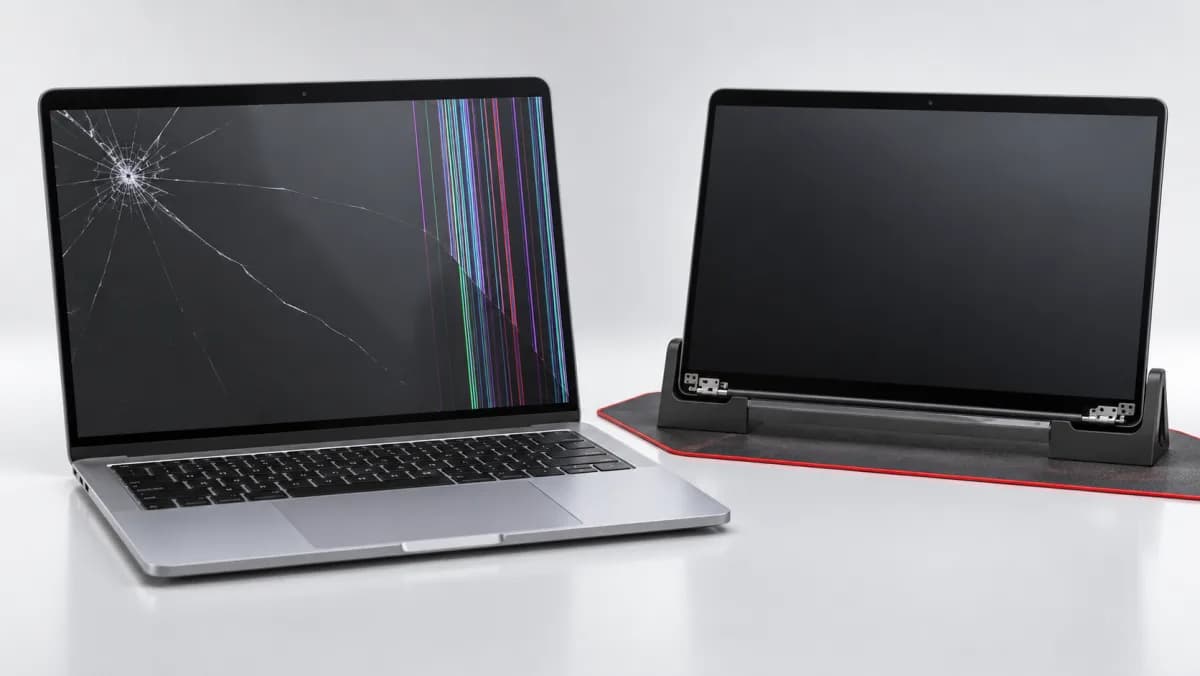
- Screen flickering or dark patches
- Keys not responding or sticking
- Hinge feels loose or cracking sounds when opening
- Burning smell or unusual heat in specific areas
Charging Issues:
- Won't charge past certain percentage
- Charger port loose or requires specific angle
- Battery drains faster than 10% per hour during light use
Don't wait for complete failure - preventive service when you notice early symptoms prevents expensive repairs.
Remote Worker's Emergency Backup Plan
Your laptop IS your office - have a backup plan:
Essential Backups:
1. Data Backup (3-2-1 Rule):
- 3 copies of important files
- 2 different storage types (external SSD + cloud)
- 1 copy offsite (cloud or second location)
Recommended: Portable SSD + cloud subscription
2. Power Backup:
- Spare charger (keep at desk, original in bag)
- Power bank for laptop - 20,000mAh+ for 1-2 charges
- Know where nearby coworking spaces are (when home power/internet fails)
3. Backup Device:
- Old laptop kept updated as emergency backup
- Tablet with keyboard for basic work
- Access to work-provided backup device if available
4. Cloud-Based Work:
- Use Google Workspace, Office 365, or similar cloud tools
- Can access work from ANY device in emergency
- Not dependent on single device
Frequently Asked Questions
Q: How often should I shut down my laptop vs keeping it in sleep mode?
A: Full shutdown 2-3 times per week is optimal. Daily shutdown/startup creates thermal stress (heat cycles), but never shutting down prevents system maintenance tasks and memory clearing. Sleep mode is fine for overnight, full shutdown for weekends.
Q: Is it bad to use laptop while charging?
A: No, modern laptops handle this well. The concern is keeping it at 100% charge 24/7 while plugged in - this degrades battery fastest. Use the 40-80% rule described above.
Q: My laptop fan is loud during video calls - is this normal?
A: Somewhat normal (video encoding is intensive), but if it's excessively loud or constant, you need thermal paste replacement and internal cleaning. We often see this in laptops over 2 years old in Malaysia.
Q: Should I keep my laptop plugged in while working from home all day?
A: Use the 40-80% rule. Many modern laptops have "conservation mode" to stop charging at 60-80%. If yours doesn't, unplug when you hit 80% and plug back in when you drop to 40%. Set phone reminders until it becomes habit.
Q: How can I tell if my laptop needs internal cleaning?
A: Signs: Fan running louder than normal, laptop feels hot during light tasks (email, browsing), thermal throttling (performance drops during intensive tasks), or it's been 12+ months since last cleaning in Malaysia's dusty environment.
Q: Is laptop insurance worth it for remote workers?
A: Yes, especially if you: 1) Can't afford sudden replacement, 2) Work from cafes/coworking spaces, 3) Have an expensive laptop. Check if your home insurance covers it first.
Remote Work Laptop Optimization: Quick Wins
Immediate improvements you can make today:
Performance Boost (Free):
- Disable startup programs - Windows: Task Manager > Startup | Mac: System Settings > Login Items
- Close background apps - That Teams/Slack/Outlook sitting idle all day uses RAM and CPU
- Use lighter alternatives - Notion web app vs desktop app, Edge vs Chrome (if on Windows)
- Limit browser extensions - Each extension impacts performance
- Empty downloads folder - 500+ files here slows down everything
Lifespan Extension (Minimal Cost):
- Laptop stand = cooler running and longer component life
- Cooling pad = Prevent thermal throttling during intensive work
- Surge protector = Protect from power fluctuations (common in Malaysia)
- Screen protector = Prevents keyboard marks on screen when closed
- Keyboard cover = Prevents debris and spill damage
Get Professional Remote Worker Laptop Service
TechFix Malaysia specializes in maintaining laptops for remote workers, freelancers, and digital professionals:
Remote Worker Service Package (quoted after diagnosis)
- Internal cleaning and dust removal
- Thermal paste replacement
- Battery health diagnostic and calibration
- Performance optimization
- Full system diagnostic report
- 6-month service reminder
Perfect for: Annual preventive maintenance
Express Service for Working Professionals
- Same-day turnaround for most repairs
Sunway Geo Avenue, Subang Jaya
G-06-28, Level 6, Block G, Sunway Geo Avenue Walk-ins welcome | Open Mon-Fri 9AM-6PM
Courier-in service
Courier your device to us; we courier it back free | WhatsApp first to confirm timing
WhatsApp us for remote worker service package: 012-770 7120
Book your preventive maintenance service - Keep your productivity machine running optimally. Your laptop works hard for you, give it the care it needs.
Remote work success starts with reliable equipment. Don't wait for breakdown - maintain proactively.