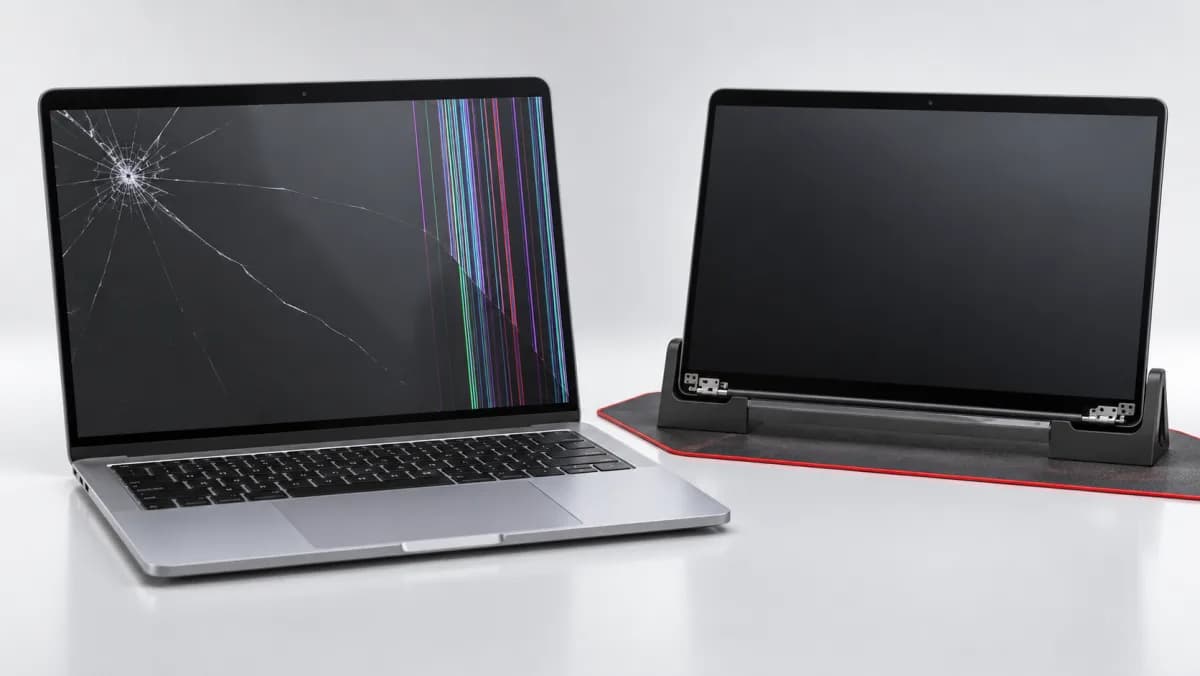
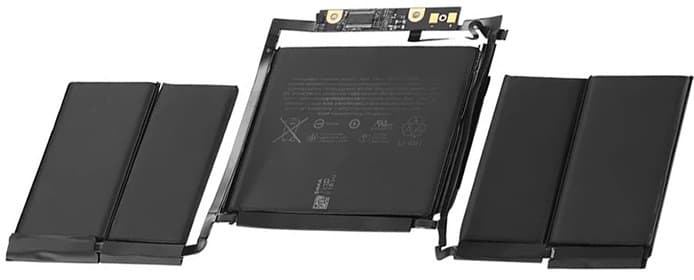
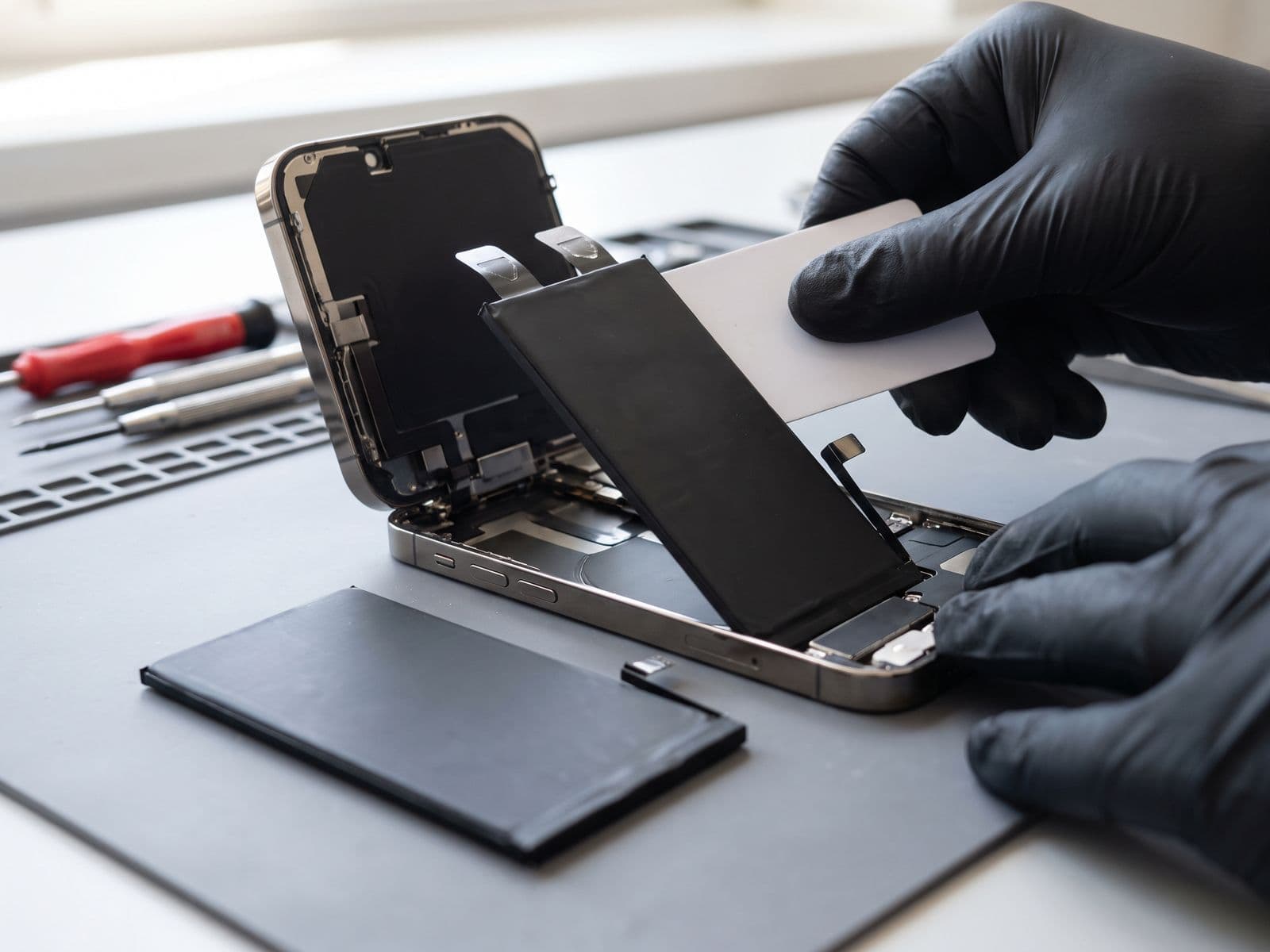
Complete guide to buying refurbished laptops in Malaysia. Learn what refurbished really means, grading systems, where to buy safely, and when repair + upgrade beats buying new.
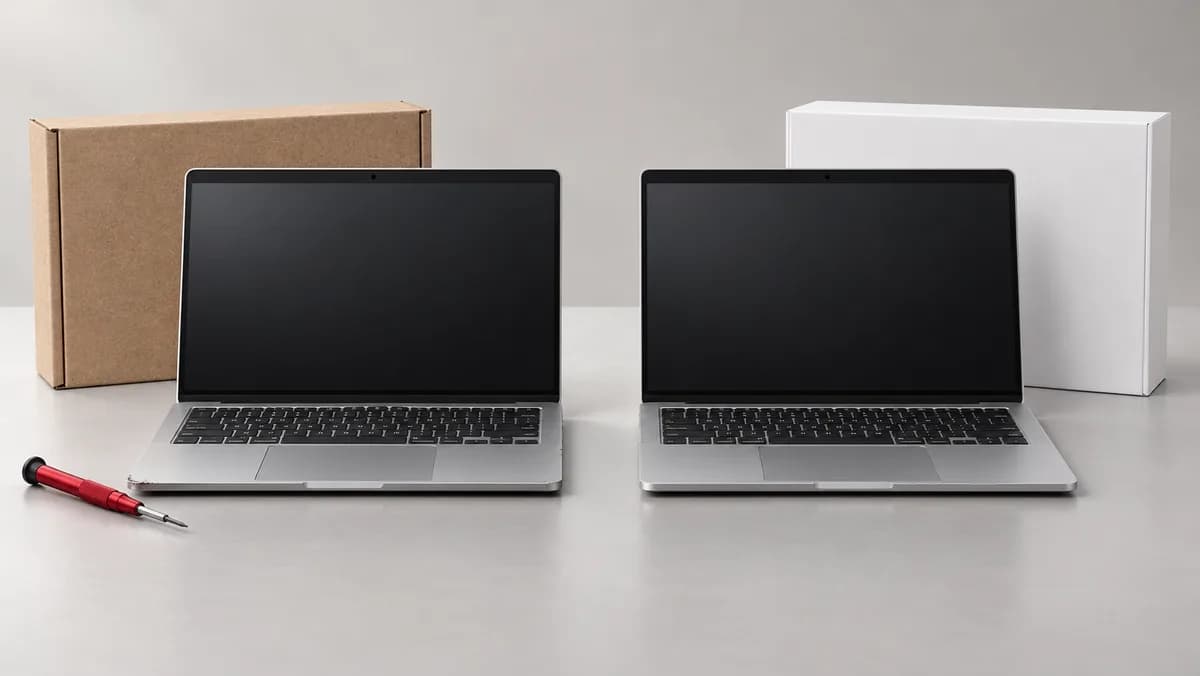
Refurbished vs New Laptop: The Ultimate Value Guide for Malaysian Buyers
Many Malaysians are turning to refurbished devices to get premium specs for less than the price of a new laptop. But is a refurbished laptop really worth it? What does "refurbished" actually mean? And how do you avoid getting a bad deal?
As MacBook and laptop repair specialists at TechFix Malaysia, we see both excellent refurbished units and problematic ones. This guide covers everything you need to know before making your purchase decision.
What Does "Refurbished" Actually Mean?
Many Malaysians confuse "refurbished," "used," and "second-hand." Here's the critical difference:
Refurbished Laptop
- Professionally restored by manufacturer or certified refurbisher
- Tested and certified to meet quality standards
- Replaced faulty parts with original or OEM components
- Cleaned and cosmetically restored
- Includes warranty (typically 3-12 months)
- Reset to factory settings with fresh OS installation
Used/Second-Hand Laptop
- Sold as-is with no professional inspection
- No guarantee of functionality or remaining lifespan
- May have hidden issues (battery degradation, component wear)
- Usually no warranty
- Cosmetic condition varies widely
Key takeaway: A proper refurbished laptop should perform nearly identically to new, with warranty protection. Used laptops are gambles.
Refurbished Laptop Grading System Explained
Most reputable refurbishers in Malaysia use these grades:
Grade A (Excellent)
- Cosmetic condition: Like new or minimal wear
- Screen: No scratches or marks visible when on
- Body: Minor signs of use, no dents or scratches visible from 30cm
- Battery health: 85-100% of original capacity
Grade B (Good)
- Cosmetic condition: Light signs of use
- Screen: Minor scratches not noticeable when on
- Body: Light scratches or small marks, no dents
- Battery health: 75-85% of original capacity
Grade C (Fair)
- Cosmetic condition: Visible wear and tear
- Screen: Some scratches visible when screen is off
- Body: Noticeable scratches, possible minor dents
- Battery health: 65-75% of original capacity
Grade D (Poor)
- Cosmetic condition: Heavy wear, refurbished for parts/budget buyers
- Typically not recommended for primary work laptop
- Battery may need immediate replacement
Price Comparison: New vs Refurbished in Malaysia
Refurbished prices vary by seller, grade and warranty, so we do not publish a fixed price table. Compare current listings for the exact model you want, and check the warranty and battery health before you decide.
When Buying Refurbished Makes Perfect Sense
1. You Want Premium Specs on Mid-Range Budget
Example: A refurbished higher-tier model such as a MacBook Pro 14" M3 may be worth comparing against a new entry-level MacBook Air M2, because you may get better performance, screen, and ports. Check current listings for both.
2. You Need Multiple Devices for Business/Family
Buying 3-4 refurbished laptops instead of 2 new ones can equip your entire team or household affordably.
3. You're a Student or New Graduate
Refurbished ThinkPad or EliteBook Grade A gives you enterprise-quality build and reliability at student-friendly pricing.
4. You Want to Try Premium Ecosystem
Test the MacBook ecosystem with refurbished M1/M2 Air before committing to new M3/M4 prices.
5. Your Use Case Doesn't Require Latest Generation
For office work, web development, content creation, or design, 1-2 year old refurbished laptops perform excellently. You don't need cutting-edge specs for Word, Excel, Chrome, and even Adobe Creative Suite.
When Buying New Is the Better Choice
1. You Need Maximum Performance for 5+ Years
Latest generation processors (M4, Intel 14th Gen, AMD 8000 series) offer significant efficiency improvements that extend useful lifespan.
2. Warranty and Support Are Critical
If you're running a business and downtime is costly, manufacturer's 1-3 year warranty plus on-site support justifies the premium.
3. You Want Latest Features
Specific needs like WiFi 7, Thunderbolt 5, OLED display, or latest AI features only available in new models.
4. Budget Allows and You Keep Devices Long-Term
If you typically keep laptops 5-7 years, buying new maximizes your total usable years before obsolescence.
The Third Option: Repair + Upgrade Your Current Laptop
Before buying refurbished OR new, consider this often-overlooked option that we recommend to many TechFix customers:
When Upgrading Your Current Laptop Makes Sense:
Your laptop is slow but otherwise functional?
- SSD upgrade: Transforms performance, feels like a new device
- RAM upgrade: Fixes multitasking slowness
- Total cost: quoted after diagnosis; compare it with the price of a replacement before you decide
Battery dies quickly but everything else works?
- Battery replacement: Restores portability
- Thermal repaste: Improves cooling and battery efficiency
- Total cost: quoted after diagnosis
Your 3-4 year old laptop just needs refresh?
- SSD + RAM + battery + cleaning, quoted after diagnosis
- Result: Laptop performs close to a new one
- Bonus: You keep your familiar setup, apps, and data
See our laptop upgrade services for detailed pricing.
Where to Buy Refurbished Laptops Safely in Malaysia
Recommended Sources (Most to Least Safe):
1. Apple Certified Refurbished (Malaysia)
- Official Apple refurbished with 90-day warranty
- Indistinguishable from new (cosmetically and functionally)
- Limited stock
- Website: apple.com/my/shop/refurbished
2. Dell Outlet/HP Renew Malaysia
- Manufacturer-refurbished business laptops
- 6-90-day warranty
- Original parts guarantee
- Best for ThinkPad, Latitude, EliteBook buyers
3. Established Malaysian Retailers
- Machines4u, JustLaptop, AllIT, Notebook1Malaysia
- Check for physical store presence
- Verify warranty terms in writing
- Read Google reviews carefully
4. International Refurbishers Shipping to Malaysia
- Newegg, Amazon Renewed, Back Market
- Factor in shipping, customs, and warranty limitations
- May have difficulty with warranty claims
5. Avoid Unless Expert Buyer
- Facebook Marketplace, Mudah.my, Carousell for "refurbished" claims
- Many are simply used laptops misrepresented
- No recourse if device fails
Refurbished Laptop Buying Checklist
Before purchasing, verify these points:
Documentation and Warranty
- Written warranty of at least 3 months (6+ months ideal)
- Receipt with seller's business registration number
- Return/exchange policy (at least 7 days)
- Clear description of what warranty covers
Physical Inspection (If Buying Locally)
- Screen for dead pixels, discoloration, backlight bleed
- Keyboard - all keys respond properly, no sticking
- Trackpad - smooth tracking, all gestures work
- Ports - test ALL USB, HDMI, audio jacks
- Webcam and microphone functionality
- Battery health report (see below)
Technical Verification
- Battery cycle count and health % (request screenshot)
- No activation locks (iCloud for Mac, BIOS for Windows)
- Original OS license included
- Charger is original or high-quality third-party
Seller Red Flags (Walk Away If You See These)
- No warranty or sold as-is on refurbished claim
- Refuses to provide battery health report
- Stock photos only, no photos of actual device
- Price seems too good to be true (60%+ off Grade A)
- Seller has no physical address or business registration
How to Check Battery Health Before Buying
For MacBook:
- Hold Option key, click Apple menu, select "System Information"
- Go to Power section
- Check Cycle Count and Condition
- Grade A: <300 cycles, "Normal" condition
- Grade B: 300-500 cycles, "Normal" condition
- Grade C: 500-800 cycles, may show "Service Recommended"
For Windows Laptop:
- Open Command Prompt as Administrator
- Type: powercfg /batteryreport
- Check Design Capacity vs Full Charge Capacity
- Grade A: 85-100% capacity remaining
- Grade B: 75-84% capacity remaining
- Grade C: 65-74% capacity remaining
Total Cost of Ownership: 3-Year Comparison
We do not publish a fixed cost table, because purchase prices change by seller and repair prices depend on the diagnosis. For each option, add up three things: the purchase price, the likely repairs over three years (a battery is the usual one), and the warranty you get. An upgraded current laptop has no purchase price at all, so its cost is the upgrade quote after diagnosis.
Frequently Asked Questions
Q: Is it safe to buy refurbished laptops for business use in Malaysia?
A: Yes, if you buy Grade A from reputable sources with at least 6-month warranty. Many Malaysian businesses equip teams with refurbished ThinkPads and EliteBooks - these enterprise models are built to last 5-7 years.
Q: Can I upgrade components in a refurbished laptop?
A: Depends on model. Business laptops (ThinkPad, EliteBook, Latitude) usually support RAM and SSD upgrades. Modern MacBooks (2016+) and ultrabooks have soldered components. Check specifications before buying.
Q: What if the refurbished laptop breaks after warranty expires?
A: This is where buying from repair-savvy sellers helps. At TechFix, we service refurbished laptops just like new ones - most issues are standard wear items (battery, keyboard) that we quote after diagnosis. See our laptop repair services for pricing.
Q: Are refurbished gaming laptops worth it?
A: Generally no. Gaming laptops endure heavy thermal stress. Previous owner's gaming shortened component lifespan. If you must buy used gaming laptop, budget for thermal repaste and potential GPU issues. Better to buy new with warranty.
Q: How long will a refurbished laptop last compared to new?
A: Grade A refurbished laptop (1-2 years old) gives you 3-5 more years of productive use - same as buying new. The laptop was built to last 5-7 years total; you're buying it at year 1-2 of its lifecycle.
Our Professional Recommendation
For most Malaysian buyers looking for value:
- First option: Upgrade your current laptop (if 3-4 years old) - best ROI
- Second option: Grade A refurbished from reputable source - excellent value
- Third option: Buy new if you need maximum longevity and latest features
Avoid: Grade C refurbished (too much wear), Facebook/Mudah sellers without business registration, or anything without warranty.
The refurbished laptop market in Malaysia has matured significantly. Grade A devices from established refurbishers now offer the reliability of new at compelling savings.
Get Expert Advice on Your Laptop Decision
Not sure whether to buy refurbished, upgrade your current laptop, or invest in new? Bring your current device to TechFix Malaysia for an assessment (diagnosis fee waived if you proceed with a repair).
Visit our service centers:
Sunway Geo Avenue, Subang Jaya
G-06-28, Level 6, Block G, Sunway Geo Avenue Walk-ins welcome | Expert diagnostic on all laptops
Courier-in service
Courier your device to us; we courier it back free | WhatsApp first to confirm timing
WhatsApp us for free consultation: 012-770 7120
We'll run diagnostics, show you upgrade options, and give honest advice on whether your current laptop can be revived or if refurbished/new is better for your specific needs.
Book your laptop assessment - no obligation, no sales pressure, just expert technical guidance.