
MacBook vs Surface: which costs less to repair over 5 years in Malaysia? Real price comparison for screens, batteries, keyboards and logic boards. Save money — see which device is cheaper to maintain before you buy.
MacBook vs Surface: Which Is Easier and Cheaper to Repair in Malaysia?
Choosing between a MacBook and a Microsoft Surface often comes down to ecosystem preference, but repairability and long-term maintenance costs are equally important factors, especially in Malaysia where authorized repair services can be expensive and parts availability varies significantly.
At our TechFix Malaysia service centre in Sunway Geo Avenue, we've compiled this comprehensive comparison to help you understand the true cost of ownership over 5 years.
Repairability Score Comparison
MacBook Repairability: 6.5/10
Pros:
- Standardized design across models since 2016
- Excellent parts availability in Malaysia (both original and third-party)
- Large technician knowledge base and repair guides
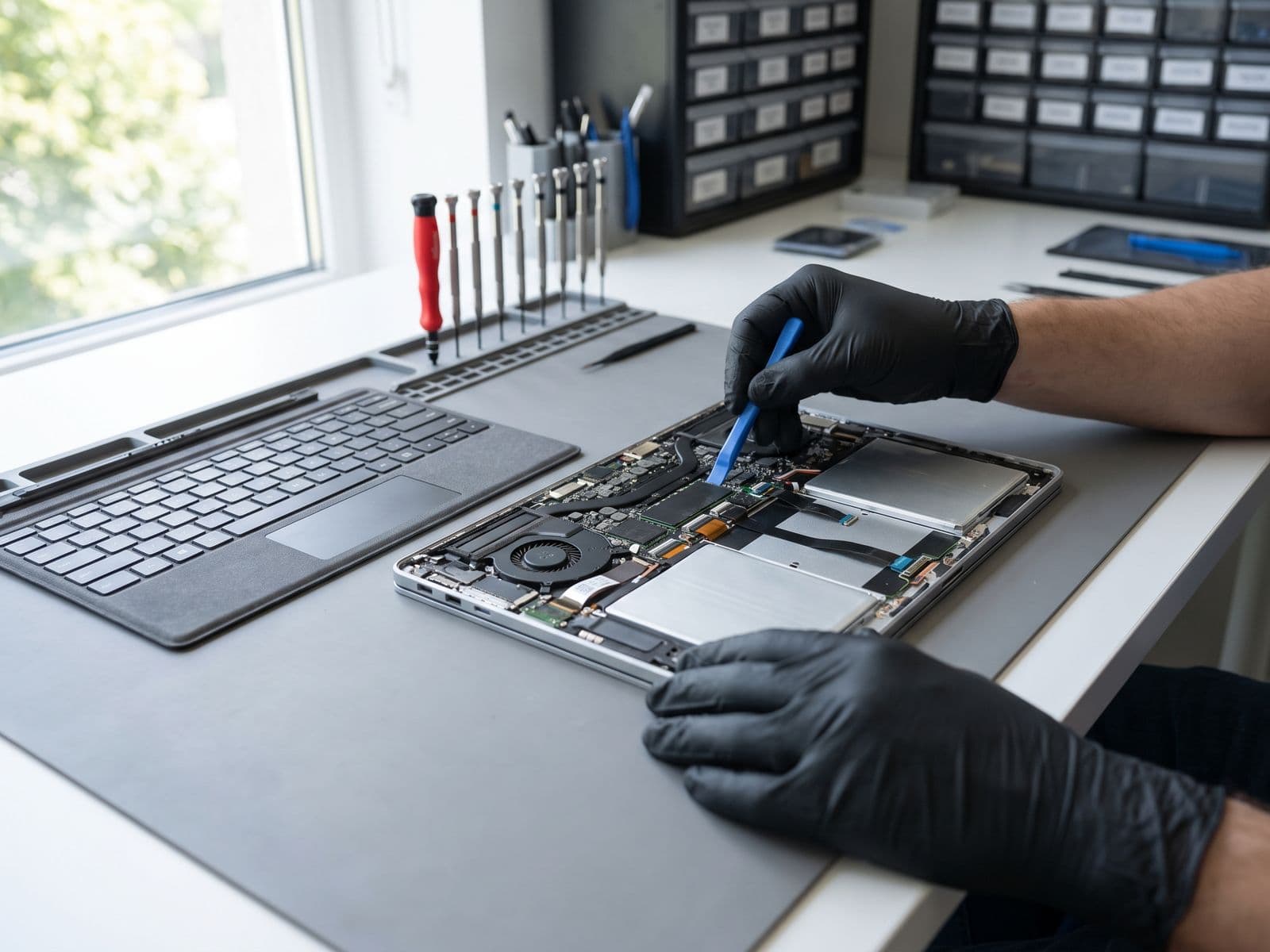
- Most components accessible after bottom case removal
Cons:
- Soldered RAM and storage in newer models (2016+)
- Proprietary screws require specialized tools
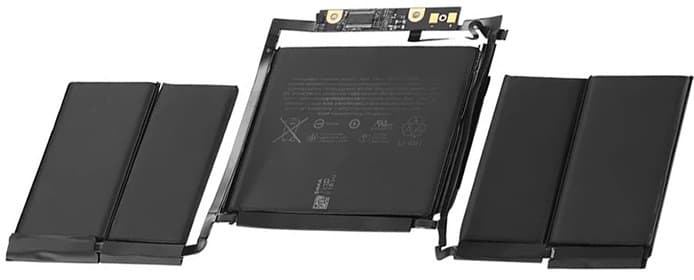
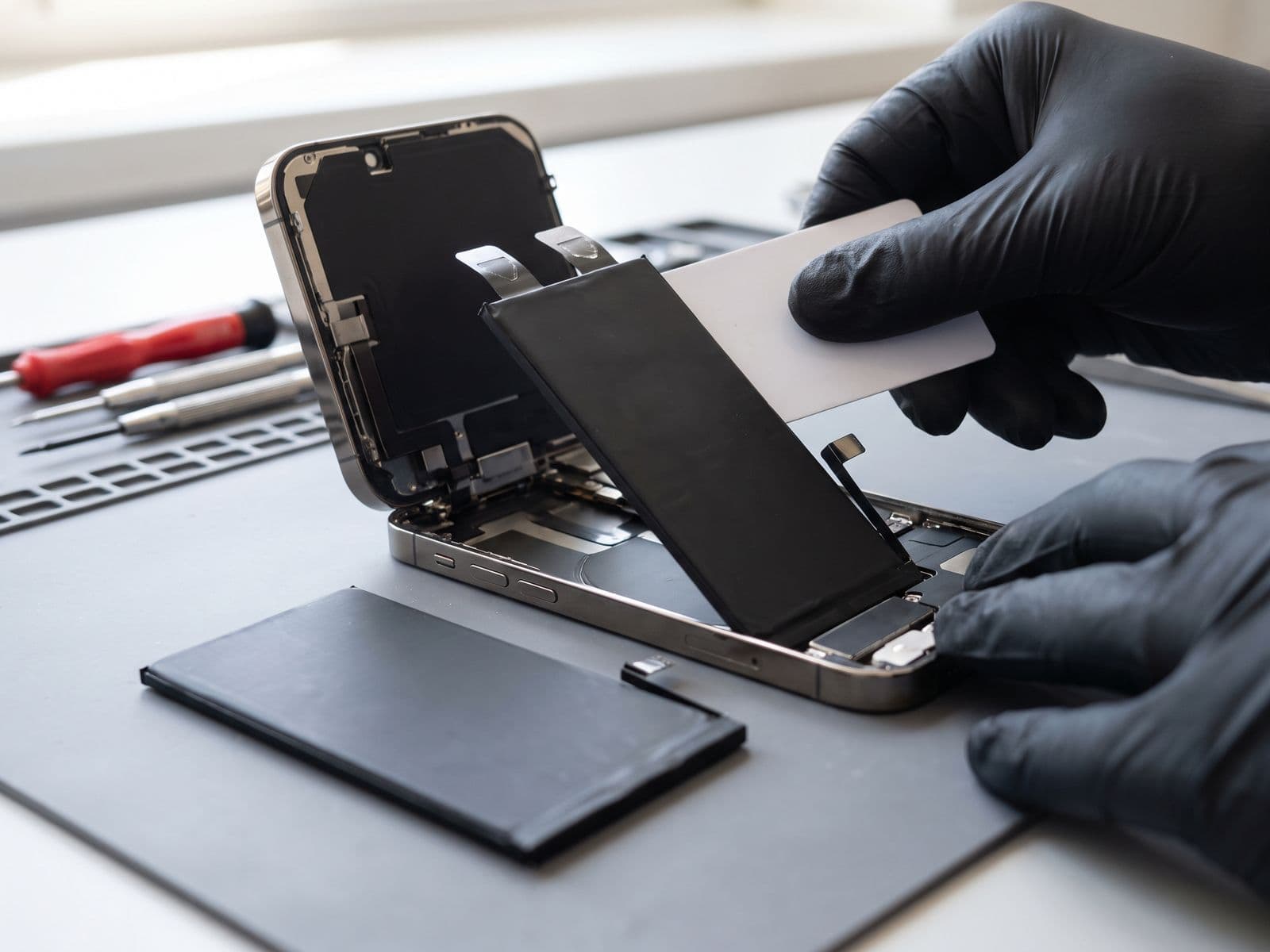
- Battery replacement requires adhesive removal
- Logic board repairs expensive due to integrated components
Surface Repairability: 4/10
Pros:
- SSD is replaceable on Surface Laptop models (not Pro)
- Microsoft provides some official repair documentation
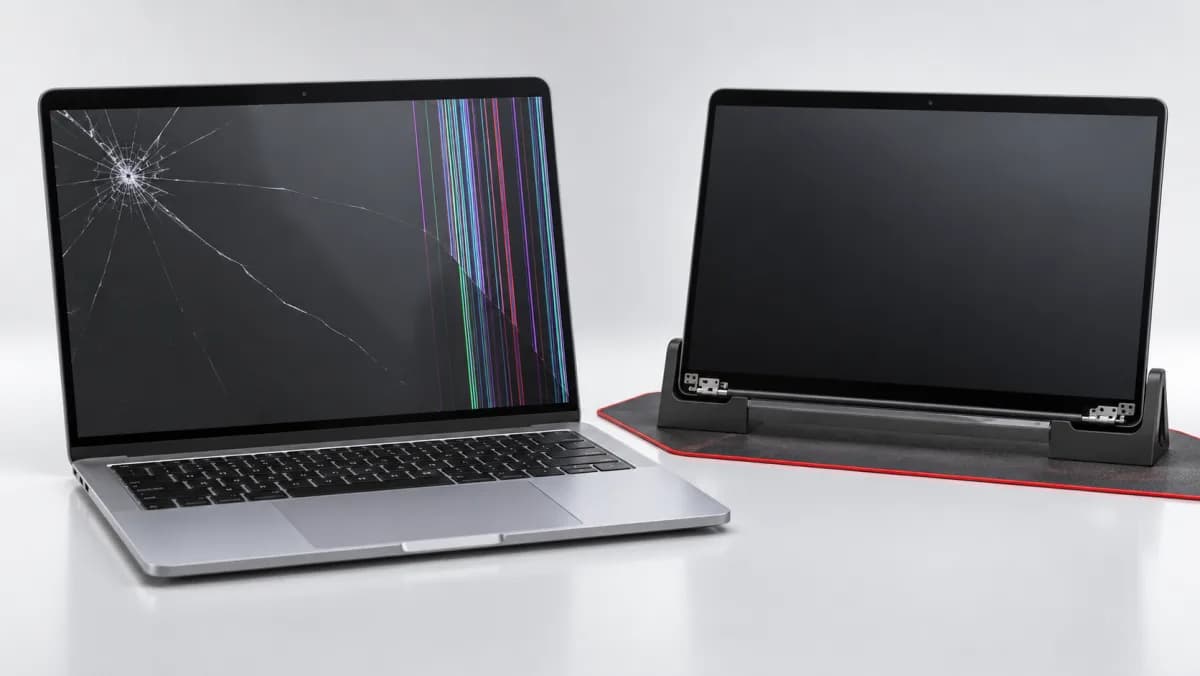
- Modular kickstand on Surface Pro makes it unique
Cons:
- Heavy adhesive makes screen removal extremely risky
- High screen breakage rate during repairs (30-40%)
- Limited parts availability in Malaysia
- Many components glued or soldered together
- Battery replacement requires full disassembly
Parts Availability in Malaysia
MacBook parts are readily available through multiple channels in Malaysia, including third-party replacements, refurbished components, and through Apple Authorized Service Providers for original Apple parts. Surface parts, particularly screens and batteries, often require international ordering with 2-4 week lead times.
5-Year Repair Cost Comparison
Repair prices depend on the exact model and on what the diagnosis finds, so TechFix quotes every repair after diagnosis and no work starts until you approve the quote. The table compares how the two families differ in practice:
| Repair Type | MacBook Air/Pro | Surface Laptop/Pro | Availability |
|---|---|---|---|
| Screen Replacement | Quote after diagnosis | Quote after diagnosis | MacBook: Immediate / Surface: 2-4 weeks |
| Battery Replacement | Quote after diagnosis | Quote after diagnosis | MacBook: Immediate / Surface: 1-3 weeks |
| Keyboard Replacement | Quote after diagnosis | Quote after diagnosis | MacBook: Immediate / Surface: 2-4 weeks |
| SSD Upgrade (512GB→1TB) | Quote after diagnosis | Quote after diagnosis | MacBook: Soldered* / Surface Laptop: Possible |
| Charging Port Repair | Quote after diagnosis | Quote after diagnosis | MacBook: 1-2 days / Surface: 1-2 weeks |
| Logic Board/Motherboard | Quote after diagnosis | Quote after diagnosis | MacBook: 3-5 days / Surface: 3-6 weeks |
| Trackpad Replacement | Quote after diagnosis | Quote after diagnosis | MacBook: Immediate / Surface: 2-3 weeks |
Note: MacBook models from 2016+ have soldered storage. Earlier models support upgrades.
Most Common Repairs by Device
MacBook: Most Common Repairs
- Battery Replacement - Typically needed after 3-4 years
- Keyboard Issues - Especially 2016-2019 butterfly mechanism
- Screen Damage - Usually from drops or pressure damage
- Liquid Damage - Coffee spills are the leading cause
- Charging Issues - Port wear or cable damage
Surface: Most Common Repairs
- Screen Damage - High breakage rate due to thin design
- Battery Swelling - Common after 2-3 years, can damage screen
- Charging Port Issues - Proprietary connector wear
- Type Cover Issues - Connector or keyboard failure
- Software/Hardware Conflicts - Driver and firmware issues
Repair Time Comparison
| Scenario | MacBook | Surface |
|---|---|---|
| Screen Replacement | Same day - 1 day | 3-5 days (parts wait) |
| Battery Service | Same day | 2-4 days (full disassembly required) |
| Keyboard Repair | 1-2 days | 3-7 days (parts ordering) |
| Logic Board Repair | 3-5 days | 1-3 weeks (parts + complexity) |
Which Device Wins for Long-Term Ownership?
Choose MacBook If:
- You want easier, faster, and more affordable repairs
- Parts availability and technician expertise are priorities
- You need same-day or next-day repair turnaround
- You plan to keep the device for 5+ years
- Budget for repairs is a concern
Choose Surface If:
- You're committed to the Windows ecosystem
- You need touchscreen and pen input functionality
- You can afford higher repair costs and longer wait times
- You have Microsoft Complete warranty (highly recommended)
- You're gentle with devices (lower accidental damage risk)
How to Minimize Repair Costs for Both Devices
For MacBook Users:
- Use a keyboard cover - Prevents debris and spill damage
- Replace battery proactively at 80% health to avoid swelling
- Invest in quality USB-C cables - Prevents charging port wear
- Apply screen protector - Reduces keyboard mark damage
- Regular cleaning - Prevents overheating and component failure
For Surface Users:
- Use tempered glass screen protector - Essential for thin displays
- Get Microsoft Complete warranty - Repair costs justify the investment
- Avoid pressure on lid - Common cause of screen damage
- Monitor battery health closely - Swelling damages screen from inside
- Use original charger only - Third-party chargers often incompatible
Our Professional Recommendation
For Malaysian users concerned about long-term costs, MacBook offers significantly better repairability and lower total cost of ownership. The extensive parts availability, faster repair times, and larger pool of qualified technicians in Malaysia make it the more practical choice.
Surface devices excel in design and functionality but require careful handling and realistic budgeting for repairs. If you choose Surface, we strongly recommend purchasing Microsoft Complete warranty.
Repair Scenarios Over 5 Years
We do not publish totals for these scenarios, because every figure depends on the model and the diagnosis. TechFix quotes each repair after diagnosis, and no work starts until you approve the quote.
Conservative Use (No Accidents):
- MacBook: Battery replacement and keyboard cleaning
- Surface: Battery replacement and a Type Cover
Moderate Use (One Accident):
- MacBook: Battery, keyboard and screen
- Surface: Battery, screen and Type Cover
Heavy Use (Multiple Issues):
- MacBook: Battery, keyboard, screen and logic board
- Surface: Battery, screen, charging port and logic board
Frequently Asked Questions
Q: Can I upgrade the RAM or storage on MacBook or Surface?
A: Both MacBook (2016+) and most Surface models have soldered RAM and storage. Only older MacBooks and Surface Laptop models support SSD replacement. Plan your configuration carefully at purchase.
Q: Which device has better resale value in Malaysia?
A: MacBooks consistently maintain 50-60% value after 3 years. Surface devices typically retain 35-45% due to higher perceived repair risks and lower demand in the used market.
Q: Is third-party repair safe for both devices?
A: Yes, for MacBooks. For Surface, choose experienced technicians only - screen removal has high breakage risk. At TechFix, we offer warranty on all repairs for both devices.
Q: How long do batteries last on each device?
A: Both typically last 3-4 years (500-800 cycles). Surface batteries are more prone to swelling, which we've observed in 25% of 3+ year old devices. MacBook batteries degrade more predictably.
Q: Can water damage be repaired on both devices?
A: MacBooks are generally easier to recover thanks to better component access. Surface water damage repair is more complex. Act within 24 hours for best results - see our liquid damage repair services.
Get Expert Repair for MacBook or Surface in Malaysia
Whether you own a MacBook or Surface, TechFix Malaysia offers professional repair services with original or premium quality parts, transparent pricing, and warranty on all work. Need help with a Surface device? Check out our dedicated Microsoft Surface repair Malaysia service.
Visit our service centers:
Sunway Geo Avenue, Subang Jaya
G-06-28, Level 6, Block G, Sunway Geo Avenue Walk-ins welcome | Same-day service for most repairs
Courier-in service
Courier your device to us; we courier it back free | WhatsApp first to confirm timing
WhatsApp us for instant quote: 012-770 7120
If your MacBook is the one that needs work, start with our MacBook repair Malaysia page.