
Laptop won't power on, no lights, black screen? Here's what actually causes it, what to check first, and how repairs are quoted in Malaysia. We repair the board — same-day where possible, no data wipe.
A laptop that won't turn on is one of the most stressful faults — no lights, no fan, a black screen, or it powers on for a second and dies. The good news: in most cases the data is fine and the fault is repairable, often at board level rather than a full replacement.
This guide walks through what actually causes a dead laptop, what you can safely check yourself, and how repair pricing works in Malaysia.
First, the quick checks (do these before you panic)
- Try a different charger and wall socket. A dead charger or a failed charging port mimics a dead laptop. Look for any charging light.
- Hold the power button for 30 seconds (battery out if removable) to force a hard reset, then try again.
- Listen and look — any fan spin, any keyboard backlight, any single beep? "Completely dead" vs "powers on but no display" point to very different faults.
- If it got wet, do NOT keep trying to power it on — see our water damage guide. Power makes corrosion worse.
If none of that brings it back, it's almost always one of the faults below — and most are repairable.
What actually causes a laptop that won't turn on
| Cause | What's happening | Repairable? |
|---|---|---|
| Charging IC / power circuit fault | The board can't take or regulate power | ✅ Board-level repair |
| Failed power button / power rail | No trigger to the board, or a shorted rail | ✅ Board-level repair |
| Liquid / corrosion damage | Shorted components on the board | ✅ Board-level repair |
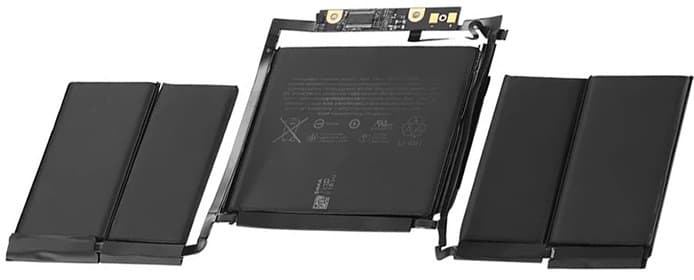
| Dead battery + faulty charging | Won't run on adapter alone | ✅ Battery + charging repair |
| RAM / storage seating fault | Powers on, no boot | ✅ Low-cost fix |
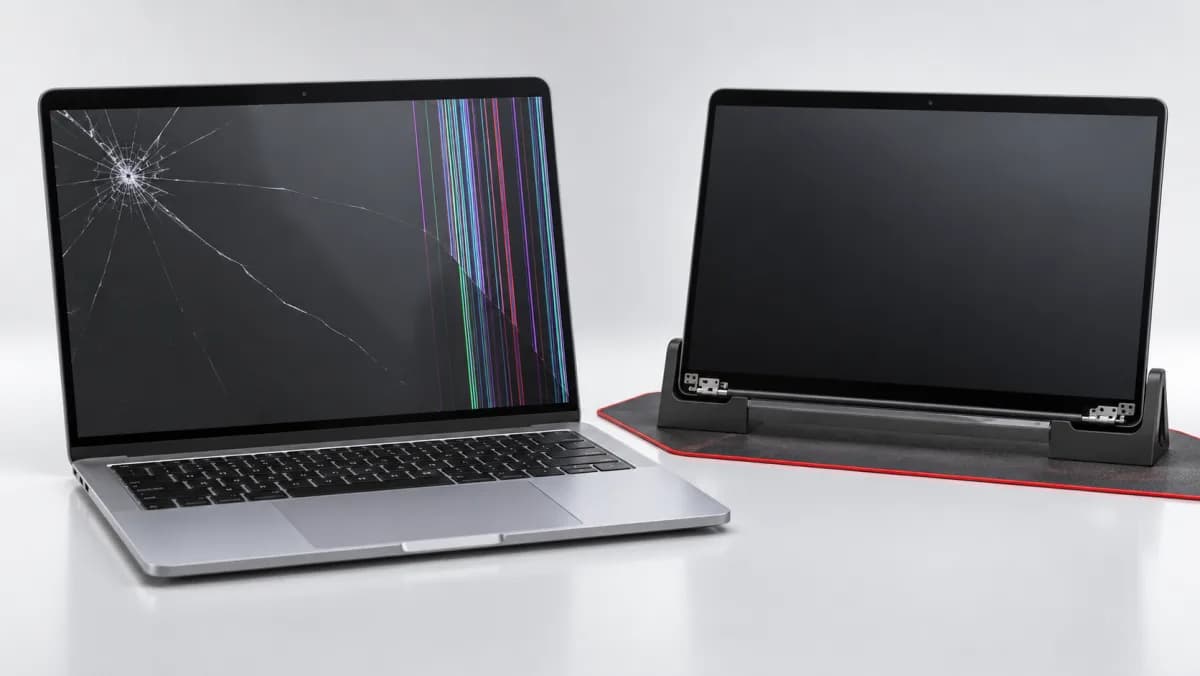
| Faulty display / backlight | "Dead" but actually alive — screen circuit failed | ✅ Display/board repair |
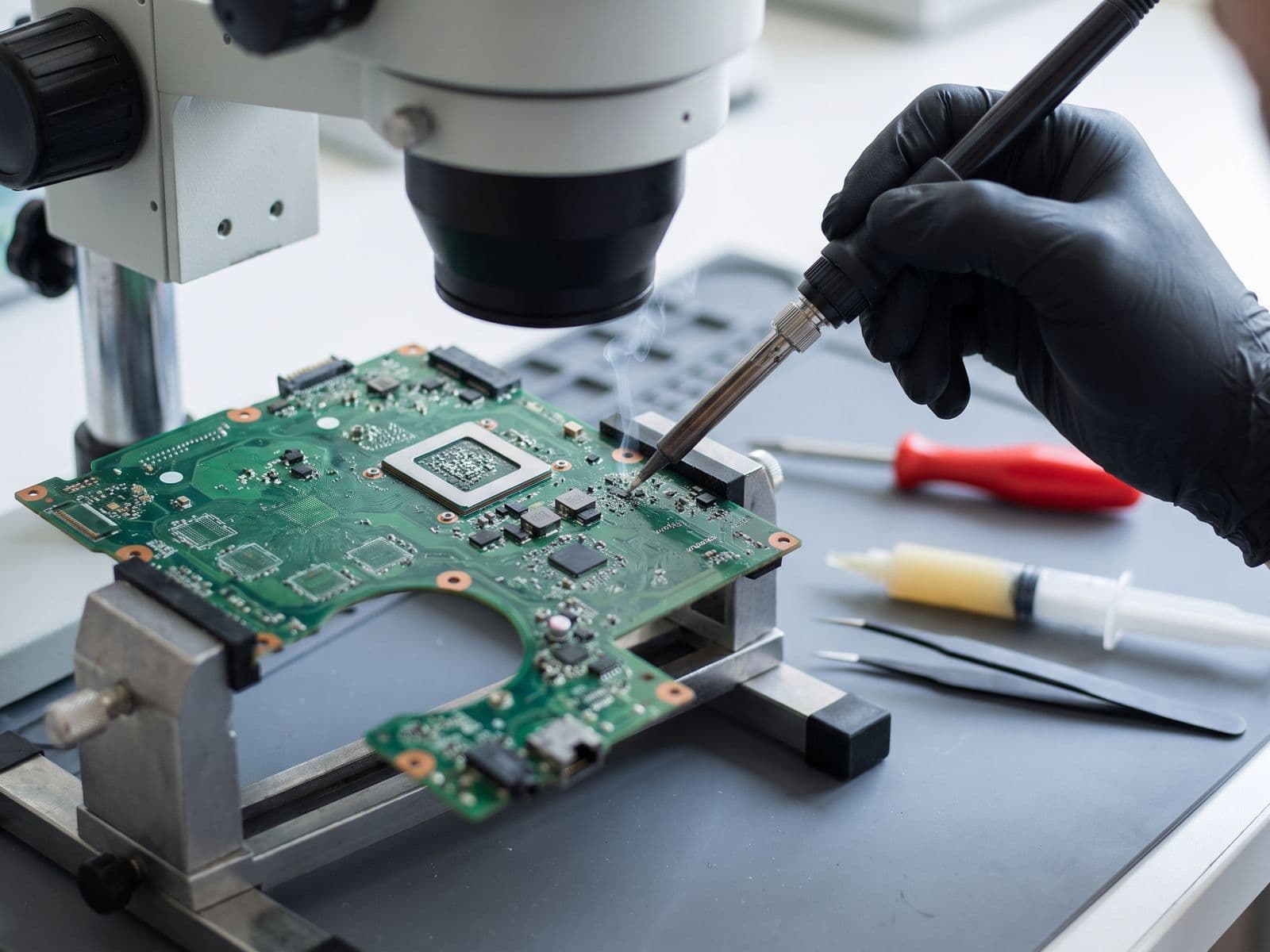
Most "dead laptop" cases that walk into our Sunway lab are board-level power faults — and those are exactly what we repair with micro-soldering, instead of quoting you a whole new motherboard.
Laptop won't-turn-on repair cost in Malaysia (2026)
Prices depend on the fault, so every repair is quoted after diagnosis.
| Repair | Cost | Turnaround |
|---|---|---|
| Charging port / DC jack | Quote after diagnosis | Same-day – 2 days |
| Power button / keyboard power line | Quote after diagnosis | Same-day – 2 days |
| Charging IC / power-management repair | Quote after diagnosis | 1 – 3 days |
| No-power board repair (single fault) | Quote after diagnosis | 1 – 3 days |
| Liquid-damage board repair | Quote after diagnosis | 2 – 4 days |
Transparent quote, not a free guess. Our expert diagnosis is RM 100 for Windows laptops, RM 150 for MacBook and Surface, and it's waived in full when you approve the repair. We quote after diagnosis, and no work starts until you approve the quote.
A board repair keeps your original board and your data — far cheaper than the "replace the whole motherboard" quote most shops give.
Repair vs. replace the motherboard
| Typical shop / maker | TechFix board repair | |
|---|---|---|
| What's done | Replace the whole board | Repair the faulty component |
| Your data | At risk / wiped | Untouched |
| Price | Varies by maker | Quoted after diagnosis |
| Time | Varies | Same-day where possible |
| Warranty | Varies | 90-day TechFix warranty |
Why TechFix
- 90-Day Warranty on repairs
- Same-day, no data wipe — our structural advantage over maker service centres
- Board-level micro-soldering at our Sunway lab — we fix the cause, not swap the whole board
- We work on all premium laptops — MacBook, Surface, ROG/Razer/MSI/Alienware, Dell, Lenovo, Asus
See our laptop logic board repair service for the full breakdown.
Get your laptop diagnosed today
Laptop won't turn on? Get a transparent quote. WhatsApp us at 012-770 7120 or book a repair. Same-day. No data wipe.