
A practical IT asset register for companies without an IT department: the fields to record, the device lifecycle, joiners and leavers, warranties and safe disposal.
Why IT Asset Management Matters for a Small Company
In a company without an IT department, laptops quietly go missing from the records. Someone leaves and their laptop is never returned. A spare sits in a drawer for a year. Nobody knows which machines are still under warranty until one breaks. IT asset management is simply keeping an accurate record of every device, who has it and what state it is in — and updating it every time something changes.
What to Record: The IT Asset Register
A spreadsheet is enough to start. Record one row per device with these columns:
| Field | Example | Why it matters |
|---|---|---|
| Asset tag | TF-LAP-021 | A label on the device ties it to the record |
| Device type | Laptop | Filters the fleet quickly |
| Brand and model | Dell Latitude 7430 | Parts, batteries and support depend on the model |
| Serial number | CQ42HW3 | Needed for warranty claims and insurance |
| Purchase date and supplier | 2024-03-12, supplier name | Tells you the age of the fleet |
| Warranty end date | 2027-03-11 | Repair under warranty instead of paying |
| Assigned to | Staff name and department | Accountability when someone leaves |
| Status | In use / spare / in repair / retired | Shows spares you did not know you had |
| Condition notes | Battery health, damage | Plans replacements before they fail |
| Accounts on the device | Microsoft 365 user | What to remove at offboarding |
Monitors, docks and phones can live in the same register with their own type.
The Device Lifecycle
Every device moves through the same stages, and the register should change at each one:
- Purchase — add the device, tag it, record warranty.
- Deploy — set up accounts and applications, assign it to a person.
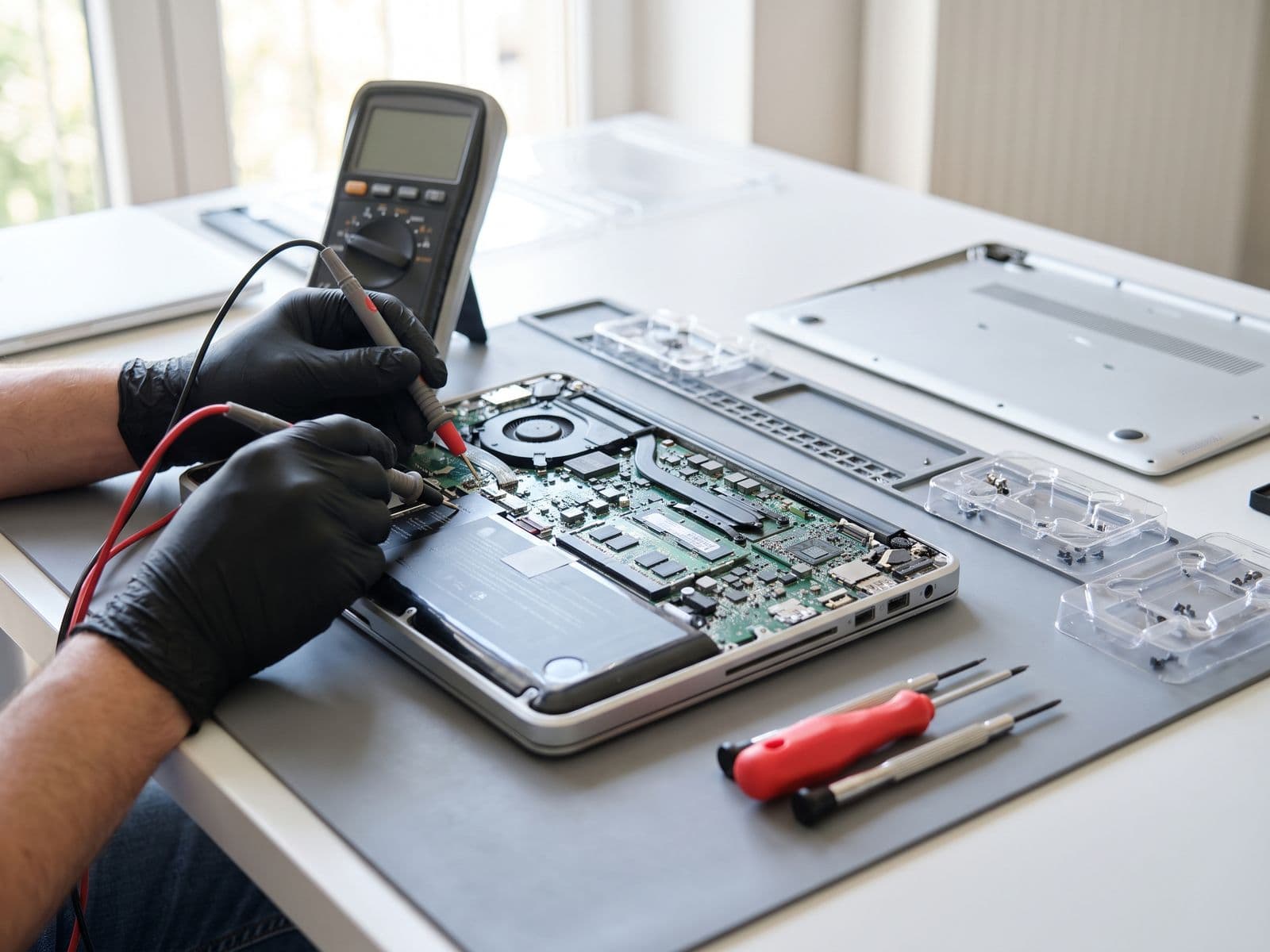
- In use — log repairs and battery or storage upgrades against the serial number.
- Reassign — when someone leaves, the device returns, is checked, and moves to spare or to the next person.
- Retire — wipe data securely, remove it from accounts and management tools, and record how it was disposed of.
Joiners and Leavers: Where Records Usually Break
Most gaps appear when people join or leave.
For a new joiner:
- Pick a spare or order a device in advance, not on day one
- Set up accounts and access before the start date
- Record the assignment in the register when the device is handed over
For a leaver:
- Collect the laptop and accessories on the last day
- Remove access to email and company systems
- Check the device, then mark it spare or send it for repair
- Update the register the same day
Warranties and Battery Health
Batteries and warranties are the two things small companies lose track of. Record the warranty end date for every device, and check laptop battery health once a year. On Windows, the command powercfg /batteryreport produces a report showing the battery's full charge capacity against its design capacity; on a Mac, System Information shows the battery cycle count and condition. Replacing batteries across several laptops in one visit costs far less than replacing the laptops.
Retiring Devices Safely
A retired laptop still holds company and personal data. Before a device leaves the company — sold, donated or recycled — its storage should be wiped or destroyed, the device removed from your accounts, and the disposal recorded against its serial number. Personal data you hold on staff and customers remains your responsibility until it is properly erased.
Spreadsheet, MDM or Managed Service?
- Spreadsheet — free and enough for a small fleet, but only as accurate as the last person who updated it.
- Mobile device management (MDM) — software that enrols devices, reports their status and can lock or wipe them remotely. Useful as the fleet grows or staff work remotely.
- Managed IT service — the provider keeps the register for you, prepares devices for joiners and collects them from leavers.
Let Us Keep the Register for You
On TechFix's Managed and Managed Plus plans, the asset ownership and warranty register, onboarding and offboarding preparation and preventive maintenance are included. See the plans and a monthly estimate on our Managed IT Services page.