
Gaming laptop repair — ROG, Razer, MSI, Alienware. GPU reballing, screen replacement, thermal paste, and keyboard fixes with 90-Day Warranty.
Gaming Laptop Repair Malaysia: Expert Service Guide
Gaming laptops demand specialized care due to their high-performance components and unique cooling systems. Techfix provides expert repair services for all major gaming laptop brands.
Gaming Laptop Repair Pricing
Screen Replacement (High Refresh)
| Brand/Model | 144Hz | 240Hz+ |
|---|---|---|
| ASUS ROG | Quote after diagnosis | Quote after diagnosis |
| Razer Blade | RM 980 | RM 1,199 |
| MSI | Quote after diagnosis | Quote after diagnosis |
| Alienware | Quote after diagnosis | Quote after diagnosis |
| Acer Predator | Quote after diagnosis | Quote after diagnosis |
Thermal Service
| Service | Cost |
|---|---|
| Thermal Paste Replacement | RM 149 |
| Repaste + Deep Cleaning | RM 199 |
| Thermal Pad Replacement | Quote after diagnosis |
| Full Thermal Overhaul (Repaste + Pads) | RM 299 |
Component Repairs
| Service | Cost Range |
|---|---|
| Keyboard (RGB) Replacement | From RM 299 |
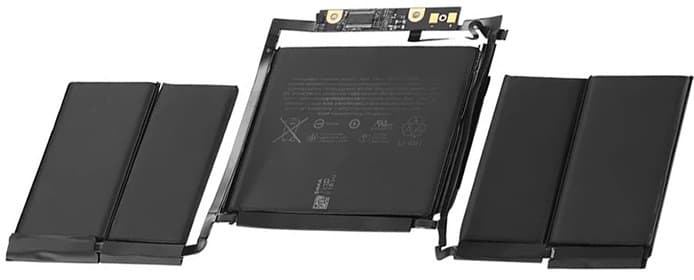
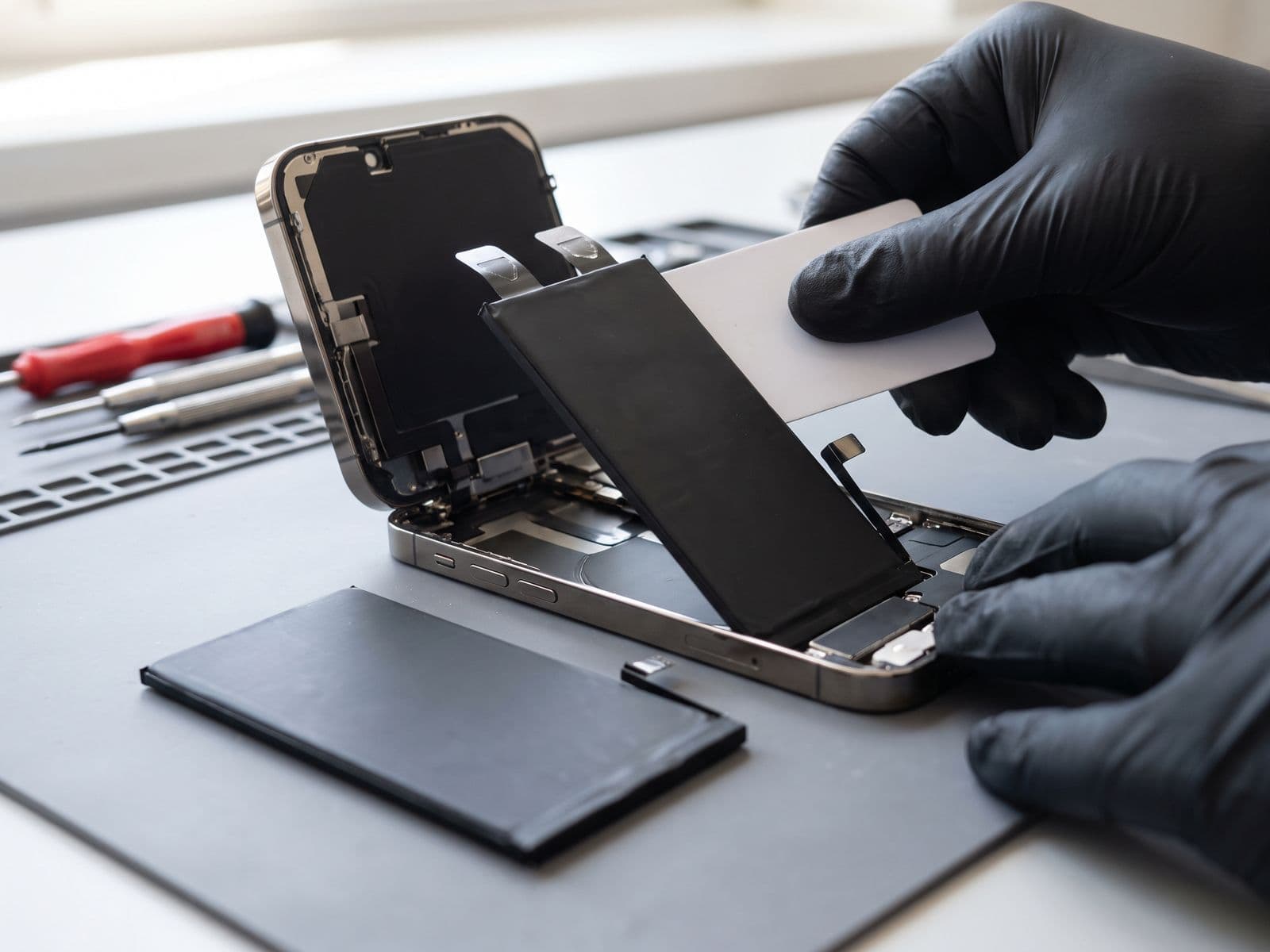
| Battery Replacement | From RM 349 |
| Charging Port Repair | From RM 199 |
| Hinge Repair | Quote after diagnosis |
| Fan Replacement | From RM 199 |
Common Gaming Laptop Issues
1. Overheating Gaming laptops run hot. Signs of thermal problems:
- High temperatures (90°C+ during gaming)
- Thermal throttling (performance drops)
- Loud fan noise
- Unexpected shutdowns
2. Screen Issues
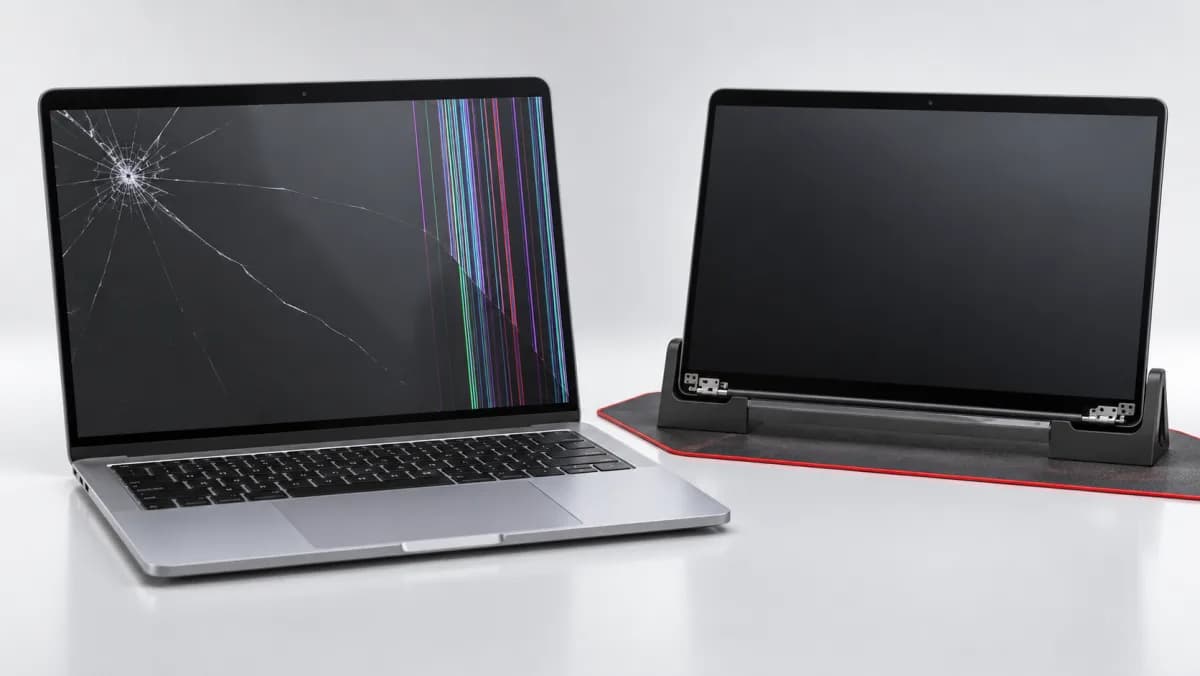
- Cracked high-refresh displays
- Dead pixels
- G-Sync/FreeSync problems
- Ghosting or response time issues
3. Battery Degradation Gaming laptops drain batteries fast:
- Swelling batteries
- Poor battery life
- Not holding charge
- Only works when plugged in
4. Keyboard Problems RGB keyboards have unique issues:
- LED failures
- Individual key problems
- Software sync issues
- Liquid damage
Thermal Maintenance: Why It Matters
The Problem: Gaming laptops generate significant heat. Over time:
- Thermal paste dries out
- Dust accumulates
- Performance degrades
- Components can be damaged
Our Thermal Service:
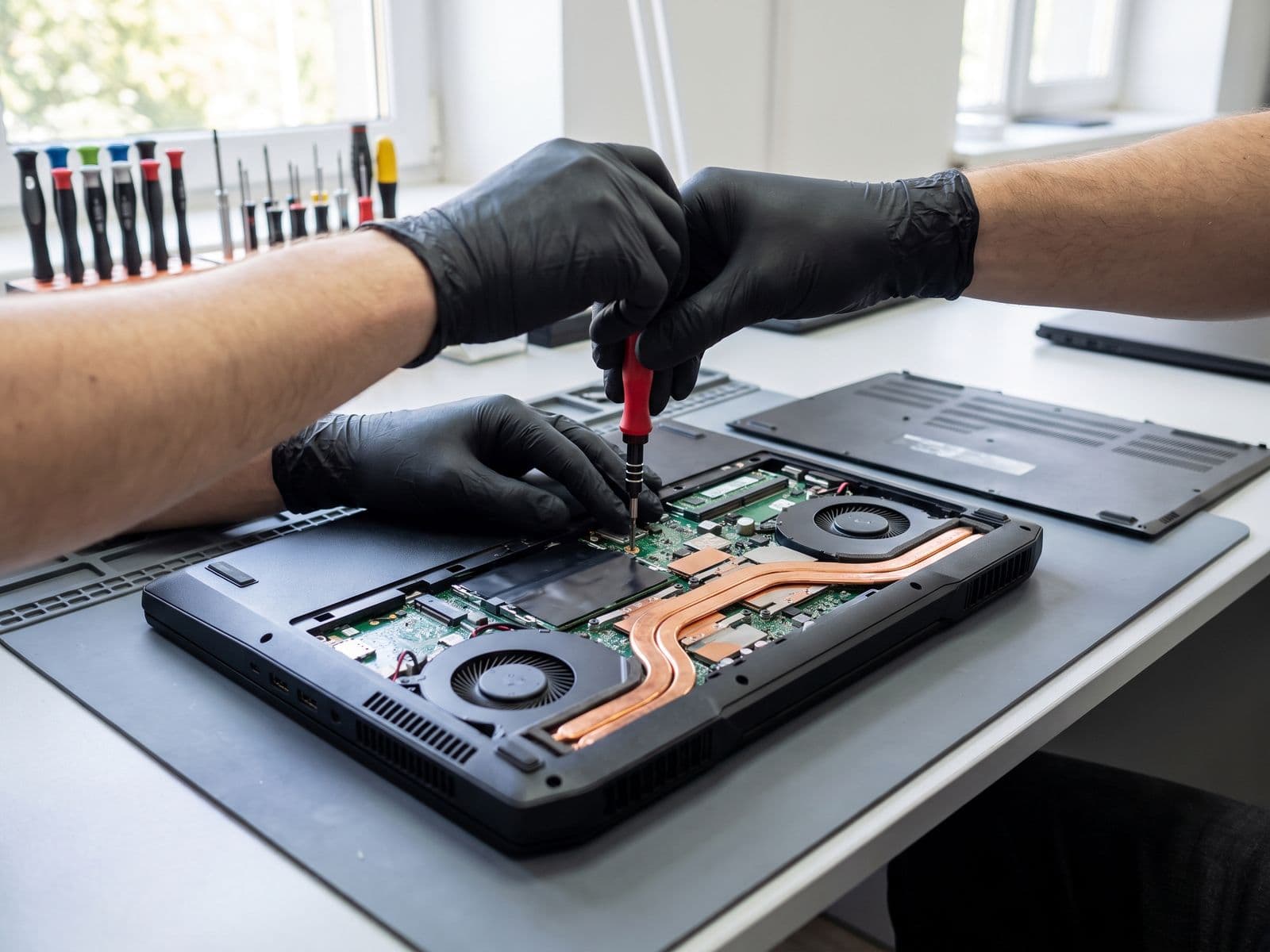
- Complete disassembly
- Dust removal from heatsinks and fans
- Old thermal paste removal
- Premium thermal paste application
- Thermal pad replacement (if needed)
- Temperature testing under load
Results:
- 10-20°C temperature reduction
- Restored performance
- Quieter operation
- Extended component life
Brand-Specific Considerations
ASUS ROG
- Complex cooling systems
- AniMe Matrix displays (select models)
- ROG-specific software considerations
Razer Blade
- Premium aluminum construction
- Vapor chamber cooling
- Synapse RGB integration
MSI
- SteelSeries keyboard integration
- Dragon Center software
- Cooler Boost technology
Alienware
- Unique chassis designs
- AlienFX lighting
- Command Center integration
High-Refresh Display Replacement
Gaming laptop screens are special:
What We Preserve:
- Refresh rate (144Hz, 240Hz, 360Hz)
- Response time (3ms, 1ms)
- G-Sync/FreeSync compatibility
- Color accuracy
- Brightness levels
Our Process:
- Source matching panel specifications
- Careful display removal
- Calibrated installation
- Refresh rate verification
- Gaming performance testing
Gaming Laptops in Malaysia's Climate: Extra Challenges
Malaysia's tropical climate presents specific challenges for gaming laptop owners that are often overlooked:
Ambient temperature impact: Gaming laptops are engineered assuming an ambient room temperature of around 20-25°C. Malaysia's indoor temperatures without air conditioning regularly reach 30-33°C. This means your laptop's thermal system is already working harder before you launch a single game.
Recommended maintenance schedule for Malaysia: While general advice suggests thermal maintenance every 12-18 months, we recommend every 6-9 months for laptops used heavily in non-air-conditioned environments.
Humidity and circuit board corrosion: High humidity accelerates oxidation on circuit board contacts. If your laptop is stored in a room with poor ventilation and high humidity, consider silica gel packets near your storage area to reduce moisture exposure.
GPU Reballing: The Last Resort for Graphics Failures
One of the most serious gaming laptop repairs is GPU failure — when the graphics card literally detaches from the motherboard at the solder ball level due to repeated heat cycling. Signs include:
- Display shows garbled graphics or artifacts
- Laptop powers on but screen remains black
- GPU not detected in Device Manager
- System crashes specifically when GPU is under load
This repair — called GPU reballing — involves removing the GPU chip, cleaning the contact points, applying fresh solder balls, and reflowing the chip back to the motherboard under controlled heat. It requires specialized BGA rework station equipment. Not all repair shops have this capability.
TechFix Malaysia performs GPU reballing for select models. Contact us with your specific model for availability.
When to Repair vs. Upgrade Your Gaming Laptop
| Situation | Recommendation |
|---|---|
| Screen cracked, internals fine | Repair — cost-effective |
| Overheating and throttling | Thermal service — straightforward fix |
| Battery not lasting | Battery replacement — recommended |
| GPU failed on a lower-value laptop | Evaluate repair cost vs. replacement value |
| GPU failed on ROG/Razer/Alienware flagship | Reballing often worth it |
| Motherboard failed, no data concerns | Replace laptop |
Why Choose Techfix for Gaming Laptops
- Gaming Expertise - We understand high-performance hardware
- Quality Parts - Matching original specifications
- Thermal Specialists - Expert cooling maintenance
- Fast Service - We know you want to get back to gaming
- 90-Day Warranty - All repairs covered
Book Your Gaming Laptop Repair
Get back to gaming with expert repair service.
📍 Sunway: G-06-28, Level 6, Block G, Sunway Geo Avenue 📞 WhatsApp: 012-770 7120
Thermal service special - keep your gaming laptop cool!
Explore our full gaming laptop repair service page for detailed pricing on all brands and models. We also service gaming consoles — visit our gaming console repair page for PlayStation and Nintendo repair.