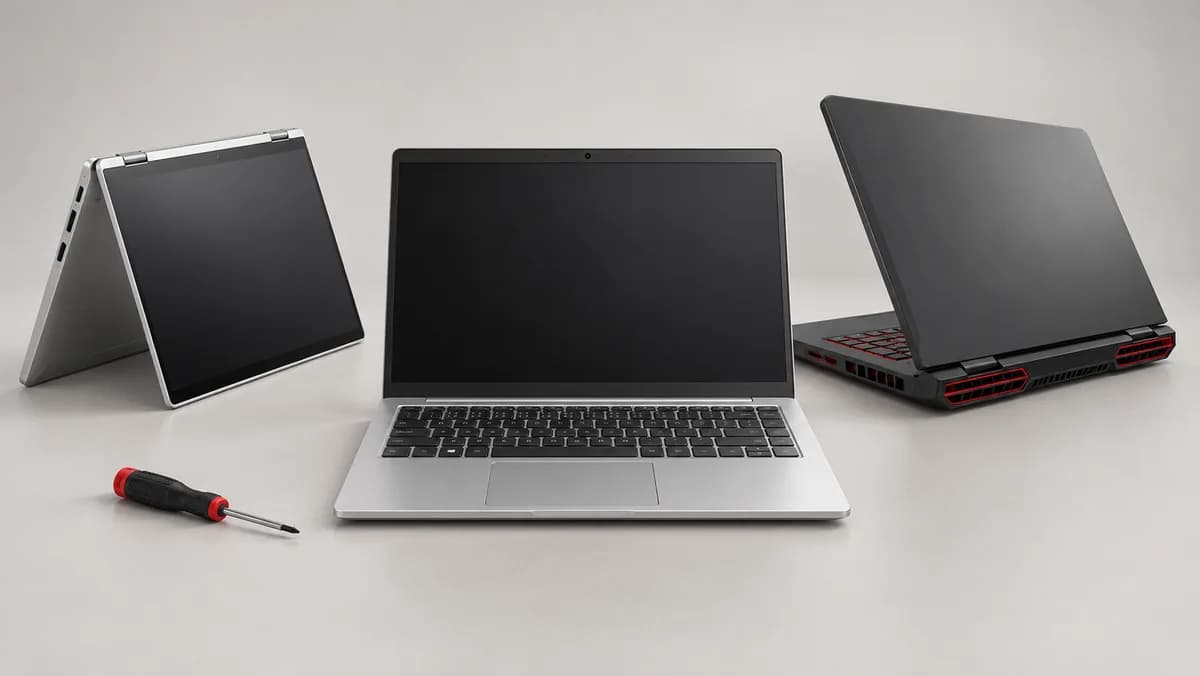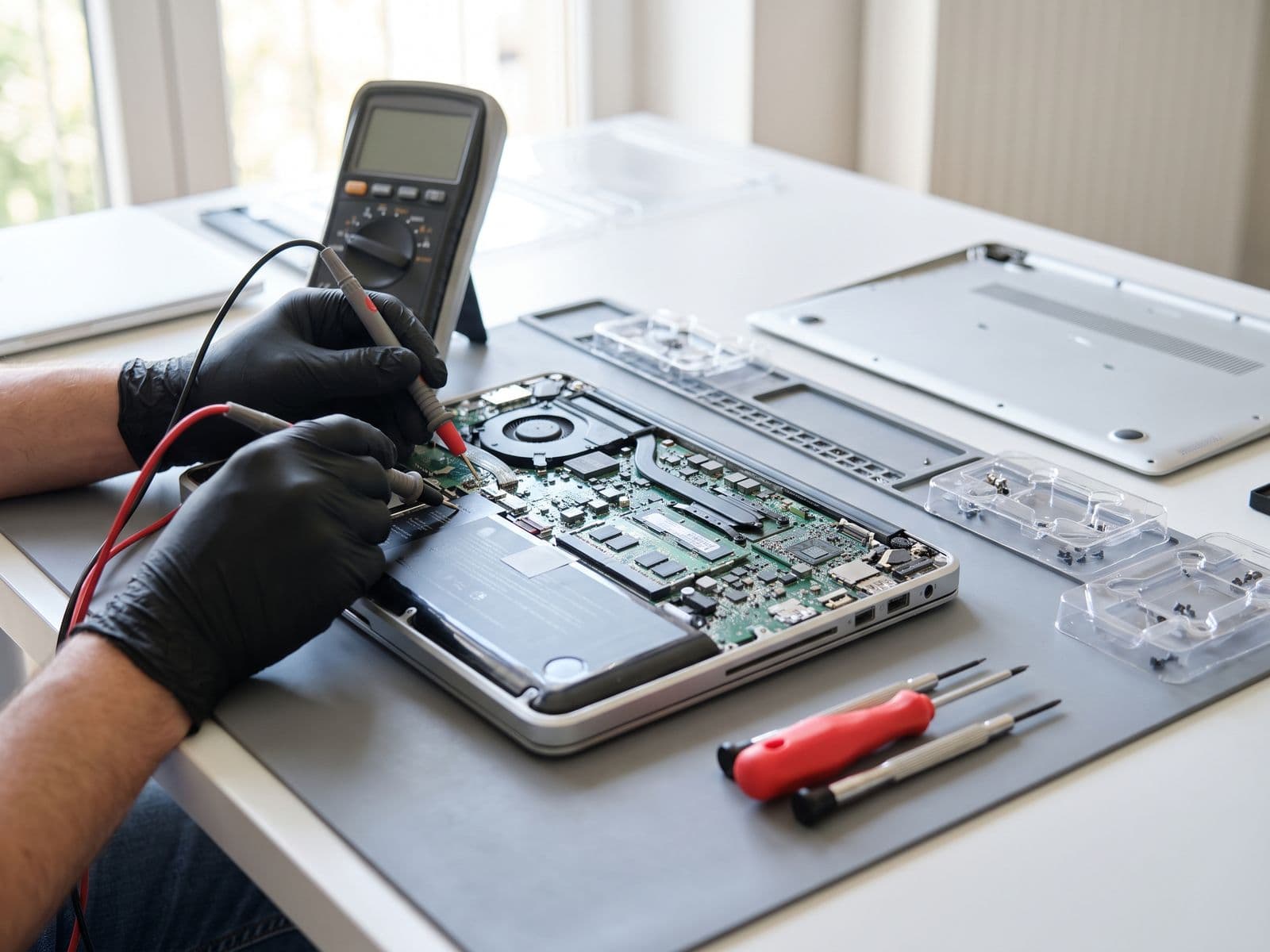

Don't wait for the black screen. If you hear grinding noises or feel extreme heat, your laptop is warning you.
5 Signs Your Laptop Needs Urgent Service (Before It Dies Completely)
Laptops rarely fail without warning. In most cases there are clear signs weeks or months before the actual failure — and if you catch them early, the repair is cheaper, your data is safer, and you avoid the disruption of an unexpected breakdown.
Here are the five most common warning signs we see at Techfix Malaysia, what each one means, and what you should do about it.
Sign 1: The Jet Engine Fan
What it sounds like: Your fan spins at full speed even when you are just browsing, watching a video, or working in Word. The noise is constant and loud — often described as sounding like a hair dryer or jet engine.
What it means: Your cooling system is clogged. Dust accumulates inside laptops over 12–18 months of regular use, forming a dense mat of fibres across the heatsink fins. The fan spins harder to push air through the blockage, generates more noise, and still fails to cool the CPU adequately.
Why it matters: Heat is the primary killer of laptop hardware. Sustained high temperatures cause solder joints to fail, damage capacitors, and accelerate SSD degradation. Many motherboard failures that look expensive are actually the downstream consequence of ignored thermal problems.
The fix: Professional deep cleaning and thermal paste replacement. It is quoted after diagnosis. If you have a gaming laptop with throttling performance, see our gaming laptop repair service.
Sign 2: The Clicking Sound
What it sounds like: A rhythmic, mechanical "click-click-click" coming from inside the base of the laptop — not the keyboard, but from the storage area. It may be intermittent and worsen during file access.
What it means: Your hard drive head is failing. Traditional HDDs (spinning magnetic platters) use a read/write head that moves rapidly across the disk surface. When this head begins to fail, it clicks as it repeatedly attempts and fails to find its calibration point — the so-called "click of death."
Why it matters: This is the one warning sign on this list where data loss is imminent and not theoretical. An HDD in click-of-death mode can fail completely within hours to a few days. Back up everything you can, immediately.
The fix: Back up your data first while the drive still spins. Then replace the HDD with an SSD. The SSD upgrade is priced on our laptop SSD upgrade page and makes the machine dramatically faster in the process. SSDs have no moving parts and will not develop this issue.
Sign 3: The Battery Bulge
What it looks like: Your laptop has a noticeable lump somewhere it should be flat. The trackpad suddenly feels stiff and hard to click. The keyboard area seems raised in the middle. The back of the laptop does not sit flat on the desk. In some cases you can see a visible gap where the bottom panel has separated from the chassis.
What it means: Your battery has swollen. Lithium-ion batteries produce gas as they degrade through charge cycles, and in a sealed laptop chassis this gas has nowhere to go. The battery pouch expands and pushes against adjacent components.
Why it matters: A swollen battery is a fire hazard. If the battery pouch is punctured by pressure, impact, or the chassis edges, the electrolyte reacts with oxygen and can ignite. This is not theoretical — it happens.
The fix: Stop charging the device. Back up your data. Do not try to press the bulge back down. Battery replacement at Techfix is priced on our laptop repair page or quoted after diagnosis. Our laptop repair service covers all major brands.
Sign 4: Random Blue Screens (BSOD)
What it looks like: Windows suddenly crashes with a blue screen showing a stop code such as "MEMORY_MANAGEMENT" or "CRITICAL_PROCESS_DIED" and reboots. This happens unpredictably — sometimes during specific tasks, sometimes at random.
What it means: Something at the hardware level is causing Windows to crash. Common culprits:
- A failing RAM stick producing memory errors
- An SSD developing bad sectors or controller failures
- Driver conflicts after a recent Windows update
- Overheating causing CPU errors under sustained load (see Sign 1)
Why it matters: Occasional BSODs often precede complete hardware failure. An SSD with bad sectors that causes occasional crashes today can fail completely and unrecoverably next week.
The fix: We run a full diagnostic — RAM testing, SSD health check via S.M.A.R.T data, thermal assessment, and driver audit. Diagnosis takes 30–60 minutes and the diagnostic fee is waived if you proceed with a repair. Component replacement is quoted after diagnosis.
Sign 5: Hinges Making Cracking or Grinding Sounds
What it sounds like: Opening or closing the laptop lid produces a cracking, grinding, or crunching sound. The lid may feel stiff, wobble when open, or no longer hold its angle properly.
What it means: The hinge mechanism is failing. Laptop hinges connect to the screen assembly via mounting points in the rear chassis. Over time — especially on plastic-bodied laptops — the plastic around the hinge mount cracks and gives way, causing the hinge to grind directly on the chassis.
Why it matters: The screen data cables — display, camera, backlight — all run through the hinge area. A failing hinge physically flexes these cables with every open and close. Eventually the cables fray or disconnect, turning a hinge repair into a much larger screen replacement.
The fix: Hinge repair at Techfix is quoted after diagnosis, depending on severity and model. Catching it early prevents the more expensive cable damage scenario.
What These Signs Have in Common
All five warnings are giving you time to act — time that keeps the repair cost low and your data safe. A clogged fan caught early is a cleaning. The same fan ignored until the GPU fails is a motherboard repair. An HDD clicking once a day is an SSD upgrade. Waiting until it clicks its last click is potential total data loss.
If your laptop is showing any of these signs, book an expert diagnostic at Techfix. Our technicians can tell you within an hour what the issue is and what it will cost to fix.
For general laptop service, see our laptop repair Malaysia page. For gaming laptops with overheating specifically, our gaming laptop repair service covers full thermal overhaul.
Sunway: G-06-28, Level 6, Block G, Sunway Geo Avenue — WhatsApp: 012-770 7120