Surface Pro 7 Won't Power On - Logic Board Micro-Soldering Saved RM 2,200
Power management IC replaced, Surface fully restored
The customer’s Surface Pro 7 completely died with no power or charging response. We diagnosed failed power management IC and performed precision micro-soldering repair, restoring full functionality for RM 749 vs Microsoft's RM 2,950 logic board replacement.
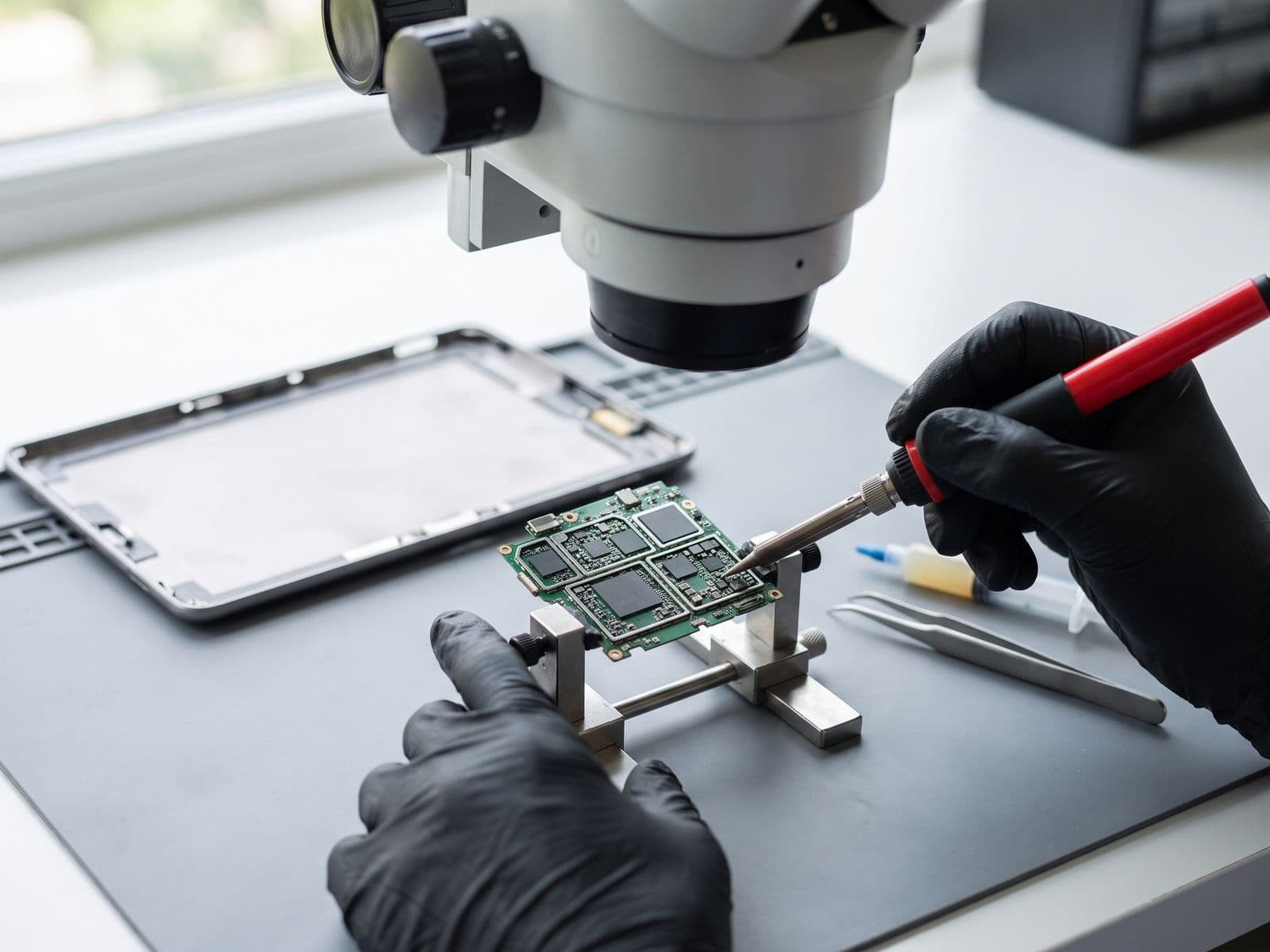
Illustrative example based on a typical repair we perform
The Transformation
Before & After Results
The customer, a medical doctor in Sunway, arrived at his clinic one morning to find his Surface Pro 7 completely dead. No power LED when plugged in, no response to power button (even after holding 30+ seconds), no screen activity whatsoever, and the device felt cold (no heat suggesting no power flow). He had patient records and medical software on the device. Microsoft's diagnosis: complete logic board replacement at RM 2,950 - essentially the cost of a new Surface Pro. The data could be recovered but the device would be lost. He needed the actual device for his clinic workflow and couldn't afford a replacement.
Zero power - completely dead device
No charging indicator LED
No response to power button
No boot, no screen, no life
Important patient medical records inaccessible
Microsoft quoted RM 2,950 for logic board replacement
We performed advanced logic board diagnostics using multimeter and thermal camera. The diagnosis revealed a failed Power Management IC (PMIC) - specifically the BQ25703A chip responsible for charging and power delivery. This is a common failure point on Surface Pro 7 devices. Using our stereo microscope and micro-soldering station, we carefully removed the failed PMIC chip using hot air (carefully controlled to avoid damaging surrounding components). We then soldered a new original PMIC chip, verified all connections, and tested power delivery at multiple stages. After repair, the Surface booted normally and charged properly.
Powers on normally
Charging LED functioning
Battery charges 0-100% properly
All patient data accessible
Power delivery at correct voltages
Saved RM 2,201 vs Microsoft replacement
Repair Process
Step-by-Step Timeline
Advanced Diagnostics
Multimeter and thermal imaging to identify power failure point
PMIC Fault Isolation
Confirmed BQ25703A power management IC failure
Logic Board Removal
Carefully extracted logic board for micro-soldering access
Failed IC Removal
Hot air rework to remove damaged PMIC without board damage
Board Cleaning & Prep
Cleaned solder pads and prepared for new IC installation
New PMIC Installation
Precision micro-soldering of replacement power management IC
Power Testing
Verified voltage rails and power delivery before reassembly
Reassembly & Testing
Reinstalled logic board and tested full system functionality
TechFix Technician
Senior Micro-Soldering Specialist
Specialties
"Every repair we complete is done with the same care and precision we'd want for our own devices. Your trust is our responsibility."
— TechFix Technician
More Examples
Explore Similar Repairs