Surface Laptop 5 Coffee Spill - Keyboard Deck Replaced in 3 Days
Complete keyboard and Alcantara fabric refresh after liquid damage
The customer spilled coffee on her Surface Laptop 5, destroying the keyboard and staining the Alcantara fabric. We replaced the entire top case assembly including keyboard and fresh Alcantara palm rest for RM 899 - half of Microsoft's RM 1,880 quote.
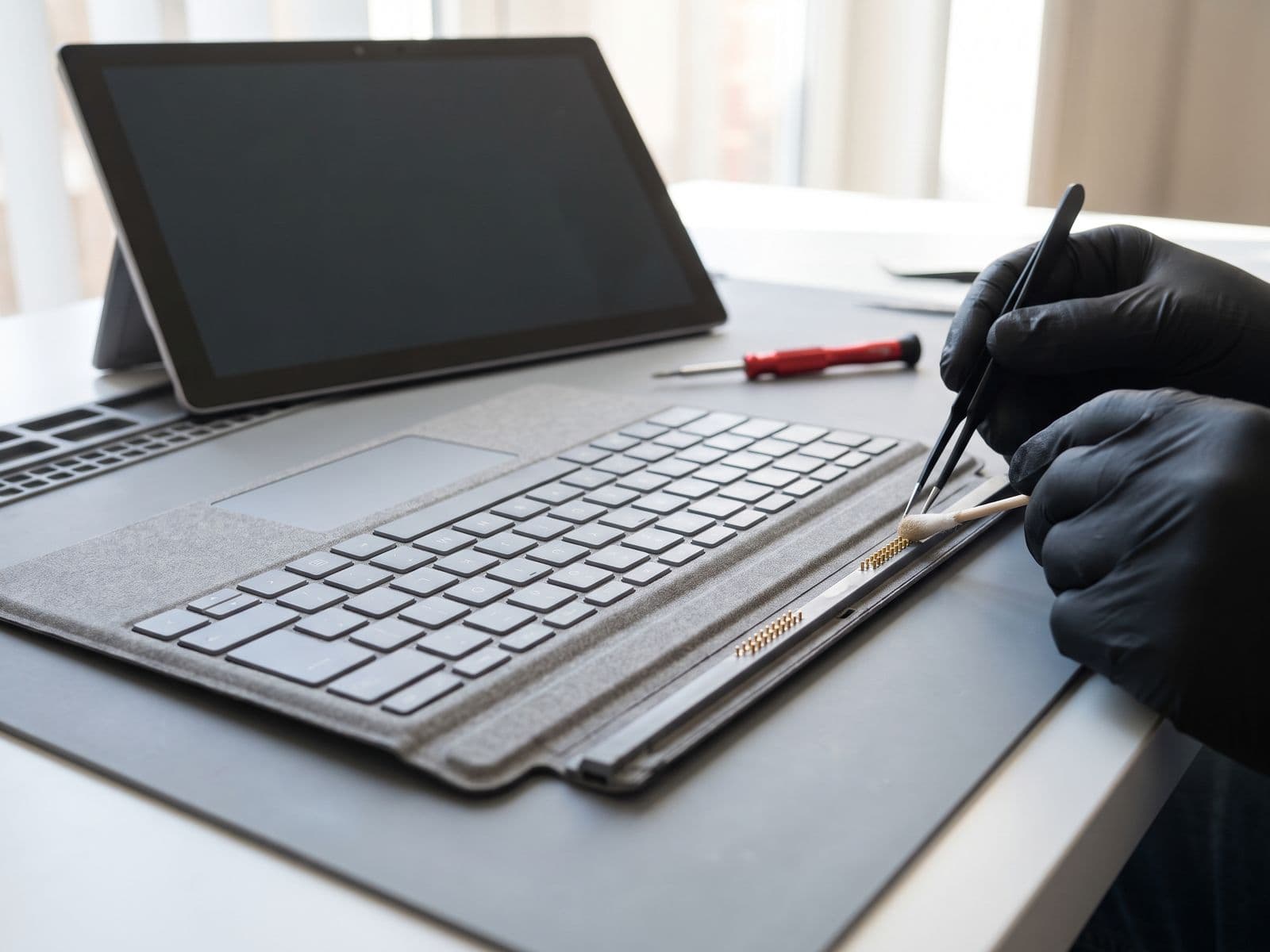
Illustrative example based on a typical repair we perform
The Transformation
Before & After Results
The customer, a financial analyst in Kuala Lumpur, accidentally knocked over her coffee cup during a morning video call. The entire cup of hot coffee poured directly onto her Surface Laptop 5's Alcantara keyboard. She immediately powered it off, but the damage was done: multiple keys completely unresponsive (E, R, T, F, G, H keys all dead), sticky keys that repeated characters when pressed, Alcantara fabric heavily stained with coffee, and the faint smell of coffee inside the device. She tried to clean it externally but the internal damage remained. Microsoft quoted RM 1,880 for keyboard deck replacement with 10-14 day turnaround. She needed the laptop urgently for financial modeling work.
6 keys completely dead (E, R, T, F, G, H)
Multiple sticky keys repeating characters
Heavy brown coffee stains on Ice Blue Alcantara
Persistent coffee odor from internals
Minor corrosion starting on logic board
Microsoft quoted RM 1,880 with 10-14 day wait
Surface Laptop keyboard replacements require full top case replacement because the keyboard, Alcantara fabric, and trackpad are integrated into one assembly. We ordered a brand new top case assembly in Ice Blue Alcantara (matching her laptop). The complex repair involved: complete disassembly to transfer all components (logic board, battery, screen) to the new top case, careful inspection for coffee damage to logic board (found minor corrosion, cleaned ultrasonically), verification that liquid didn't reach the screen assembly. After installing all components into the new top case, we tested every single key and the trackpad. The result was essentially a brand new laptop exterior.
Every key working perfectly
Fresh, unstained Ice Blue Alcantara fabric
Perfect key feel and response
Trackpad clicking smoothly
Logic board cleaned - no corrosion
Laptop looks and feels brand new
Saved RM 981 vs Microsoft
Repair Process
Step-by-Step Timeline
Liquid Damage Assessment
Tested which keys affected and checked for internal liquid spread
Parts Ordering
Ordered matching Ice Blue Alcantara top case assembly
Complete Disassembly
Removed screen, logic board, battery, and all components from damaged top case
Logic Board Cleaning
Ultrasonic cleaning to remove coffee residue and prevent corrosion
Component Transfer
Installed all components into new top case assembly
Screen Reinstallation
Carefully reattached PixelSense screen with proper alignment
Keyboard Testing
Tested every single key for proper response and feel
Quality Verification
Full system test and verification of all functions
TechFix Technician
Surface Laptop Specialist
Specialties
"Every repair we complete is done with the same care and precision we'd want for our own devices. Your trust is our responsibility."
— TechFix Technician
More Examples
Explore Similar Repairs