Surface Laptop 4 SSD Upgrade - 256GB to 1TB for Video Editing
4x storage capacity with complete data migration
The customer’s Surface Laptop 4 constantly ran out of space for video editing projects. We upgraded from 256GB to 1TB SSD with complete Windows and data migration, quadrupling his storage for RM 749 - much cheaper than buying a new Surface Laptop.
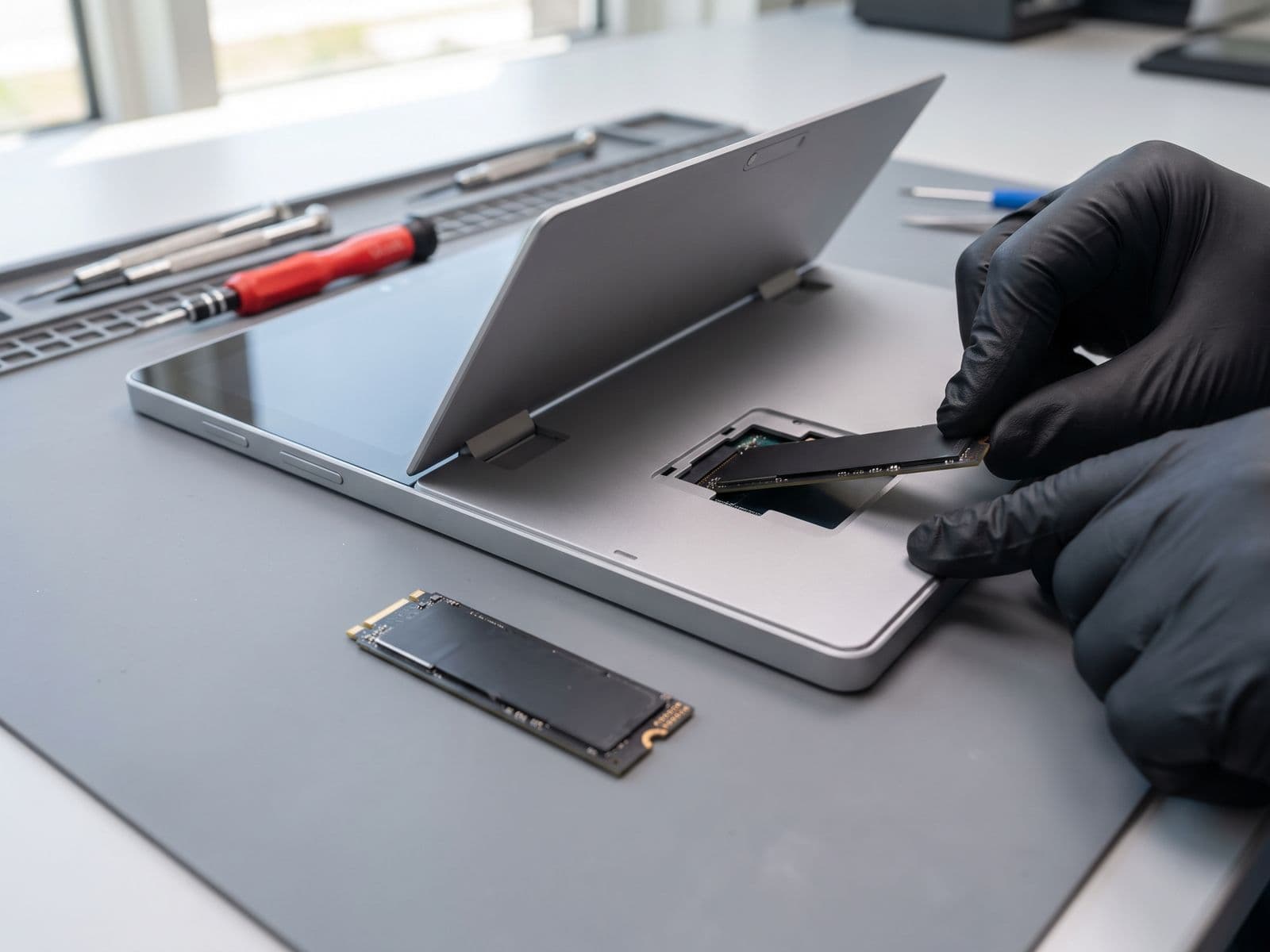
Illustrative example based on a typical repair we perform
The Transformation
Before & After Results
The customer, a freelance videographer in Petaling Jaya, purchased his Surface Laptop 4 with 256GB thinking it would be enough. However, his 4K video projects quickly filled the drive: constantly deleting old projects to make space for new ones, external SSD dependency slowing down editing workflow, unable to keep project archives locally, and frequent 'Low Disk Space' warnings interrupting work. He was considering buying a new Surface Laptop 4 with 512GB for RM 5,599 but preferred to keep his current device which had all his software perfectly configured.
Only 256GB total storage
228GB usable after Windows
Constantly at 95%+ capacity
Must delete projects to make room
External SSD dependency slowing workflow
Can't keep project archives locally
Frequent interruptions from storage warnings
Surface Laptop SSD upgrades are complex due to Microsoft's bonded construction. We carefully removed the PixelSense display to access the internal components. The original 256GB NVMe SSD was removed and replaced with a high-performance 1TB Samsung 980 PRO. Using professional disk cloning software, we migrated his entire Windows installation, all Adobe Creative Suite applications with settings, and all current video projects. The cloning process preserved everything exactly as it was - he could start editing immediately after pickup. We optimized the new SSD's settings for maximum performance and verified all applications launched correctly.
1TB total storage (4x original)
Can store 10+ simultaneous 4K projects
All software and settings preserved
Faster SSD performance (7000MB/s)
No more external drive dependency
Project archives stored locally
Professional workflow restored
Repair Process
Step-by-Step Timeline
Storage Assessment
Analyzed current storage usage and future video editing needs
Data Backup
Created safety backup to external drive before upgrade
Screen Removal
Carefully removed PixelSense display to access internals
Disk Cloning
Cloned entire 256GB drive to new 1TB SSD (Windows, apps, data)
SSD Replacement
Removed old 256GB SSD and installed new 1TB Samsung 980 PRO
Screen Reinstallation
Carefully reattached PixelSense screen with proper adhesive
Boot Verification
Verified Windows boots correctly with all applications
SSD Optimization
Optimized SSD settings and verified Adobe Creative Suite performance
TechFix Technician
Surface Upgrade Specialist
Specialties
"Every repair we complete is done with the same care and precision we'd want for our own devices. Your trust is our responsibility."
— TechFix Technician
More Examples
Explore Similar Repairs