MSI GE76 Raider Liquid Spill - Keyboard Replacement
Energy drink spilled on MSI GE76 RGB keyboard. Sticky keys, LED malfunction, and corrosion risk. Full per-key RGB keyboard replaced with original MSI SteelSeries mechanical deck.
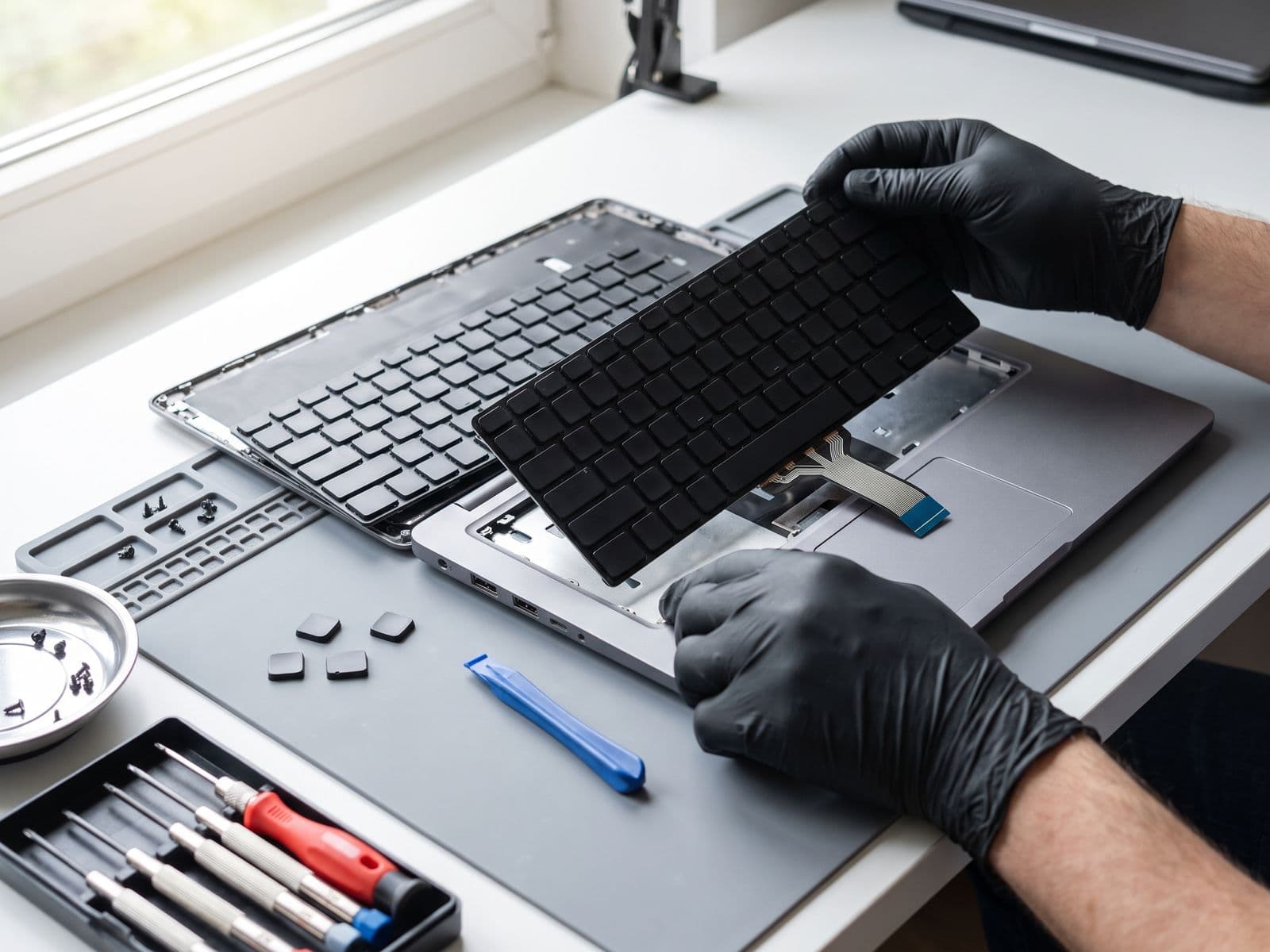
Illustrative example based on a typical repair we perform
The Transformation
Before & After Results
Entire can of Monster energy drink spilled on keyboard during late-night gaming session. Multiple keys sticky and unresponsive (WASD, Space, Enter). RGB lighting zones malfunctioning. Sugary residue visible under keys. Risk of corrosion spreading to motherboard.
WASD keys sticky and registering double presses
Spacebar barely responsive - had to slam to register
RGB zones 2, 3, 5 completely dead (no backlighting)
Sugary Monster residue attracting ants inside laptop
MSI authorized center quoted RM 1,899 + 3 weeks lead time
Full keyboard deck replacement with original MSI SteelSeries per-key RGB mechanical keyboard. Deep cleaned area under keyboard for residue. Replaced protective membrane. Tested all 104 keys + RGB lighting.
Brand new SteelSeries per-key RGB keyboard installed
All 104 keys tested - perfect tactile response
RGB lighting fully functional - 16.8 million colors
No sticky residue - cleaned all liquid traces
Same-day repair completed in 3 hours vs MSI's 3 weeks
Repair Process
Step-by-Step Timeline
Damage Assessment
Removed keycaps to inspect damage extent. Found dried Monster energy drink residue on key switches and membrane. RGB cable partially corroded. Confirmed logic board was safe - no liquid reached motherboard area.
Complete Disassembly
MSI GE76 requires full bottom panel removal + battery disconnect. Removed 19 screws and carefully lifted keyboard assembly from top shell. Unplugged keyboard flex cable and RGB lighting cable.
Residue Cleaning & Prevention
Cleaned laptop deck area with isopropyl alcohol to remove all sugar residue. Applied corrosion inhibitor to metal areas that contacted liquid. Vacuumed out debris and dead ants (yes, really).
Original MSI Keyboard Sourcing
Retrieved original MSI GE76 SteelSeries keyboard from inventory. Part number: E2P-6J1C462-Y31. This is critical - aftermarket keyboards don't have per-key RGB or proper key feel.
New Keyboard Installation
Positioned new keyboard assembly in top shell. Connected keyboard flex cable and RGB cable to motherboard. Secured with original mounting screws in correct sequence.
RGB Lighting Configuration
Powered on laptop and launched MSI Dragon Center. Configured per-key RGB lighting effects. Tested all lighting zones (1-12) and 16.8M color spectrum. All functional.
Key Response Testing
Used online keyboard tester to verify all 104 keys registering properly. Tested NKRO (N-key rollover) - confirmed 20-key simultaneous presses working. Tested macro keys and Fn combinations.
Gaming Performance Test
Customer tested keyboard with Apex Legends. WASD movement smooth, spacebar responsive, ultimate keybind working. RGB breathing effect during gameplay looking stunning. Customer very happy.
TechFix Technician
Gaming Laptop Repair Specialist
Specialties
"Every repair we complete is done with the same care and precision we'd want for our own devices. Your trust is our responsibility."
— TechFix Technician
More Examples
Explore Similar Repairs