MacBook Pro 2020 M1 Logic Board Recovery After Coffee Spill
Critical water damage repair completed in 48 hours
When the customer’s MacBook Pro stopped working after a coffee spill during a crucial client presentation, we performed a complete logic board cleaning and repair, recovering 100% functionality and all her data within 48 hours.
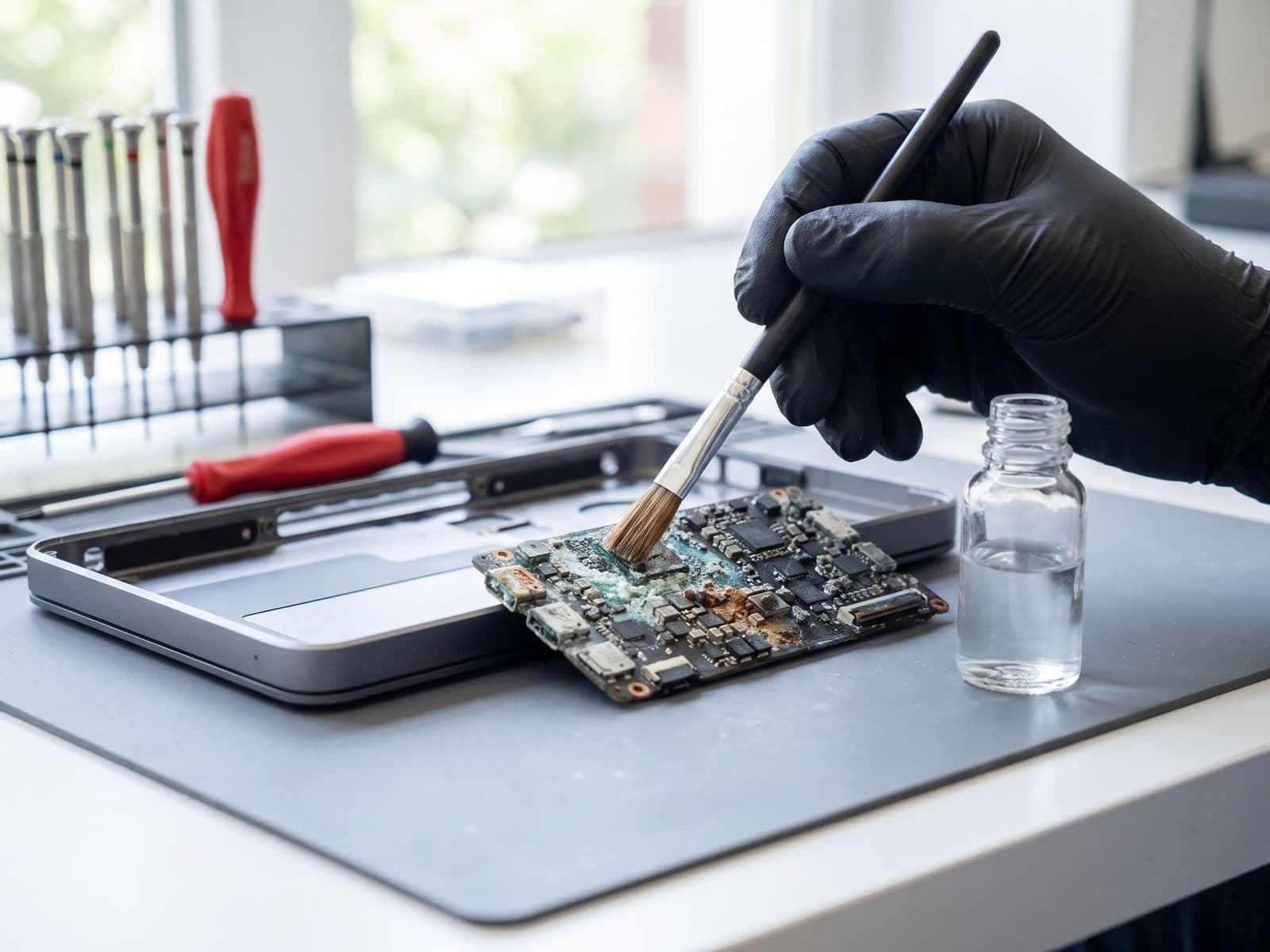
Illustrative example based on a typical repair we perform
The Transformation
Before & After Results
The customer, a graphic designer from Sunway, accidentally spilled an entire cup of coffee on her MacBook Pro 2020 during a video call with an important client. The laptop immediately shut down and refused to power on. She had an urgent project deadline in 2 days and her entire portfolio, including ongoing client work, was stored on the device. Previous repair shops told her the MacBook was 'dead' and she needed to buy a new one for RM 5,800.
No power - completely dead
Visible coffee stains around keyboard
Corrosion on USB-C ports
Sticky residue throughout chassis
Risk of permanent data loss
Our senior technician performed an immediate diagnostic and found extensive liquid damage to the logic board, particularly around the power management IC and USB-C controllers. We began a meticulous multi-step repair process: First, we disassembled the entire MacBook and removed the logic board. Using our ultrasonic cleaning system, we removed all coffee residue and corrosion. Under microscope inspection, we identified damaged components including 3 capacitors, 1 resistor, and a corroded USB-C port controller. We replaced these components using micro-soldering techniques with original replacement parts. After reassembly, we ran comprehensive diagnostics and stress tests for 6 hours to ensure stability.
100% functionality restored
All 2 USB-C ports working perfectly
Battery charging to 100%
All data successfully recovered
Professional deep cleaning completed
Logic board corrosion completely removed
New thermal paste applied for optimal cooling
Repair Process
Step-by-Step Timeline
Emergency Diagnostic
Immediate assessment of liquid damage extent using multimeter and microscope inspection
Complete Disassembly
Careful removal of all components including logic board, battery, and display assembly
Ultrasonic Cleaning
Logic board cleaned in professional ultrasonic cleaner with specialized solution to remove all coffee residue
Component-Level Diagnosis
Microscope inspection to identify damaged components - found 3 capacitors, 1 resistor, and USB-C controller damage
Micro-Soldering Repair
Precision soldering to replace damaged components using original parts
Corrosion Treatment
Professional corrosion removal and protective coating application
Reassembly & Testing
Complete reassembly with new thermal paste, followed by extensive functionality testing
Stress Testing
6-hour continuous stress test to ensure stability and reliability
Data Verification
Verified all customer data intact and backed up to external drive as safety measure
Quality Control & Delivery
Final quality check and customer demonstration of all functions
TechFix Technician
Senior MacBook Logic Board Specialist
Specialties
"Every repair we complete is done with the same care and precision we'd want for our own devices. Your trust is our responsibility."
— TechFix Technician
Repair services behind this case study
Facing a similar fault? These are the TechFix service pages that cover this kind of repair:
More Examples
Explore Similar Repairs