MacBook Pro 2016 Trackpad Not Clicking - Fixed in 2 Hours
Force Touch trackpad calibration and cable replacement
The customer’s MacBook Pro trackpad stopped clicking after liquid exposure. We cleaned the internal components, replaced the trackpad cable, and recalibrated the Force Touch sensor - restoring full functionality in just 2 hours for RM 320.
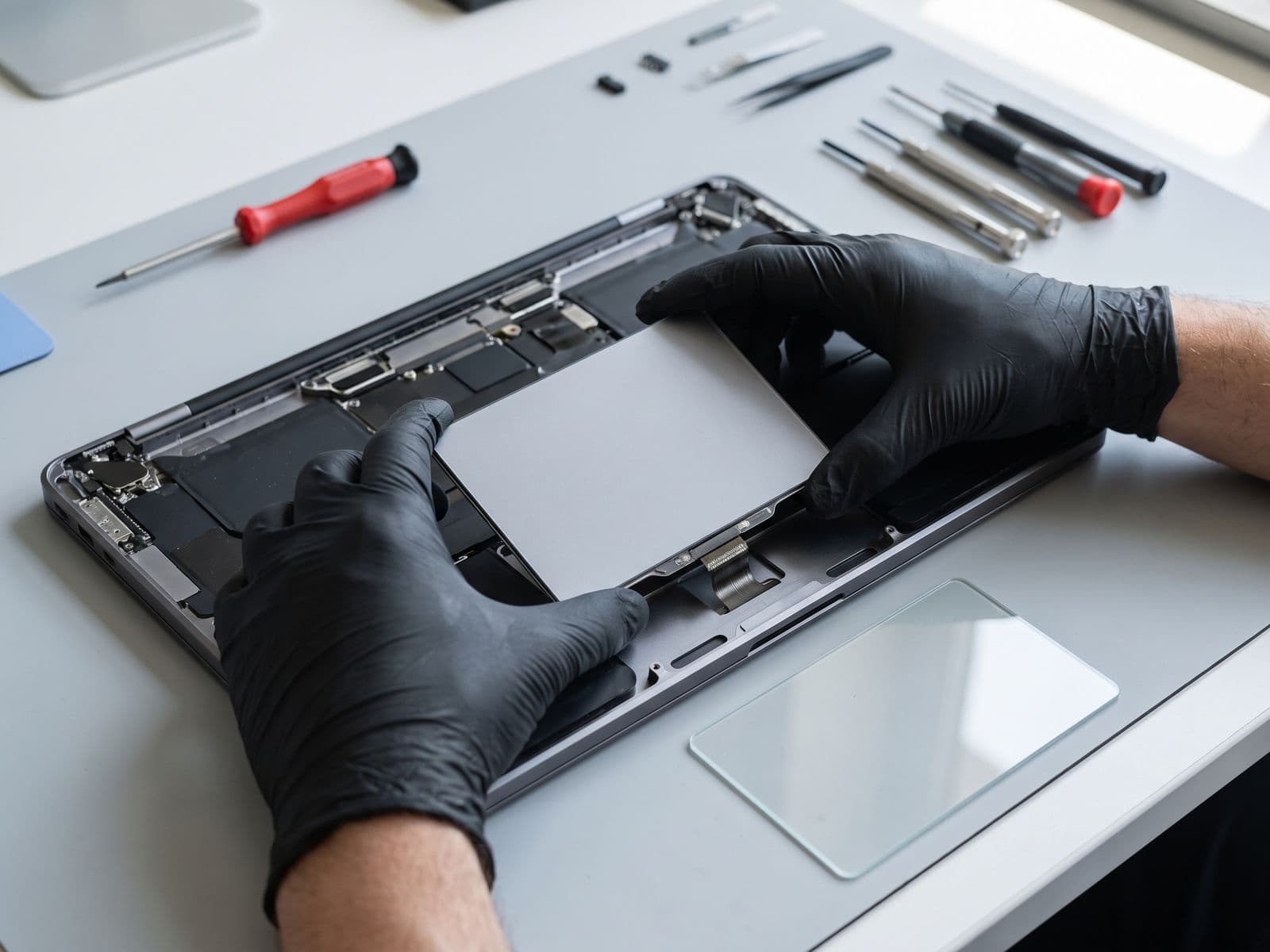
Illustrative example based on a typical repair we perform
The Transformation
Before & After Results
The customer, a freelance graphic designer from Subang Jaya, spilled a small amount of water near her MacBook Pro's trackpad area. While the MacBook still worked, the trackpad completely lost its clicking ability - she could move the cursor but couldn't click anything. Force Touch features were also non-functional. She was relying entirely on an external mouse, which was impractical when working from cafes. Apple quoted RM 1,280 for a full top case replacement, which seemed excessive for a trackpad-only issue.
Trackpad cursor movement works but no clicking
Force Touch completely unresponsive
Had to use external mouse for all tasks
Visible water residue around trackpad edges
Apple quoted RM 1,280 for full top case replacement
Our diagnostic revealed that while there was minor liquid exposure, the trackpad itself was fine - the issue was a corroded trackpad flex cable and miscalibrated Force Touch sensors. We carefully disassembled the bottom case and removed the trackpad assembly. After cleaning residual moisture and corrosion from the cable connector area, we replaced the damaged trackpad flex cable with an original part. We then recalibrated the Force Touch haptic feedback system using Apple's diagnostic tools to restore the proper click feel at different pressure levels.
Perfect trackpad clicking at all pressure levels
Force Touch haptic feedback restored
All multi-touch gestures working
Proper click feel and responsiveness
No external mouse needed
Saved RM 960 vs Apple's solution
Repair Process
Step-by-Step Timeline
Liquid Damage Assessment
Opened MacBook to inspect extent of liquid exposure around trackpad
Trackpad Removal
Carefully removed trackpad assembly to access flex cable and connectors
Cleaning & Corrosion Removal
Cleaned all affected areas and removed corrosion from cable connector
Cable Replacement
Installed new original trackpad flex cable
Force Touch Calibration
Recalibrated haptic feedback system using Apple Service Toolkit
Testing & Quality Check
Comprehensive testing of all trackpad functions and gestures
TechFix Technician
MacBook Trackpad Specialist
Specialties
"Every repair we complete is done with the same care and precision we'd want for our own devices. Your trust is our responsibility."
— TechFix Technician
Repair services behind this case study
Facing a similar fault? These are the TechFix service pages that cover this kind of repair:
More Examples
Explore Similar Repairs