MacBook Air M1 Speaker Crackling Fixed - Crystal Clear Audio Restored
Distorted audio and crackling speakers repaired in 90 minutes
The customer’s MacBook Air M1 had severe speaker crackling and distortion making music, videos, and calls unbearable. We diagnosed faulty speakers and replaced both left and right speakers, restoring crystal-clear audio for RM 380 vs RM 1,680 Apple quoted for top case replacement.
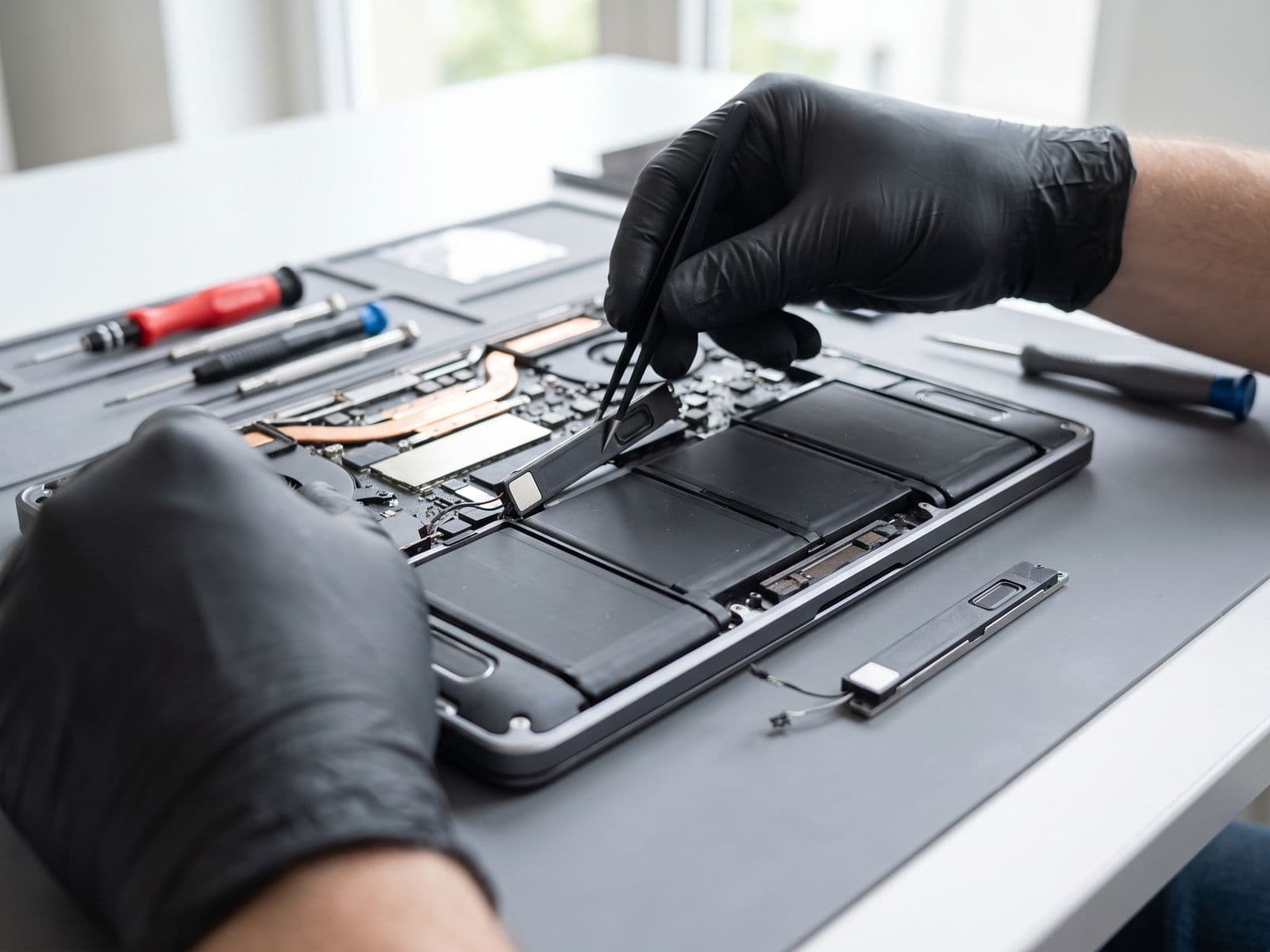
Illustrative example based on a typical repair we perform
The Transformation
Before & After Results
The customer, a content creator from Sunway, relied heavily on her MacBook Air M1 for video editing and client calls. Recently, the speakers started producing terrible crackling sounds, especially at medium-to-high volumes. The audio was heavily distorted during Zoom calls (unprofessional for client meetings), music and video editing was impossible with distorted audio, and even system sounds had static. The issue progressively worsened over 2 weeks. Apple's diagnosis: top case replacement required for RM 1,680 because the speakers are integrated into the top case assembly on M1 MacBook Airs. This seemed excessive for just speaker issues.
Loud crackling and popping sounds from both speakers
Heavy distortion at 50%+ volume
Static during Zoom/Teams calls (unprofessional)
Bass frequencies completely distorted
Music and videos unlistenable
System sounds had persistent static
Apple quoted RM 1,680 for top case replacement
Our diagnosis confirmed both speakers had failed - the cone membranes were damaged, likely from prolonged high-volume use or manufacturing defect. Unlike Apple's approach requiring full top case replacement, we specialize in component-level repair. We carefully removed just the damaged speakers without disturbing the top case, keyboard, or trackpad. We installed high-quality replacement speakers matching Apple's original audio specifications. Each speaker was individually tested for frequency response, clarity, and volume before final installation. We then calibrated the audio system and tested across various frequencies and volume levels to ensure perfect stereo balance.
Zero crackling or distortion at any volume
Crystal-clear audio up to 100% volume
Professional-quality call audio
Perfect stereo separation and balance
Rich, accurate bass response
Clean system sounds and notifications
Saved RM 1,300 vs Apple's solution
Repair Process
Step-by-Step Timeline
Audio Diagnostics
Tested speakers across frequency range to confirm hardware failure vs software issue
Disassembly
Removed bottom case and disconnected battery for safe speaker access
Speaker Removal
Carefully extracted both damaged speakers from chassis
New Speaker Installation
Installed high-quality replacement speakers with proper adhesive
Reassembly
Reconnected battery and reassembled MacBook Air
Audio Calibration
Calibrated audio system and tested stereo balance
Comprehensive Testing
Tested music, videos, calls, and system sounds at all volume levels
TechFix Technician
Audio & Display Specialist
Specialties
"Every repair we complete is done with the same care and precision we'd want for our own devices. Your trust is our responsibility."
— TechFix Technician
Repair services behind this case study
Facing a similar fault? These are the TechFix service pages that cover this kind of repair:
More Examples
Explore Similar Repairs