MacBook Air 2018 Won't Charge - USB-C Port Repair Saved RM 2,100
Logic board level USB-C charging port replacement
The customer’s MacBook Air completely stopped charging after a charging cable incident. We performed precision micro-soldering to replace the damaged USB-C port on the logic board, restoring full charging capability for RM 680 - vs RM 2,780 for a new logic board.
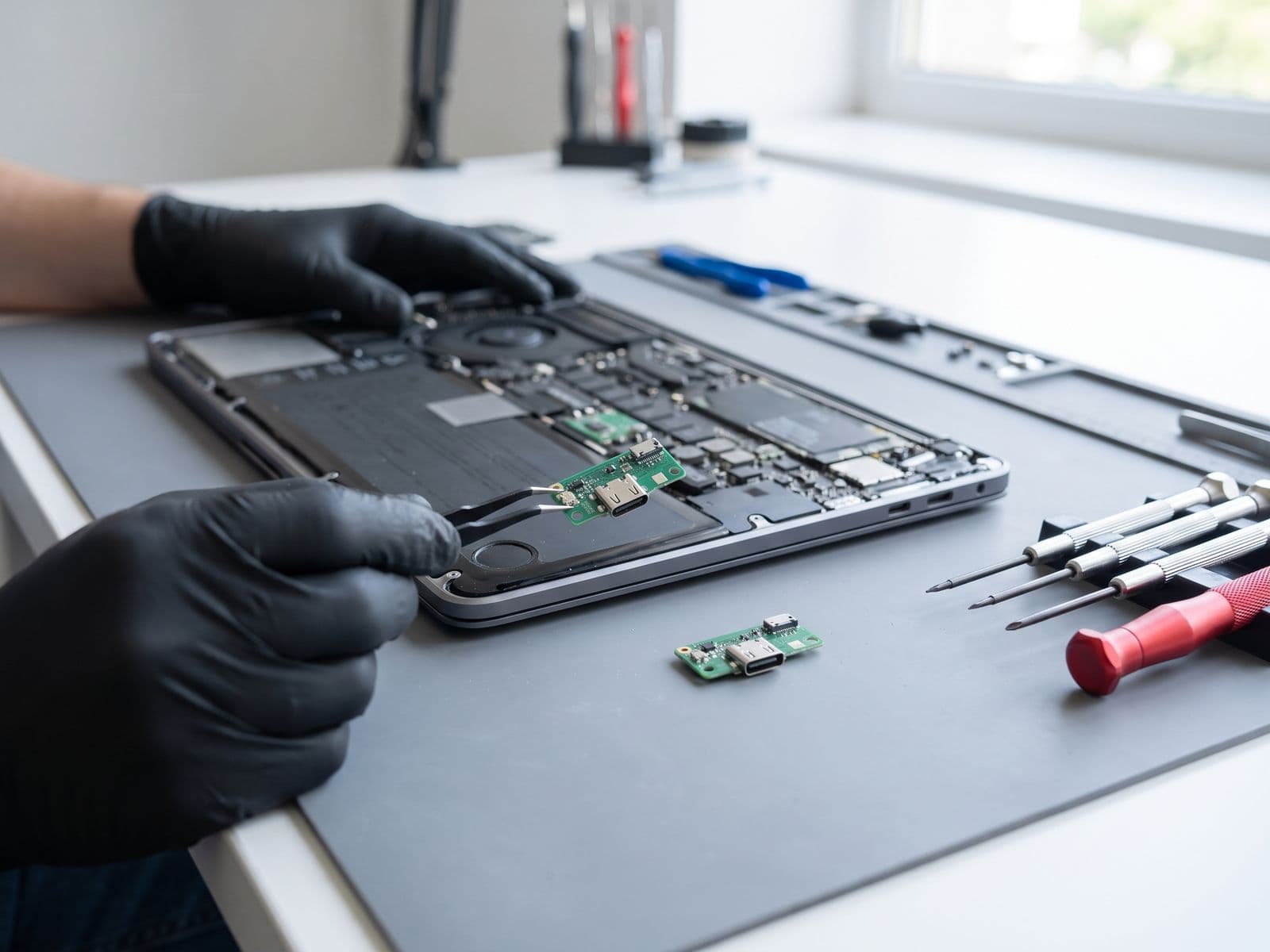
Illustrative example based on a typical repair we perform
The Transformation
Before & After Results
The customer, an MBA student in Kuala Lumpur, yanked his charging cable while rushing to class, damaging the USB-C charging port on his MacBook Air 2018. The laptop stopped charging completely - the battery was at 15% and dropping. He tried different cables and chargers but nothing worked. The port looked physically damaged with bent pins. Apple's diagnosis: logic board replacement required at RM 2,780 because the USB-C ports are soldered directly to the logic board. With exams coming up and his thesis on the laptop, the customer needed an urgent, affordable solution.
MacBook won't charge at all (stuck at 15% battery)
Physically damaged USB-C port with bent pins
Tried multiple cables and chargers - none work
Port loose and wobbly
Apple diagnosis: Logic board replacement RM 2,780
Exam deadline pressure with thesis on laptop
Our micro-soldering specialist performed a component-level repair. Under microscope inspection, we confirmed the USB-C charging port controller IC was damaged along with the physical port. Using a hot air rework station and precision soldering equipment, we carefully removed the damaged USB-C port from the logic board without affecting surrounding components. We then installed a new original USB-C port assembly and verified all data pins and power delivery connections. After testing charging at various wattages (30W, 45W, 61W), we confirmed full functionality and proper power negotiation.
MacBook charging at full 61W speed
Proper USB Power Delivery negotiation
Firm, secure port connection
All USB-C functions working (charging, data, video)
0-100% battery in 2 hours (normal)
Saved RM 2,100 vs logic board replacement
Repair Process
Step-by-Step Timeline
Emergency Diagnostic
Microscope inspection of damaged USB-C port and power delivery testing
Data Backup
Backed up thesis and important files using remaining battery
Logic Board Removal
Complete disassembly to access logic board for micro-soldering
Damaged Port Removal
Hot air rework to carefully remove damaged USB-C port without board damage
Board Cleaning & Prep
Cleaned solder pads and prepared surface for new port
New Port Installation
Precision micro-soldering of new original USB-C port assembly
Reassembly
Reinstalled logic board and all components
Power Delivery Testing
Tested charging at 30W, 45W, and 61W to verify proper USB-PD
TechFix Technician
Senior Micro-Soldering Specialist
Specialties
"Every repair we complete is done with the same care and precision we'd want for our own devices. Your trust is our responsibility."
— TechFix Technician
Repair services behind this case study
Facing a similar fault? These are the TechFix service pages that cover this kind of repair:
More Examples
Explore Similar Repairs