iPad Air 4 Charging Port Replacement - Won't Charge
Student's iPad Air 4 stopped charging after using non-Apple cable. Corroded Lightning port replaced with original part. Data preserved, charging restored to full 30W USB-C PD speed.
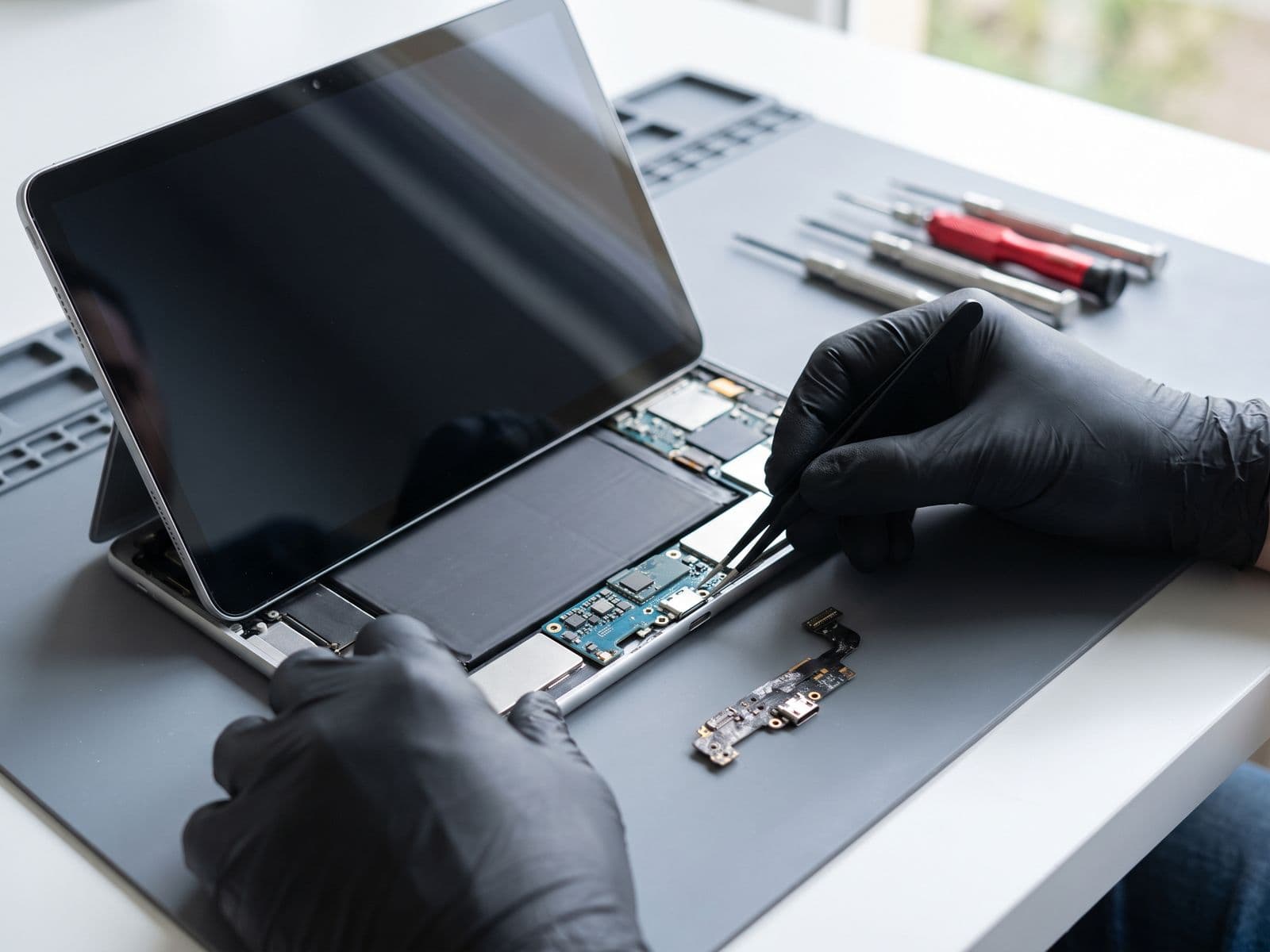
Illustrative example based on a typical repair we perform
The Transformation
Before & After Results
iPad Air not charging with any cable or adapter. Green corrosion visible inside Lightning port. Attempted cleaning with alcohol made it worse. Device at 3% battery and shutting down intermittently.
iPad not charging with any cable or power adapter
Visible green corrosion in Lightning port from liquid exposure
Device shutting down at 3% battery - student unable to study
Attempted DIY cleaning caused further damage to port pins
Apple Store quoted RM 1,699 for 'whole unit replacement'
Replaced corroded Lightning connector flex cable with a premium OEM-quality part. Cleaned surrounding logic board area of corrosion residue. Tested with multiple cables and adapters to confirm 30W fast charging capability restored.
Charging port replaced with original Lightning connector
Full 30W USB-C PD fast charging capability restored
All student notes and textbooks data preserved (no data loss)
Port tested with 5 different cables - all working perfectly
Completed in 90 minutes vs Apple's 5-7 day replacement wait
Repair Process
Step-by-Step Timeline
Emergency Diagnosis
Customer brought iPad at 3% battery. Immediately connected to power bank via test cable to keep device alive during diagnosis. Inspected port under microscope - found heavy corrosion on pins 4-7.
Device Disassembly
iPad Air 4 uses adhesive-only construction with no screws. Applied heat to soften adhesive and carefully lifted display using suction cups and guitar picks. Protected Touch ID cable during opening.
Battery Disconnection
Located and disconnected battery connector to ensure safety during logic board work. This prevents shorts when handling charging port flex cable near power circuitry.
Logic Board Removal
Removed motherboard screws and carefully lifted logic board. Disconnected all flex cables including display, cameras, and antenna. Placed board in anti-static mat for port replacement work.
Charging Port Flex Cable Replacement
Removed 4 tri-point screws securing old Lightning connector assembly. Cleaned corrosion from logic board contact points using isopropyl alcohol and soft brush. Installed new original connector flex cable.
Reassembly & First Power Test
Reconnected battery and logic board. Before sealing display, tested charging with multiple cables - 5V, 12V, and 20V USB-C PD all working. Confirmed 30W fast charge negotiation successful.
Display Resealing
Applied new pre-cut adhesive strips around iPad perimeter. Aligned display carefully to ensure proper fit and uniform gaps. Used clamps to press assembly together for strong bond.
Final Testing & Battery Charge
Left iPad charging from 3% to 80% while testing all functions. Verified charging speed (0-50% in 45 minutes = proper 30W). Checked data integrity - all student notes intact.
TechFix Technician
iPad Repair Technician
Specialties
"Every repair we complete is done with the same care and precision we'd want for our own devices. Your trust is our responsibility."
— TechFix Technician
More Examples
Explore Similar Repairs