
Is your iPad charging port actually broken, or just dirty? innovative way to clean it safely and when you actually need a soldering repair.
iPad Not Charging? Here Is How to Diagnose It Before You Spend a Ringgit
We see this every week: a customer arrives at TechFix with an iPad that "won't charge" — expecting a repair bill. Our technician picks up a toothpick, removes a dense wad of pocket lint from the Lightning or USB-C port, and the iPad charges perfectly. No repair needed, no repair fee.
Before you book a repair or buy a new cable, spend five minutes on this diagnostic checklist. It could save you hundreds of Ringgit.
Step 1: The Visual Port Inspection
Get a torch or your phone's flashlight and look directly into the charging port.
What you want to see: Small gold or silver pins inside a clean connector cavity.
What signals a problem:
- A grey or dark wall of compacted material — this is lint and dust, extremely common in iPad Pro models that live in bags and pockets
- Black or brown discoloration — possible burn damage from a faulty cable or power surge
- Bent or missing pins — physical damage requiring port replacement
- White residue or corrosion — moisture damage, often from condensation
If you see lint or dust, the fix may be DIY-safe.
Step 2: Safe DIY Cleaning Method
What you need:
- A wooden toothpick or plastic dental pick (never use metal — it can short-circuit the pins)
- Compressed air canister (available at any hardware store)
- Good lighting
Cleaning process:
- Power off the iPad completely before touching the port
- Insert the wooden toothpick at a shallow angle and gently scrape along the base of the port
- Work from the sides toward the center — you will see the lint coming out in clumps
- Follow with a short burst of compressed air to clear loose debris
- Inspect again with your torch to confirm the pins are visible and clean
- Plug in your charger and test
Most cases of "iPad not charging" are resolved at this step. If it still does not charge, move to Step 3.
Step 3: Rule Out Cable and Adapter Issues
Before concluding the port is faulty, test with a different cable and a different power adapter.
Common cable culprits:
- Cheap third-party Lightning or USB-C cables with no MFi certification often lose charging function within weeks
- Frayed or kinked cables near the connector end may charge intermittently, mimicking a port issue
- USB-C cables from other devices (phones, laptops) may not supply adequate wattage for an iPad
Test with:
- Apple's own included cable from another device
- A certified third-party cable (Anker, Belkin, or similar MFi-certified brand)
- A wall adapter rated for at least 20W for iPad Pro models
If charging works with a different cable, you need a new cable — not a port repair.
Step 4: When the Port Genuinely Needs Repair
If the port is clean, the cable and adapter are confirmed good, and the iPad still will not charge, you are likely dealing with one of these scenarios:
Loose port connector: The iPad charges only when you hold the cable at a specific angle, or the cable feels wobbly when inserted. The port has physically loosened from the board.
Burned port pins: Caused by a faulty charger or power surge. The pins may look intact but have lost conductivity. You may see faint discoloration.
Damaged power IC chip: If the iPad shows no charging indicator, does not appear in iTunes/Finder, and the port looks clean — the Tristar/Hydra power management chip on the logic board may be damaged. This is typically caused by using a third-party cable with incorrect voltage regulation.
Water damage to the port connector: Even brief exposure to rain, high humidity, or a spilled drink can corrode the charging port contacts. Look for white or green oxidation residue.
The Micro-Soldering Reality
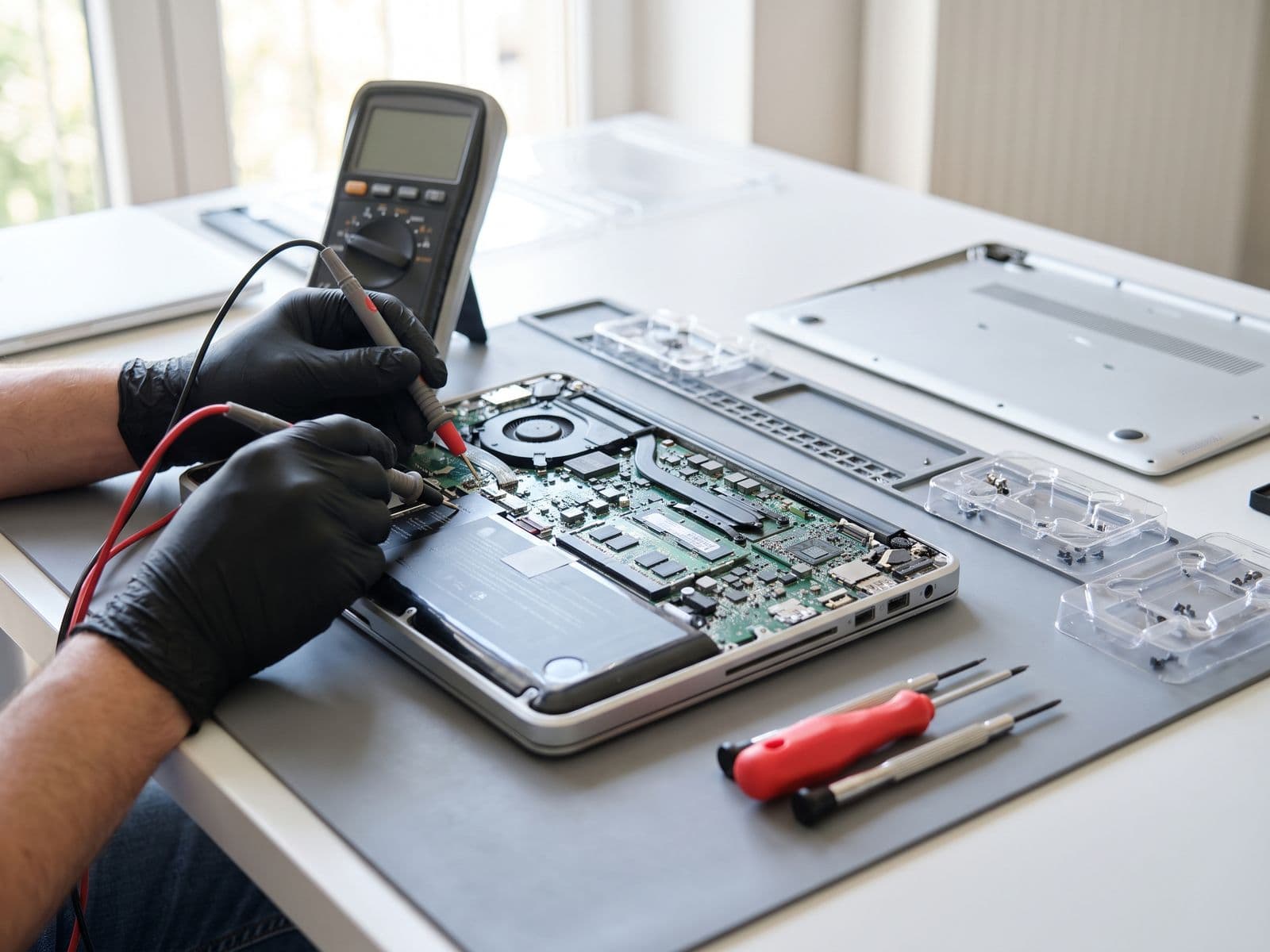
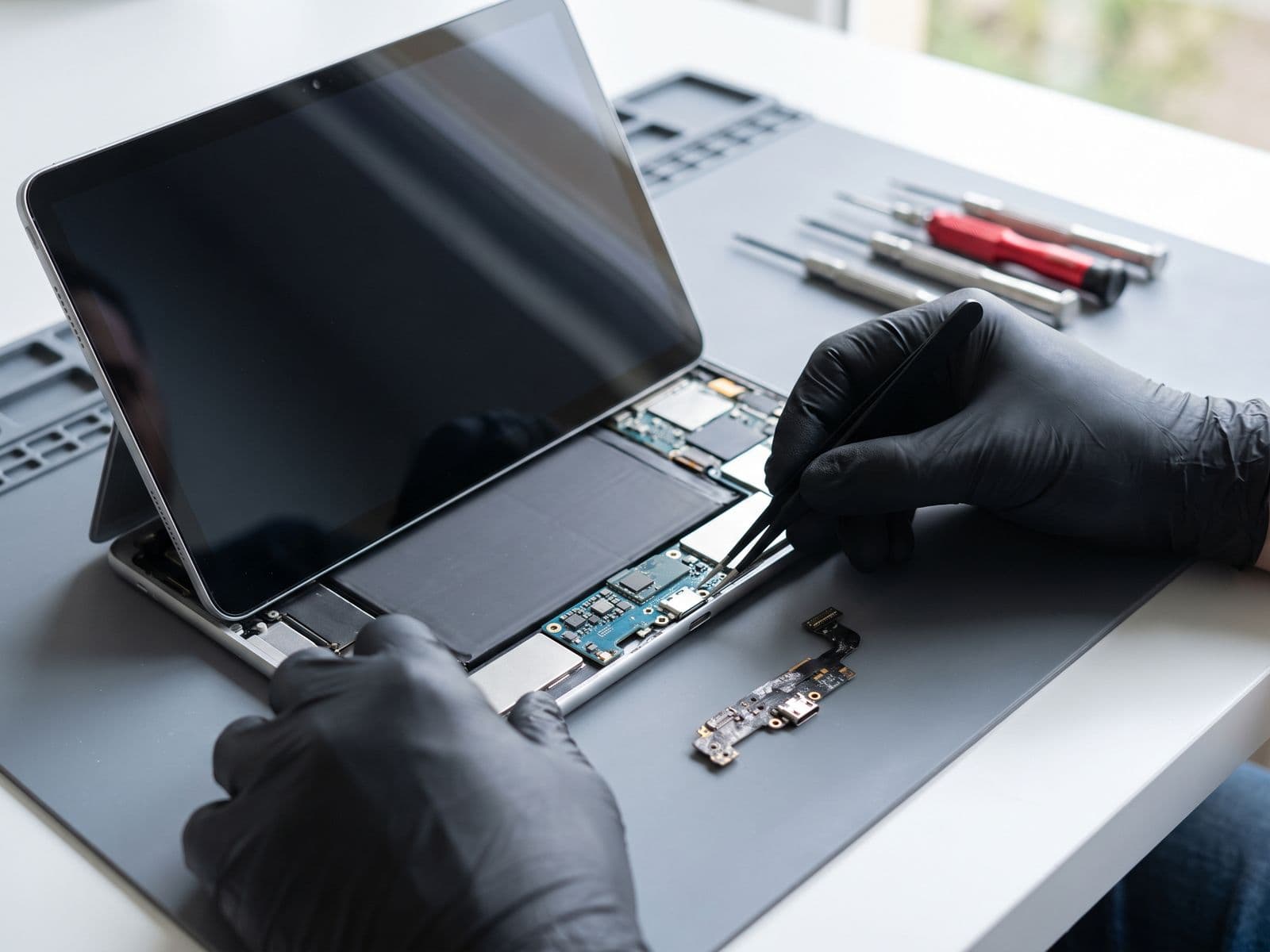
Here is what most shops will not tell you: on iPad Mini, iPad Air, and iPad Pro models, the charging port is soldered directly to the logic board. This is not a modular component that unplugs and replaces in 10 minutes. A proper repair requires:
- Micro-soldering station with a fine-tipped iron
- Hot air rework station to remove the old connector without lifting PCB pads
- Anti-static workbench and magnification (microscope or high-power loupe)
- Testing equipment to verify the repair before closing the device
Shops that offer "iPad charging port repair" in under an hour at a suspiciously low price are almost certainly using a DIY cable workaround (soldering an internal cable to bypass the port) — not a proper port replacement. This creates new failure points.
At TechFix, we perform full micro-soldering port replacements. The process takes 2–3 hours and is done the same day.
iPad Charging Port Repair Pricing (2026):
| iPad Model | Charging Port Repair |
|---|---|
| iPad 9th Gen (Lightning) | RM 299 |
| iPad 10th Gen (USB-C) | RM 349 |
| iPad Mini (Lightning) | RM 299 |
| iPad Mini (USB-C) | RM 349 |
| iPad Air (USB-C) | RM 349 |
| iPad Pro (all gens) | Quote after diagnosis |
Warning: Do Not Force a Faulty Charger
If your iPad port is bent or damaged, forcing a cable repeatedly will worsen the damage — potentially bending pins further or damaging the logic board traces around the connector. Each forced insertion risks a port repair becoming a much larger logic board repair.
Stop charging and bring it in for a diagnosis as soon as you identify the problem (the fee is waived when you approve the repair).
What About iPad Battery Drain?
Sometimes charging appears to be a port issue when the actual problem is a battery that cannot hold charge and depletes faster than it charges. If your iPad charges slowly, gets warm during charging, or dies quickly despite showing a full charge — visit our iPad battery replacement page for pricing and symptoms.
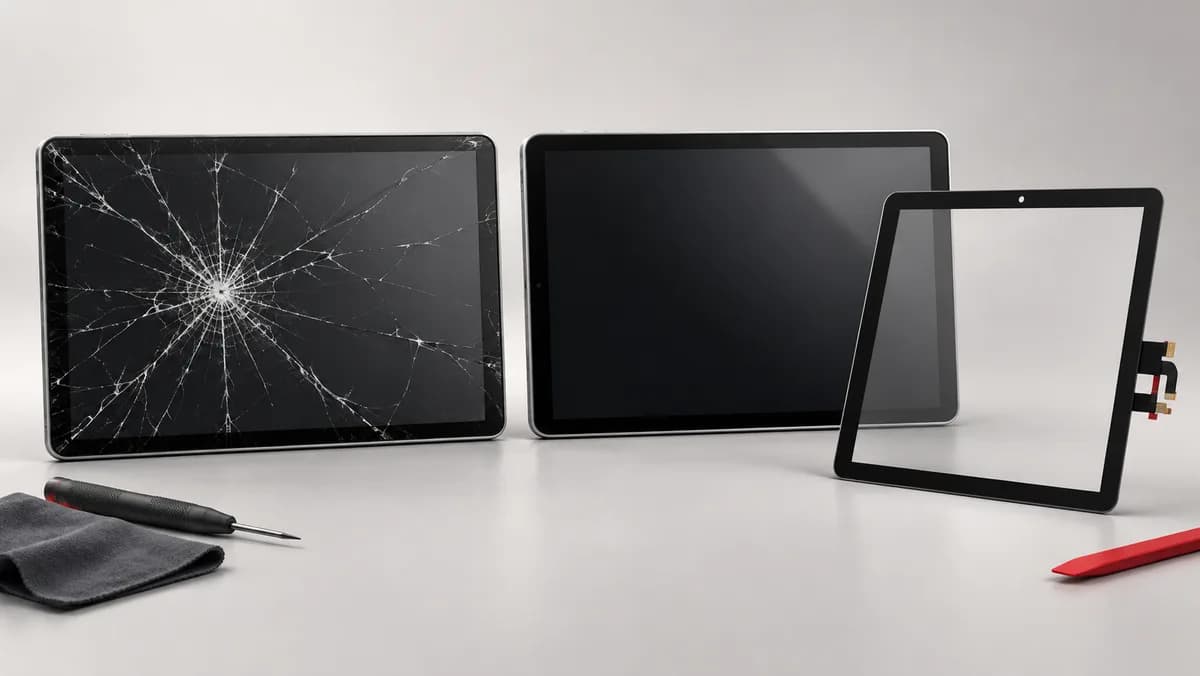
For a cracked screen alongside a charging issue, see our iPad screen replacement service — combining repairs in a single visit saves on diagnostic and labour time.
Book Your iPad Charging Port Repair
Walk-ins are welcome at our Sunway location (Monday to Friday, 9 AM–6 PM). For faster service with parts pre-staged for your specific model, book online before you visit.
All charging port repairs at TechFix include 90-Day Warranty on parts and labour. If the port fails or develops issues within 90 days, we repair it at no cost.