Alienware Laptop Repair Center
Choose your Alienware model and repair type. We confirm parts availability, turnaround and your final quote after diagnosis.
Quote after inspection
Alienware repairs are quoted after diagnosis, and no work starts until you approve the quote.
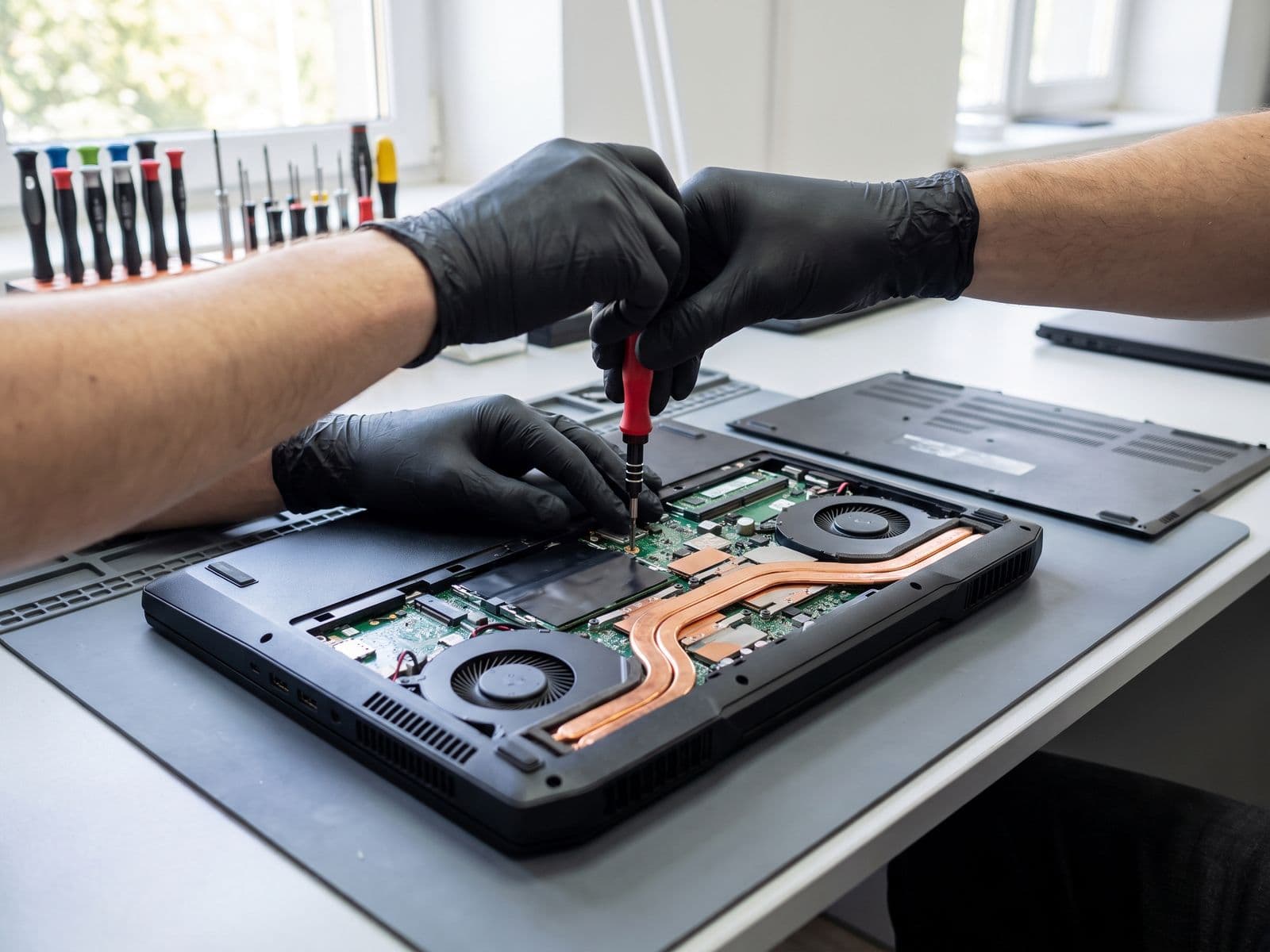
What does your Alienware need?
Select your repair type or start from a symptom to configure your installed price.
Motherboard Repair
BSOD, no charging, power sequencing — component-level micro-soldering.
Quote after diagnosis
Not sure? Select your symptom below to auto-route:
Motherboard Repair (Alienware m15 R5/R6/R7)
Pricing: Quote after diagnosis · Final quote confirmed before repair.
TechFix supplies and installs all compatible repair parts. Customer-supplied parts are not accepted.
Visit our Sunway Geo workshop or courier your device to us and we'll courier it back free.
System Diagnostics
Identifying anomalies in your Area-51m, m-Series, or x-Series unit.
Laptop shuts down when gaming (Thermal Cutoff)
AlienFX lighting not working
Plugged in, not charging (DC Jack/Board)
Blue Screen of Death (BSOD)
Keyboard keys unresponsive
Screen flickering or dead pixels
Very loud fan noise / grinding
System sluggish / freezing
Advanced Procedures
Laboratory-grade repairs for your gaming flagship.
Cryo-Tech Optimization
Restore cooling performance with industrial repasting and fan overhaul. Fix throttling instantly.
Motherboard Repair
Expert level board repair for 'Plugged in, Not Charging' and power sequencing issues.
High-Refresh Screen
Replacement for cracked 144Hz, 240Hz, 360Hz, and 4K OLED Alienware panels.
RGB Keyboard Fix
Repair individual mechanical switches (Cherry MX) or replace lighting control modules.
Battery Replacement
Authentic replacement batteries to hold charge like new.
Hinge & Chassis
Reconstruction of hinge mounting points on m15/m17 chassis.
Alienware Repair Prices
Transparent pricing for all Alienware models. Expert diagnosis before any work begins.
- Thermal Repaste (PTM7950)2-4 hrsQuote after diagnosis
- Thermal Repaste (Standard)2-4 hrsQuote after diagnosis
- Motherboard Repair3-7 daysQuote after diagnosis
- Screen Replacement (144Hz-240Hz)1-3 daysQuote after diagnosis
- Screen Replacement (360Hz/4K OLED)3-5 daysQuote after diagnosis
- RGB Keyboard Replacement1-2 daysQuote after diagnosis
- Battery Replacement1-2 hrsFrom RM 449
- Hinge Repair / Reconstruction2-5 daysQuote after diagnosis
- Fan Replacement1-2 hrsQuote after diagnosis
- DC Jack / Power Port Repair1-2 daysFrom RM 279
- SSD / RAM Upgrade1 hrQuote after diagnosis
- GPU Module Replacement (Area-51m)5-10 daysQuote after diagnosis
Eligible repairs include our 90-Day Warranty. Prices are estimates — we confirm exact cost after expert diagnosis.
Why Alienware Laptops Fail
Understanding common failure patterns helps you act early and avoid costly replacements.
Thermal Throttling
High-wattage CPUs and GPUs push massive heat through thin vapor chambers. Factory thermal paste degrades within 12-18 months, causing thermal cutoffs during gaming. PTM7950 phase-change material eliminates this permanently.
Hinge Failures
The m15 and m17 series are notorious for broken hinges. The metal-to-plastic mounting points crack under repeated opening. We reconstruct mounting points with reinforced materials.
BSOD / Motherboard
Power delivery failures, especially on older m15 R3/R4 boards. Symptoms include random BSODs, 'plugged in not charging', and intermittent power loss. We perform component-level board repair.
Screen Delamination
High-refresh panels in the x15/x17 can develop adhesive failure or backlight bleed. We source exact-match panels including 360Hz and 4K OLED replacements.
AlienFX / AWCC Issues
Alienware Command Center failures can be software (driver conflicts) or hardware (lighting controller chip). We diagnose which it is before recommending repair.
Fan Noise / Grinding
Bearing wear in the dual-fan cooling system creates grinding or whining sounds. We replace individual fans without needing full heatsink assemblies.
Supported Hardware
Servicing all generations of Alienware laptops
Frequently Asked Questions
My Alienware shuts down when gaming, is it overheating?
Can you upgrade the GPU in my Alienware Area-51m?
My Alienware Command Center (AWCC) is not working, can you fix it?
Do you replace Alienware screens?
Auxiliary Services
Complete system care
System Critical?
Don't abort the mission. Bring your Alienware to the command center for immediate repairs.