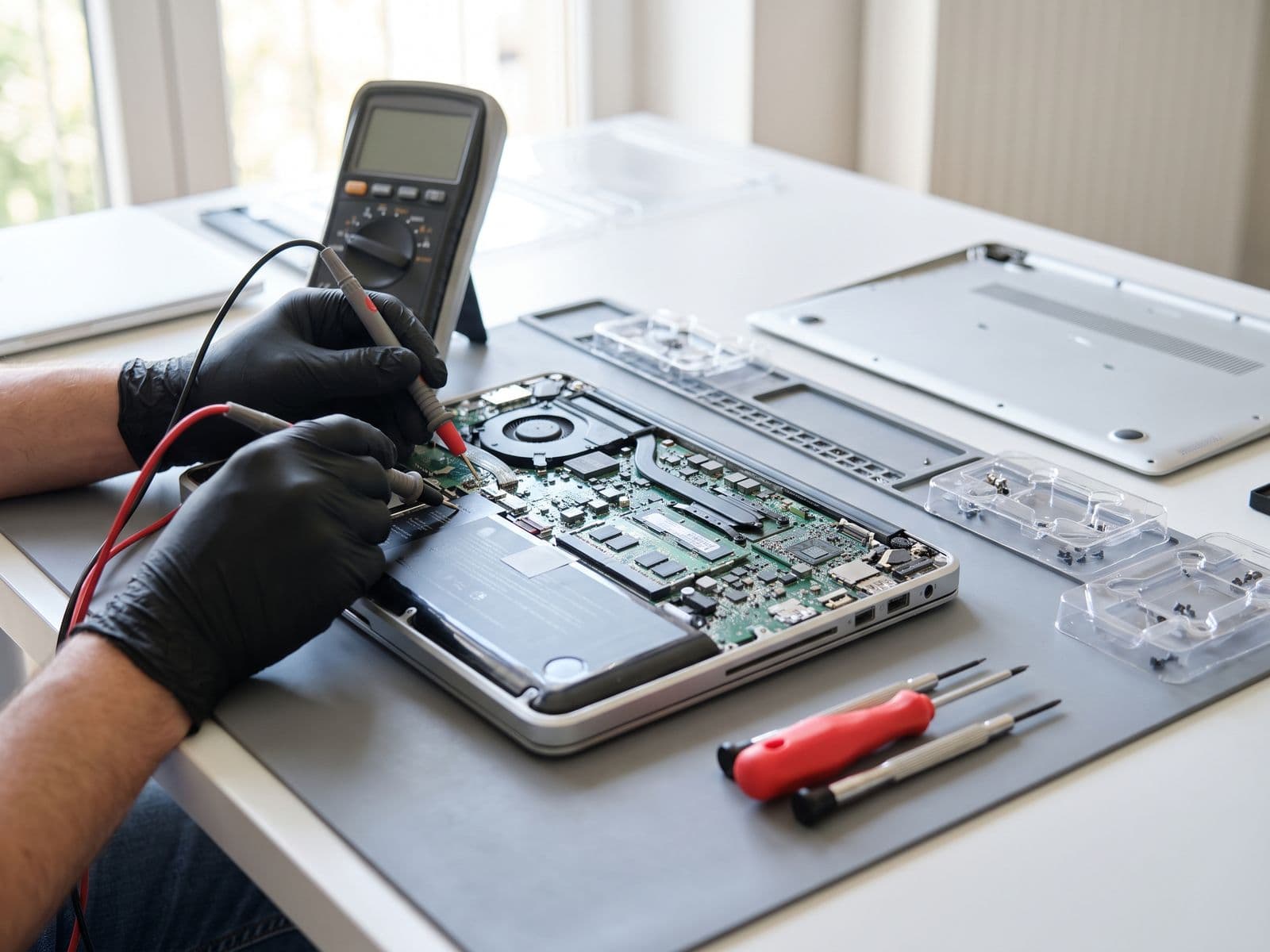

Repair or replace aging IT assets? Decision frameworks, tax implications, and total cost of ownership to help Malaysian companies make smarter IT decisions.
IT Asset Repair vs Replacement: The Complete Guide for Malaysian Businesses 2026
Every IT manager and business owner in Malaysia eventually faces the same crossroads: a critical device breaks down, and you must decide whether to repair it or replace it entirely. Get this decision wrong and you either waste money on a device that fails again in three months, or you pay for a replacement that was completely unnecessary.
This guide gives you a structured framework for making this decision correctly — covering total cost of ownership, device lifespans, and Malaysian tax considerations.
The True Cost of IT Assets: What Most Businesses Miss
Most businesses calculate IT costs in a dangerously narrow way. They compare the repair quote against the replacement price tag and make their decision. This misses the majority of the real cost.
Total Cost of Ownership (TCO) includes:
- Purchase or repair cost
- Setup and deployment time
- Data migration (if replacing)
- Staff downtime during switchover
- Training for new hardware/software
- Ongoing maintenance
- Warranty and support coverage
- Disposal cost of old hardware
When you factor in all of these, a repair often beats a replacement by a significant margin — especially for devices used in standard office tasks.
Repair vs Replacement: Get Real Quotes
TechFix quotes every repair after diagnosis, and no work starts until you approve the quote. Current figures for common jobs are on the live service pages, such as MacBook battery replacement and laptop repair. For a replacement, get a written quotation from your hardware supplier for the same specification, then compare the two using the Repair-to-Value Ratio below.
For a larger fleet, the difference between a repair-first strategy and a replace-first strategy compounds quickly, so run the comparison on your own repair quotes and supplier prices.
Device Lifespan by Type: The Foundation of Your Decision
Understanding realistic device lifespans prevents both premature replacement and running hardware into the ground.
Business Device Lifespan Reference
| Device Type | Expected Lifespan | Extended Lifespan (with maintenance) |
|---|---|---|
| MacBook Pro | 5 – 7 years | 7 – 9 years |
| MacBook Air | 4 – 6 years | 6 – 8 years |
| Supported Microsoft Surface devices | 4 – 5 years | 5 – 7 years |
| Microsoft Surface Laptop | 4 – 5 years | 5 – 7 years |
| Dell XPS / Latitude | 4 – 6 years | 6 – 8 years |
| HP EliteBook / ProBook | 4 – 6 years | 6 – 8 years |
| Lenovo ThinkPad | 5 – 7 years | 7 – 9 years |
| iPad (Pro / Air) | 4 – 6 years | 5 – 7 years |
These lifespans assume regular maintenance — battery replacement at 2-3 years, thermal paste refresh at 3-4 years, and SSD replacement or upgrade before capacity or speed degrades.
Key insight: A battery replacement on a 3-year-old MacBook can extend its useful life by 2-3 years. Across a fleet, compare the combined battery quotes against the cost of replacing those devices early.
The Decision Framework: When to Repair, When to Replace
Use this decision tree for every IT asset that breaks down.
Step 1: Calculate the Repair-to-Value Ratio (RVR)
RVR = Repair Cost ÷ Current Replacement Value
Guidelines:
- RVR under 25%: Repair is almost always the right choice
- RVR 25% – 50%: Repair if the device has more than 2 years of useful life remaining
- RVR 50% – 75%: Repair only if the device is critical and replacement stock is unavailable
- RVR above 75%: Replace — you are spending too much to extend a short remaining lifespan
Step 2: Assess Remaining Useful Life
Ask these questions:
- How old is the device? (Compare to lifespan table above)
- Has it received maintenance? (Battery, thermal paste, storage)
- Is the hardware still compatible with current software requirements?
- Is the repair fixing a single fault, or masking systemic failure?
Step 3: Factor in Business Continuity
Some devices are critical enough that replacement turnaround time matters more than cost. For mission-critical devices, always keep spare units in stock rather than waiting on repairs.
Step 4: Consider the Strategic Refresh Cycle
If a device will need replacement within 18 months regardless, repair costs become sunk costs. However, if your refresh cycle is 4-5 years and the device is only 2 years old, repair is almost always correct.
Tax Implications: Capex vs Opex in Malaysia
This is one of the most underappreciated dimensions of the repair vs replacement decision for Malaysian businesses.
Capital Expenditure (Capex) — Purchasing New Hardware
When you buy new IT equipment in Malaysia:
- Classified as a capital asset
- Depreciated under Schedule 3 of the Income Tax Act 1967
- Standard rate: 20% initial allowance + 20% annual allowance for computers
- Full depreciation over approximately 5 years
- You cannot expense the full cost in Year 1
Operational Expenditure (Opex) — Repair and Maintenance
When you pay for repairs and maintenance:
- Classified as business operating expenses
- Fully deductible in the year the expense is incurred
- No depreciation schedule required
- Immediate tax relief
Practical Example
If you replace laptops, the cost is capital expenditure and is deducted over several years through capital allowances. If you repair or upgrade the same laptops, the cost is operating expenditure and is deducted in the year it is incurred. The opex route therefore gives faster tax relief on each ringgit spent, while the capex route spreads relief across the asset's life.
For companies on the SME tax rate, the opex route delivers immediate cash flow benefits that compound over time.
Always consult your tax advisor for specific guidance on your company's classification.
Environmental Considerations: E-Waste in Malaysia
Electronic waste is a growing problem in Malaysia. For businesses with Environmental, Social, and Governance (ESG) commitments — increasingly required by larger corporate clients and government contracts — a repair-first policy directly reduces your organisation's environmental footprint.
E-waste points relevant to Malaysian businesses:
- Laptops contain a range of materials, including lead, mercury, and cadmium
- Disposal through licensed facilities carries a cost per unit
- Improper disposal creates legal liability under Malaysia's Environmental Quality Act 1974
- ISO 14001 certification and Bursa Malaysia sustainability reporting increasingly require e-waste tracking
A documented repair-first policy with a licensed repair partner like TechFix gives you a clear audit trail for ESG reporting.
Putting a Repair-First Policy Into Practice
A repair-first policy works best when it is applied consistently. Start with a fleet audit: list each device with its age, repair history, and the repair quote against replacement value. Flag devices where the repair is a single, well-understood fault such as a failed battery, a cracked screen, or a slow SSD. Replace only the devices that have genuinely reached the end of their useful life.
For information on structuring a corporate repair programme for your fleet, see our corporate repair solutions programme and fleet repair pricing page.
Building a Fleet Repair Policy for Your Business
A documented IT asset policy removes guesswork and ensures consistent decisions across your organisation.
Core Policy Elements
1. Repair threshold: Any device under X years old with a repair cost below Y% of replacement value is repaired, not replaced.
2. Approved repair partner: Designate a repair centre to maintain quality and warranty consistency. All repairs go through one partner for accountability.
3. Maintenance schedule: Proactive maintenance every 18-24 months (battery check, thermal paste, storage health) prevents emergency repairs.
4. Asset tracking: Log every device with purchase date, repair history, and projected end-of-life date. This makes refresh planning systematic rather than reactive.
5. Disposal protocol: End-of-life devices go to a certified e-waste recycler with a destruction certificate for compliance records.
Frequently Asked Questions
Q: At what age should we stop repairing laptops and just replace them? For most business laptops, the crossover point is around 5-6 years for Windows devices and 6-7 years for MacBooks. Beyond these ages, hardware compatibility with current software, security update eligibility, and performance start to become original blockers rather than just minor inconveniences. However, age alone is never a sufficient reason — always apply the RVR calculation first.
Q: What repairs are never worth doing, regardless of cost? Avoid repairs on devices with multiple simultaneous failures (e.g., failing screen and motherboard and battery at the same time), devices with physical structural damage to the chassis affecting structural integrity, and any device where the manufacturer has ended security patch support. In these cases, even a low RVR does not justify repair.
Q: Does repairing a device void its manufacturer warranty? In Malaysia, using a third-party repair centre for out-of-warranty devices does not void any remaining coverage under the Consumer Protection Act 1999. For devices still under manufacturer warranty, always use authorised service first. TechFix provides its own 90-Day Warranty on all repair work.
Q: How do we handle repairs for a remote workforce spread across Malaysia? TechFix works on a courier-in basis: you courier the device to us and we courier it back free. Contact us at corporate solutions to discuss logistics for your specific setup.