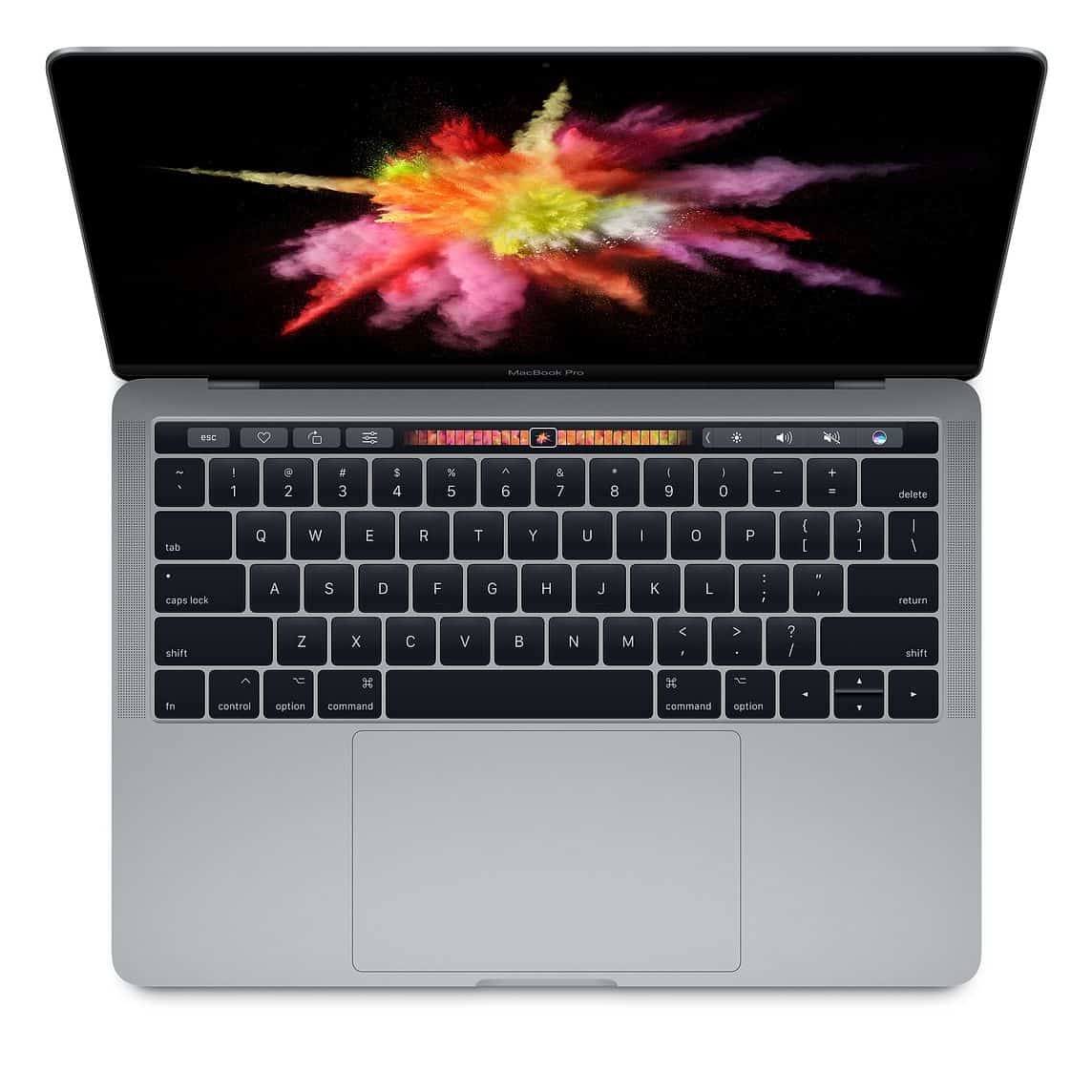
MacBook Flexgate causes stage-light effect or backlight failure on 2016–2018 MacBook Pro. Symptoms, affected models, and repair options in Malaysia.
What is MacBook Flexgate?
Flexgate is the name given to a design flaw found in 2016 and 2017 MacBook Pro models — and to a lesser extent 2018 models — where the flexible display cable (flex cable) that connects the logic board to the display gradually tears due to mechanical stress from normal opening and closing of the lid.
The term was coined by iFixit in 2019 after documenting the issue across thousands of affected units. Apple quietly acknowledged the problem for 2016 13-inch MacBook Pro models in 2019, but the repair program has since expired, leaving many users with no official recourse.
At TechFix Malaysia, Flexgate repairs are among our most common MacBook Pro screen services. Understanding the issue helps you decide whether repair is worthwhile.
The Root Cause of Flexgate
In the 2016 MacBook Pro redesign, Apple made the backlight flex cable significantly shorter than in previous models. Every time you open your MacBook lid, this cable bends. Every time you close it, it bends back. Over thousands of cycles, the cable fatigue-cracks near the solder joint where it meets the display.
The 2018 MacBook Pro used a slightly longer cable, which extended the time before failure — but did not eliminate the problem.
This is a design defect, not user damage. Normal use causes the failure.
Flexgate Symptoms
The failure follows a predictable progression:
Stage 1: Stage Light Effect
The most recognizable Flexgate symptom — a bright strip of light appears at the bottom of the display (approximately 1–2 cm high), resembling stage footlights. This occurs because the backlight cable partially tears, with some backlight lines failing while others remain functional.
The effect is typically worse when the lid is at certain angles. You may notice:
- Display appears normal when lid is fully open at 90°
- Stage light appears at wider angles (100–135°)
- Display may work fine when flat on a desk
Stage 2: Backlight Failure at Certain Angles
As the cable tears further, the backlight cuts out entirely beyond certain lid positions. The display image remains visible but only in very bright ambient light (like a flashlight test). The backlight fails when you open the lid past the point where the cable can no longer make reliable contact.
Stage 3: Complete Display Failure
Complete flex cable separation means no display output regardless of lid angle. The machine still functions — you can connect an external monitor — but the internal display is non-functional.
Affected MacBook Pro Models
| Model | Status |
|---|---|
| MacBook Pro 13-inch (2016) | Most affected — Apple had a repair program (now expired) |
| MacBook Pro 15-inch (2016) | Affected — no official repair program |
| MacBook Pro 13-inch (2017) | Affected |
| MacBook Pro 15-inch (2017) | Affected |
| MacBook Pro 13-inch (2018) | Less common — longer cable, but still reported |
| MacBook Pro 15-inch (2018) | Less common |
| MacBook Pro 2019+ | Not affected — Apple redesigned the cable |
The 2016 13-inch MacBook Pro is by far the most reported model, as it had the shortest cable relative to hinge geometry.
How to Diagnose Flexgate on Your MacBook
- Open your MacBook and note the lid angle where the issue appears
- Slowly close the lid until the stage light effect or backlight failure occurs
- Note whether connecting an external monitor works normally — if it does, the logic board is fine and only the display cable is damaged
- Shine a flashlight at the screen at a steep angle with backlight off — if you can see the desktop image, Flexgate is confirmed
Apple's Response and the Expired Repair Program
In May 2019, Apple launched a Display Backlight Service Program for 2016 13-inch MacBook Pro models only. This program provided free display assembly replacements for affected units.
The program expired in 2021, covering units purchased within 4 years of the launch date. Units purchased after May 2019 were excluded from the start.
As of 2026, no active Apple repair program exists for Flexgate. All affected units must be repaired through Apple (at full cost) or through independent repair shops.
Repair Options in Malaysia
Option 1: Replace the Entire Display Assembly
Apple's official approach. The entire display (lid assembly including screen, hinges, and housing) is replaced as a unit. This is the most reliable fix because the new cable is properly seated and has zero accumulated fatigue cycles.
Cost at TechFix Malaysia: RM 950 – RM 1,800 depending on model
Option 2: Replace Only the Flex Cable
The flex cable itself can be replaced without replacing the entire display assembly. This is technically more demanding but significantly cheaper.
Considerations:
- Requires microsolder repair or careful connector-level work
- Successful repairs last 2–4 years before the new cable faces similar fatigue
- Cost at TechFix Malaysia: RM 350 – RM 650 depending on model
Option 3: External Monitor Only
If you primarily use your MacBook Pro at a desk, connecting an external monitor via USB-C/Thunderbolt and closing the internal display avoids the issue entirely. Not practical for portable use.
Is a Flexgate Repair Worth It?
Given that 2016–2018 MacBook Pros are now 6–8 years old, consider:
Repair makes sense if:
- The rest of the MacBook Pro is in good condition
- You are running M-series levels of workload that an older Intel MacBook still handles adequately
- The repair cost is under 40% of the machine's current resale value
Consider upgrading if:
- Multiple components have failed or show wear
- You need Apple Silicon performance
- Repair cost exceeds 50% of current resale value
Get a Flexgate diagnosis and repair at TechFix Malaysia →
View MacBook screen replacement options →
We stock display assemblies for most 2016–2018 MacBook Pro models and offer same-week turnaround for most Flexgate repairs.